


Not available
No verified figure· SRSToday at hospital-management
Good morning, Dr. Iyer
Not available
No verified figure· SRSNot available
No verified figure· SRSNot available
No verified figure· SRSInpatient census
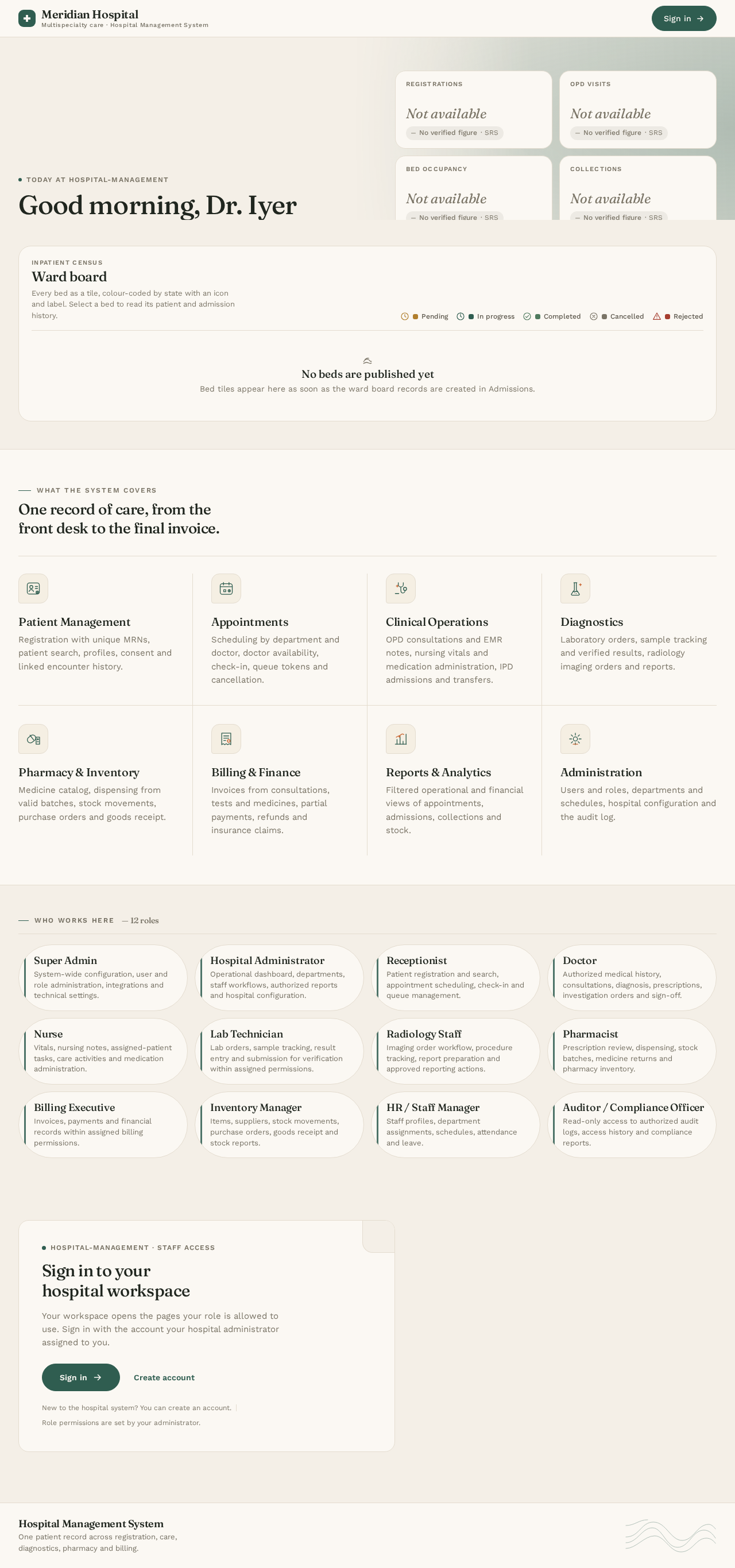
Ward board
Every bed as a tile, colour-coded by state with an icon and label. Select a bed to read its patient and admission history.
- Pending
- In progress
- Completed
- Cancelled
- Rejected
No beds are published yetBed tiles appear here as soon as the ward board records are created in Admissions.
What the system covers
One record of care, from the front desk to the final invoice.
Patient Management
Registration with unique MRNs, patient search, profiles, consent and linked encounter history.
Appointments
Scheduling by department and doctor, doctor availability, check-in, queue tokens and cancellation.
Clinical Operations
OPD consultations and EMR notes, nursing vitals and medication administration, IPD admissions and transfers.
Diagnostics
Laboratory orders, sample tracking and verified results, radiology imaging orders and reports.
Pharmacy & Inventory
Medicine catalog, dispensing from valid batches, stock movements, purchase orders and goods receipt.
Billing & Finance
Invoices from consultations, tests and medicines, partial payments, refunds and insurance claims.
Reports & Analytics
Filtered operational and financial views of appointments, admissions, collections and stock.
Administration
Users and roles, departments and schedules, hospital configuration and the audit log.
Who works here— 12 roles
- Super AdminSystem-wide configuration, user and role administration, integrations and technical settings.
- Hospital AdministratorOperational dashboard, departments, staff workflows, authorized reports and hospital configuration.
- ReceptionistPatient registration and search, appointment scheduling, check-in and queue management.
- DoctorAuthorized medical history, consultations, diagnosis, prescriptions, investigation orders and sign-off.
- NurseVitals, nursing notes, assigned-patient tasks, care activities and medication administration.
- Lab TechnicianLab orders, sample tracking, result entry and submission for verification within assigned permissions.
- Radiology StaffImaging order workflow, procedure tracking, report preparation and approved reporting actions.
- PharmacistPrescription review, dispensing, stock batches, medicine returns and pharmacy inventory.
- Billing ExecutiveInvoices, payments and financial records within assigned billing permissions.
- Inventory ManagerItems, suppliers, stock movements, purchase orders, goods receipt and stock reports.
- HR / Staff ManagerStaff profiles, department assignments, schedules, attendance and leave.
- Auditor / Compliance OfficerRead-only access to authorized audit logs, access history and compliance reports.
hospital-management · Staff access
Sign in to your hospital workspace
Your workspace opens the pages your role is allowed to use. Sign in with the account your hospital administrator assigned to you.
New to the hospital system? You can create an account.Role permissions are set by your administrator.
No comments yet. Be the first!