Page 1 of 4
hollow-build System Requirements Document
1. Introduction
The purpose of this System Requirements Document (SRD) is to outline the requirements for the "hollow-build" project. This document will serve as a comprehensive guide to ensure the successful completion of the project, which involves building a React + ASP.NET Core CRUD application.
2. System Overview
The "hollow-build" project is designed to develop a CRUD (Create, Read, Update, Delete) application using React for the frontend and ASP.NET Core for the backend. The application will provide users with a seamless interface to manage data efficiently.
3. Functional Requirements as Story Points
- As a User, I should be able to create new entries in the application.
- As a User, I should be able to view existing entries.
- As a User, I should be able to update existing entries.
- As a User, I should be able to delete entries.
- As an Admin, I should be able to manage user permissions.
- As a Developer, I should be able to integrate the application with a database.
Page 2 of 4
4. User Personas
- User: A general user who interacts with the application to manage data.
- Admin: A user with elevated permissions to manage other users and application settings.
- Developer: A technical user responsible for maintaining and updating the application.
5. Core User Flows
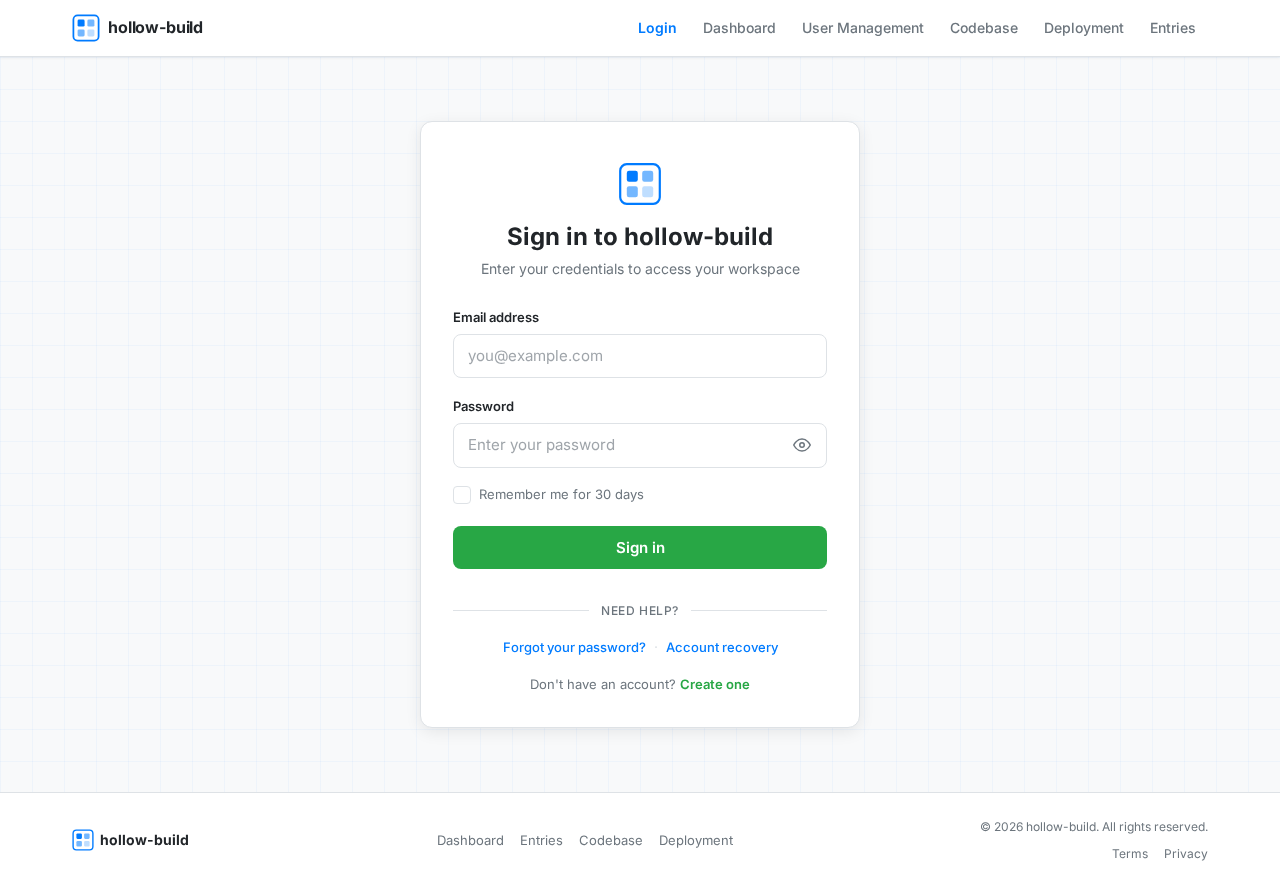
- User logs in -> navigates to the dashboard -> creates a new entry -> views the entry list -> updates an entry -> deletes an entry.
- Admin logs in -> navigates to user management -> updates user permissions -> logs out.
- Developer accesses the codebase -> implements a new feature -> tests the feature -> deploys the update.
6. Visuals Colors and Theme
- primary: #007BFF (a shade of blue for brand identity)
- primary_light: #66B2FF (a lighter tint of the primary color for hover states)
- secondary: #6C757D (a neutral gray for supporting elements)
- accent: #28A745 (a green for call-to-action buttons and active states)
- highlight: #FFC107 (a yellow for notifications and alerts)
- bg: #F8F9FA (a light gray for the background)
- surface: #FFFFFF (white for card/panel backgrounds)
- text: #212529 (a dark gray for primary text)
- text_muted: #6C757D (a softer gray for secondary text)
- border: #DEE2E6 (a subtle gray for borders)
Page 3 of 4
7. Signature Design Concept
The homepage of "hollow-build" will feature an interactive blueprint aesthetic. Users will experience a dynamic interface where elements appear as if they are being drawn in real-time. As users hover over different sections, the blueprint lines will animate to reveal additional information or options. This concept will be implemented using motion/react for smooth animations and transitions.
Landing Hero Motion Brief
The landing page will depict a digital workspace where data entries are visualized as building blocks. As users interact with the page, blocks will animate to show the process of data transformation from input to output. The animation will loop every 10 seconds, illustrating the seamless flow of data management. The composition will include layers such as a digital desk, floating data blocks, and a dynamic background that shifts subtly with user interaction.
8. Interaction Model & Motion Direction
- Intended Interaction Model: Animated
- The landing page will feature moderate scroll-triggered reveals and hover transitions. Interactive elements will have spring physics for a polished user experience. This approach is suitable for a feature-rich product page.
9. Non-Functional Requirements
- The application must be responsive and accessible across various devices and screen sizes.
- The system should ensure data security and user privacy.
- The application should perform efficiently under load and handle concurrent user interactions smoothly.
Page 4 of 4
10. Tech Stack
- Frontend: React
- Backend: ASP.NET Core
- Database: MySQL or MariaDB, using Alembic for migrations
11. Assumptions and Constraints
- The application will be deployed in an environment that supports ASP.NET Core and React.
- Users will have access to modern web browsers for optimal performance.
- The project timeline and budget constraints will be adhered to as per the project plan.
12. Glossary
- CRUD: Create, Read, Update, Delete
- UI: User Interface
- UX: User Experience
- API: Application Programming Interface
- RDBMS: Relational Database Management System
This document serves as a comprehensive guide to the development and implementation of the "hollow-build" project, ensuring all requirements are met for successful completion.


No comments yet. Be the first!