heroic-ticket
 Shivakumar Shivakumar
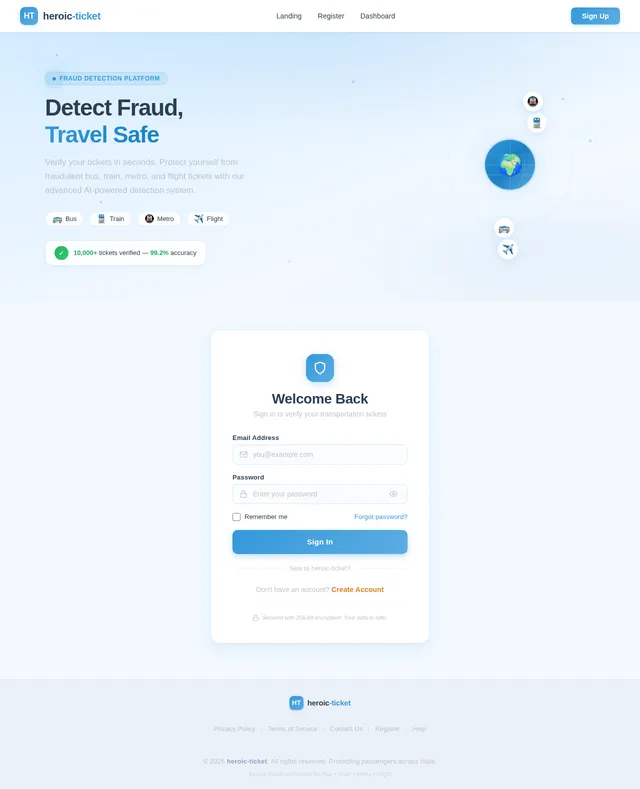
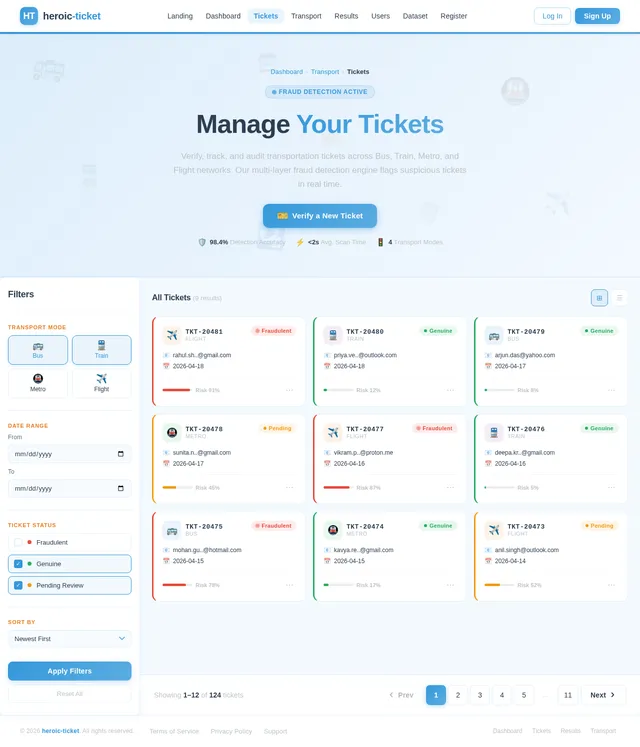
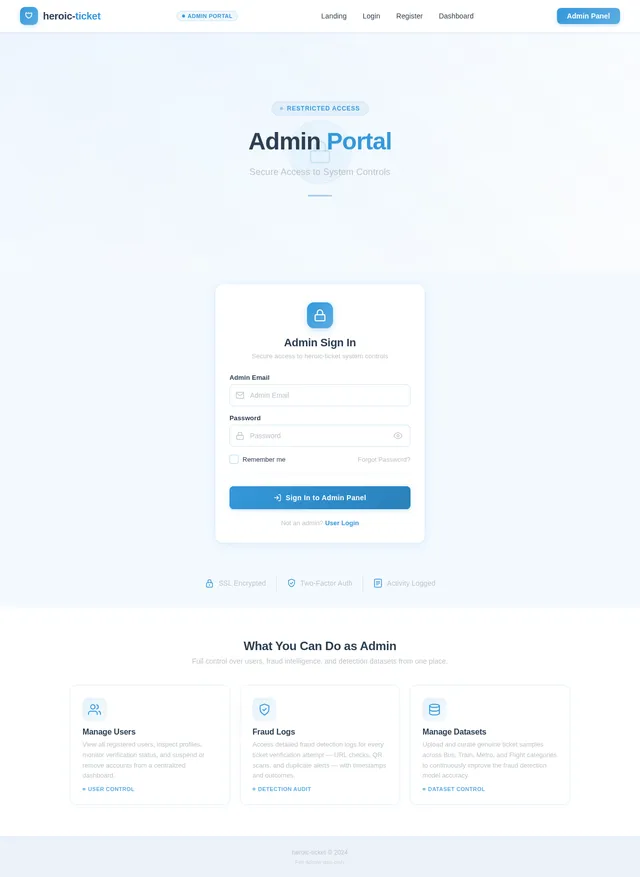
Create a full-stack web application project titled: "E-Ticket Fraud Detection System" The system should detect whether an uploaded or entered ticket is genuine or fraudulent. Project Requirements: 1. Welcome Page (Home Page) - Design an attractive welcome page with animations. - Include interactive UI elements using Bootstrap / CSS animations / JavaScript. - Add a "Get Started" button. - Include navigation buttons: - Register - Login - Add smooth transitions and hover effects. - Make the interface modern and responsive. 2. Authentication System Create two types of login: A. User Login - Users can register with: name email password - Secure login authentication required. B. Admin Login - Only one admin account exists. - Admin login should NOT appear publicly on UI. - Admin login accessible only through a hidden/admin route. Example: /admin-login 3. Transportation Selection Page After user login: Display transportation options: - Bus - Train - Metro - Flight Each option should be clickable cards with icons and animations. After selecting one option → redirect to Dashboard. 4. User Dashboard Dashboard should contain THREE fraud detection modules: Module 1: URL-Based Detection - User pastes ticket verification URL - System checks whether URL is genuine or suspicious - Display result: Genuine Ticket or Fraud Ticket Module 2: QR Code Detection - User uploads ticket QR code image - Extract QR data - Compare with stored dataset - Display result: Genuine Fraud Already Used Ticket Module 3: Ticket Details Entry + QR Generator - User enters ticket details: ticket ID passenger name source destination date transport type - System generates QR code from these details - Store QR data in database Then: If user uploads the SAME ticket again System should detect duplicate usage and display: "Fraud Detected – Ticket Already Used" 5. Fraud Detection Logic System should detect fraud using: - duplicate ticket ID detection - duplicate QR detection - suspicious URL pattern detection - dataset comparison validation 6. Admin Panel Admin can: - view all registered users - view uploaded tickets - view fraud detection logs - view duplicate ticket alerts - manage dataset (add genuine ticket samples) 7. Dataset Storage Store: ticket_id transport_type QR_data URL_data status: genuine used fraud Use database: SQLite or MySQL 8. Tech Stack Frontend: HTML CSS Bootstrap JavaScript animations Backend: Python Flask (preferred) Database: SQLite Libraries: qrcode opencv pyzbar pandas 9. UI Requirements Make UI: interactive animated responsive card-based layout dashboard styled sidebar navigation Add: hover effects icons smooth transitions 10. Output Generate complete working project with: folder structure backend code frontend templates database setup QR detection module URL detection module admin panel fraud detection logic

Comments (0)
Sign in to leave a comment
No comments yet. Be the first!