glacial-apk
 Khalid Mohammed
حولها إلى apk
Comments (0)
Sign in to leave a comment
System Requirements
System Requirements Document (SRD) for glacial-apk
1. Introduction
This document outlines the system requirements for the glacial-apk project, which aims to convert the provided design into a fully functional APK application. The application is tailored to meet the needs of Khalid Mohammed in the UAE, ensuring compatibility with local preferences and standards.
2. System Overview
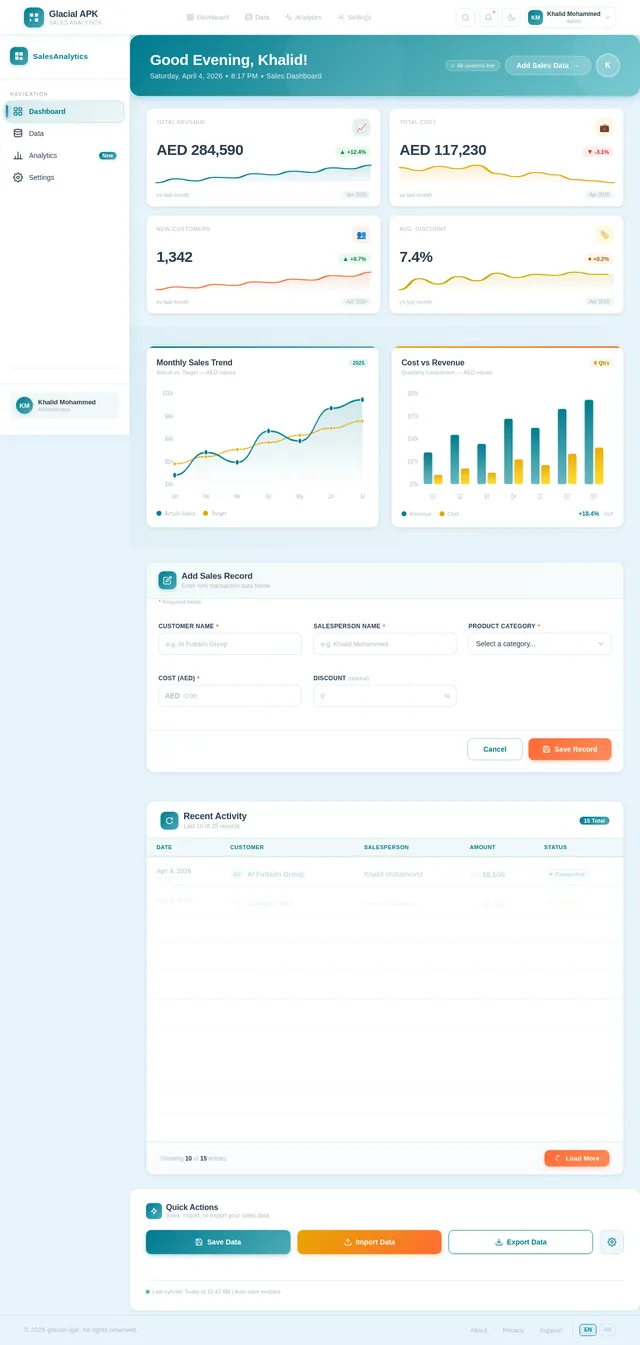
The glacial-apk project is a mobile application designed to analyze sales data and provide insights through interactive dashboards, charts, and data entry forms. The application will feature a clean, modern interface inspired by the provided design references, focusing on simplicity, usability, and responsiveness.
3. Functional Requirements
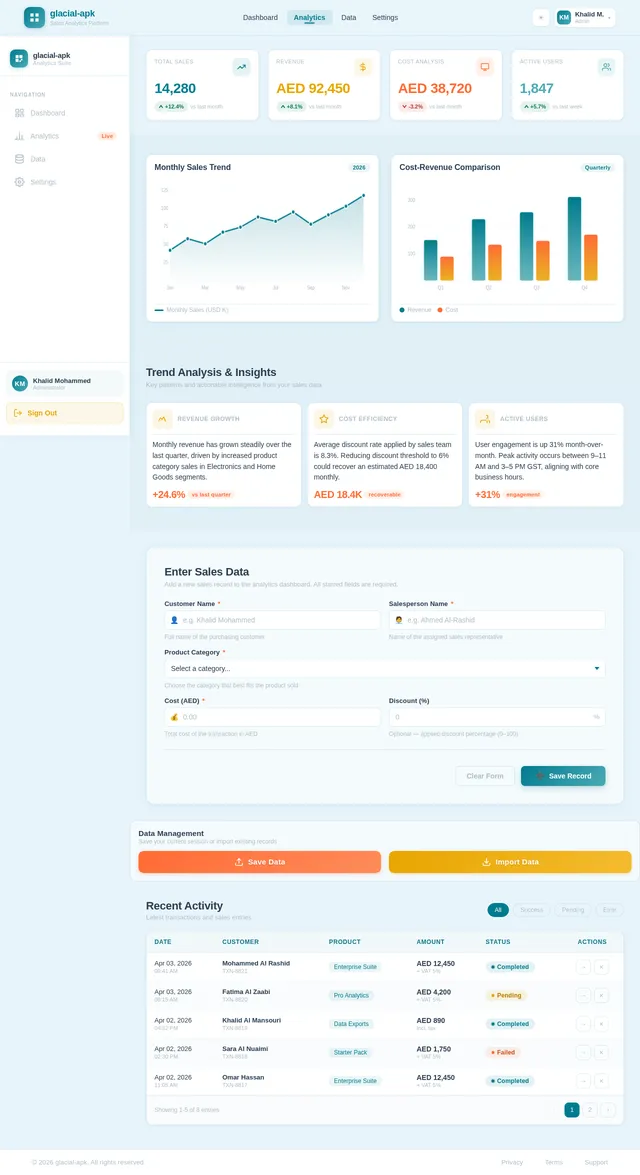
- As a User, I should be able to view sales analysis charts, including monthly trends and cost-revenue comparisons.
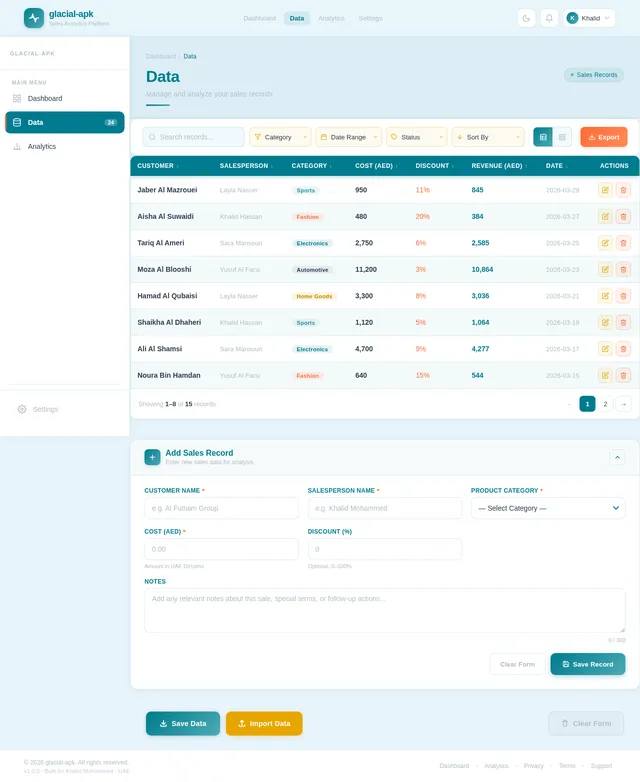
- As a User, I should be able to input sales data, including customer name, salesperson name, product category, cost, and discount.
- As a User, I should be able to save and import data using dedicated buttons.
- As a User, I should be able to navigate between different sections such as "Dashboard," "Data," and "Analytics."
4. User Personas
4.1 Admin
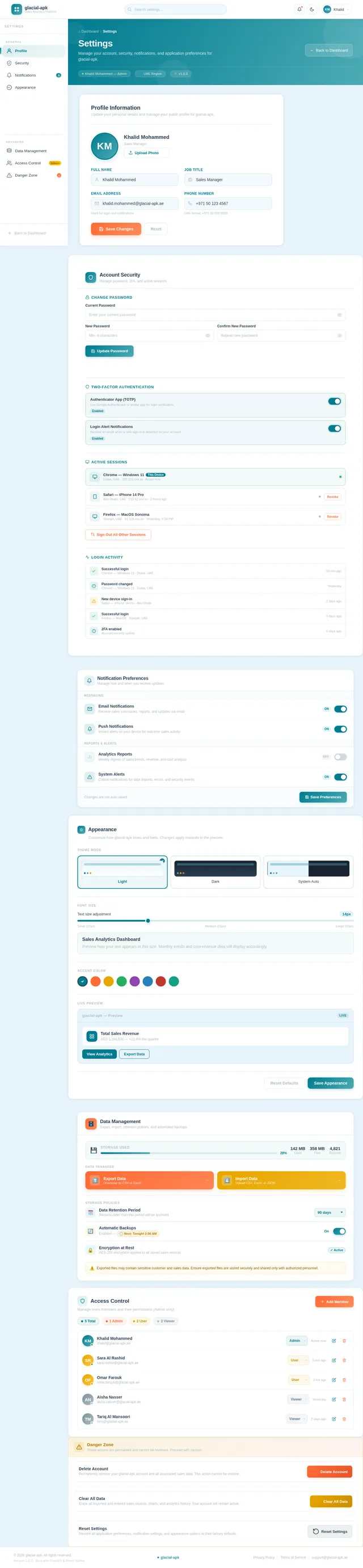
- Manages overall application settings.
- Oversees data integrity and user access.
4.2 User
- Inputs sales data.
- Views analytics and dashboards.
- Saves and imports data.
5. Visuals Colors and Theme
Color Palette
The color palette is inspired by the provided design references, ensuring consistency with the visual tone.
- Background:
#E8F4FB(Light Blue) - Surface:
#FFFFFF(White) - Text:
#2C3E50(Dark Blue) - Accent:
#007B8F(Teal) - Muted:
#B0BEC5(Gray)
Typography
- Primary Font: Sans-serif, clean and modern.
- Secondary Font: Bold for headers and section titles.
6. Signature Design Concept
Interactive Dashboard with Dynamic Animations
The home page will feature an interactive dashboard that dynamically updates based on user input. Key features include:
- Animated Charts: Charts will animate smoothly when data is added or updated, providing a visually engaging experience.
- Floating Navigation Bar: A navigation bar that subtly highlights the active section with a glowing effect.
- Micro-Interactions: Buttons and icons will have hover and click effects, such as color shifts and slight scaling.
- Localized Design: Arabic text will be fully supported, ensuring proper alignment and readability for right-to-left languages.
7. Non-Functional Requirements
- Performance: The application should load within 2 seconds on modern devices.
- Scalability: The backend should handle up to 10,000 concurrent users.
- Security: Data should be encrypted both at rest and in transit.
- Localization: Full support for Arabic language and RTL layout.
8. Tech Stack
Frontend
- React Native for mobile application development.
Backend
- Python with FastAPI for API development.
Database
- MySQL for structured data storage.
- Alembic for database migrations.
AI Models
- GPT 5.4 for user-friendly responses.
AI Tools
- LangChain for AI integration.
Orchestration
- Docker for local development.
- Kubernetes for server-side orchestration.
9. Assumptions and Constraints
Assumptions
- The application will primarily target Android devices.
- Users will have basic familiarity with mobile applications.
Constraints
- The design must strictly follow the provided visual references.
- The application must support Arabic language and RTL layout.
10. Glossary
- APK: Android Package Kit, the file format used by Android for distributing and installing apps.
- RTL: Right-to-Left, a text direction commonly used in Arabic.
- Dashboard: A visual interface displaying key metrics and analytics.
- FastAPI: A modern web framework for building APIs with Python.
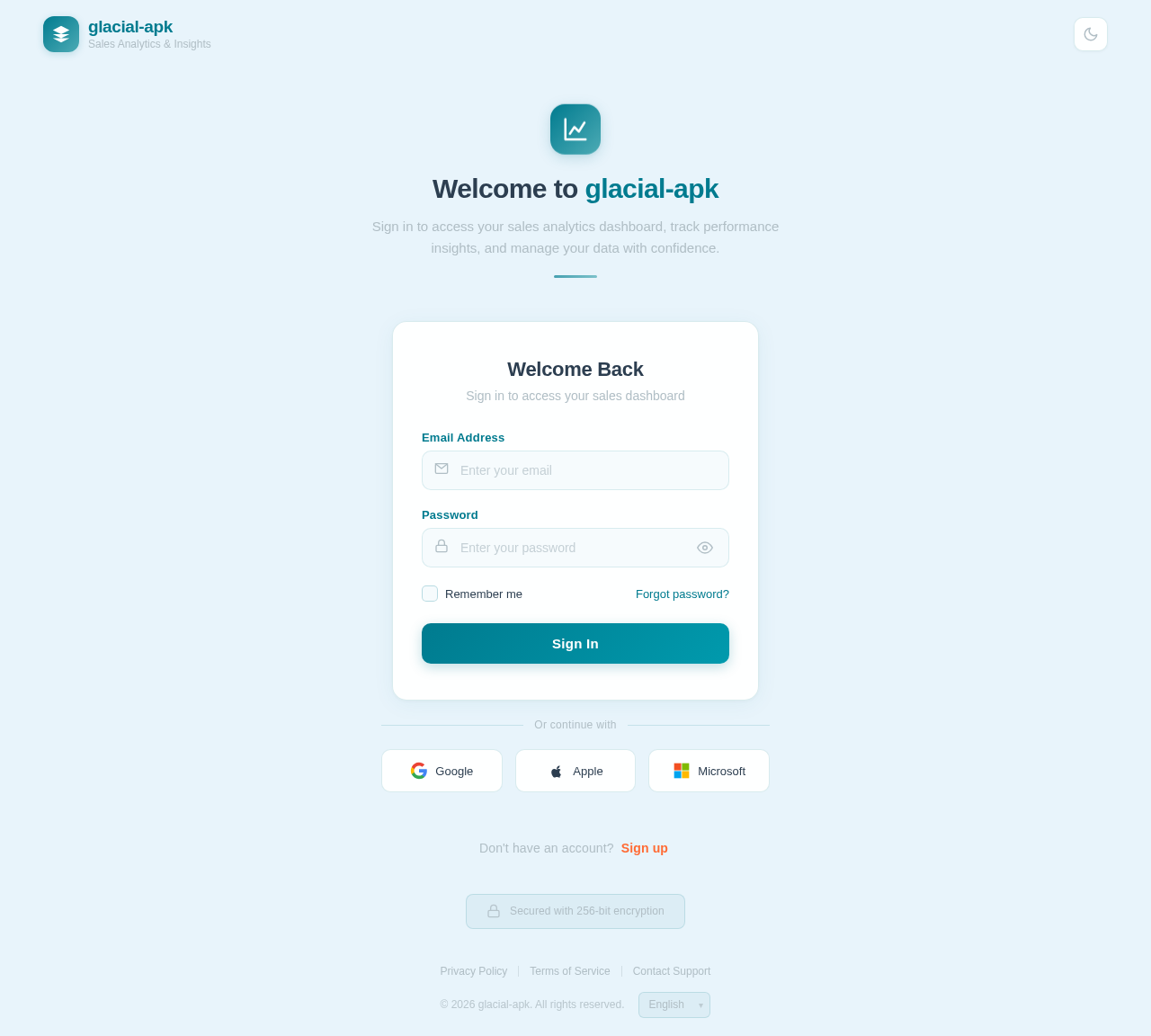
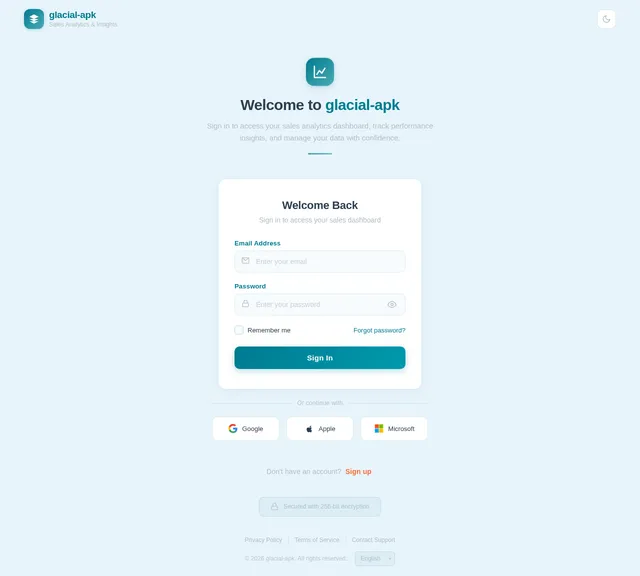
Welcome to glacial-apk
Sign in to access your sales analytics dashboard, track performance insights, and manage your data with confidence.
Don't have an account? Sign up
No comments yet. Be the first!