giant-devices
 ww 2e
ww 2eBuild a full-stack IoT Home Assistant mobile and web application. Core Requirements: - The app should allow users to control smart home devices such as lights, fans, AC, smart plugs, and sensors (temperature, motion, humidity). - Include real-time device status updates using MQTT or WebSockets. - Provide manual control (on/off, sliders for brightness/speed). - Support automation rules (e.g., "turn on lights at 7 PM", "turn off AC when temperature < 24°C"). - Include voice command integration (optional, mock API is fine). Tech Stack: - Frontend: React Native (mobile) + React.js (web dashboard) - Backend: Node.js with Express - Database: MongoDB - IoT Communication: MQTT (use Mosquitto or a mock broker) Features: 1. User authentication (JWT-based login/signup) 2. Device management (add/remove/edit devices) 3. Room-based grouping (Living Room, Bedroom, etc.) 4. Real-time dashboard with device states 5. Automation rule engine (if-this-then-that logic) 6. Notifications (push or in-app alerts) 7. Energy usage tracking (simulated data is fine) UI/UX: - Clean, modern smart home dashboard - Toggle switches, sliders, and status indicators - Dark mode support Bonus: - Add AI-based suggestions (e.g., recommend turning off unused devices) - Add scheduling calendar view - Role-based access (admin vs guest users) Output: - Folder structure - Complete backend API with routes - Frontend components - Sample MQTT topics and payloads - Setup instructions
Comments (0)
Sign in to leave a comment
System Requirements
System Requirements Document (SRD) for Giant-Devices
1. Introduction
The Giant-Devices project aims to develop a full-stack IoT Home Assistant application for both mobile and web platforms. This application will empower users to control and monitor smart home devices such as lights, fans, air conditioners, smart plugs, and sensors (temperature, motion, humidity). The system will provide real-time updates, automation capabilities, and a modern, user-friendly interface.
This document outlines the system requirements, functional and non-functional specifications, user personas, and design concepts to guide the development of the Giant-Devices application.
2. System Overview
The Giant-Devices application will serve as a centralized platform for managing smart home devices. It will support real-time device control and monitoring using MQTT or WebSockets, provide automation features, and include optional AI-based suggestions for energy efficiency. The system will consist of the following components:
- Mobile Application: Built using React Native for cross-platform compatibility.
- Web Dashboard: Developed with React.js for desktop and browser-based control.
- Backend Services: Powered by Node.js with Express for API handling and MongoDB for data storage.
- IoT Communication: Real-time updates and device communication via MQTT (using Mosquitto or a mock broker).
The application will prioritize user experience with features like dark mode, role-based access, and a clean, modern dashboard.
3. Functional Requirements
Core Features:
- As a User, I should be able to control smart home devices such as lights, fans, AC, smart plugs, and sensors (temperature, motion, humidity).
- As a User, I should receive real-time device status updates using MQTT or WebSockets.
- As a User, I should be able to manually control devices (on/off, sliders for brightness/speed).
- As a User, I should be able to create automation rules (e.g., "turn on lights at 7 PM", "turn off AC when temperature < 24°C").
- As a User, I should have the option to use voice commands to control devices (mock API acceptable).
Additional Features:
- As a User, I should be able to authenticate using JWT-based login/signup.
- As a User, I should be able to manage devices (add/remove/edit devices).
- As a User, I should be able to group devices by room (e.g., Living Room, Bedroom).
- As a User, I should see a real-time dashboard displaying device states.
- As a User, I should be able to configure an automation rule engine with if-this-then-that logic.
- As a User, I should receive notifications (push or in-app alerts).
- As a User, I should be able to track energy usage (simulated data is acceptable).
- As a User, I should receive AI-based suggestions (e.g., recommend turning off unused devices).
- As a User, I should be able to view a scheduling calendar for automation.
- As an Admin, I should be able to manage role-based access (admin vs guest users).
4. User Personas
1. Admin
- Description: Responsible for managing user roles, overseeing device configurations, and ensuring system integrity.
- Key Actions: Manage users, configure devices, monitor system health.
2. Registered User
- Description: Primary user of the application with full access to device control, automation, and notifications.
- Key Actions: Control devices, create automation rules, view dashboards, receive notifications.
3. Guest User
- Description: Limited access user, typically a visitor or temporary user with restricted permissions.
- Key Actions: View device statuses, control specific devices as allowed by the Admin.
5. Visuals Colors and Theme
Color Palette:
- Background: #1A1A2E (Deep Midnight Blue)
- Surface: #16213E (Dark Navy)
- Text: #EAEAEA (Soft White)
- Accent: #F05454 (Vivid Coral Red)
- Muted Tones: #6C757D (Muted Gray)
This palette is designed to evoke a modern, sleek, and tech-forward aesthetic, with a focus on usability in both light and dark environments.
6. Signature Design Concept
Interactive Smart Home Blueprint
The homepage of the Giant-Devices application will feature an interactive 3D blueprint of a smart home. Users will see a top-down view of their home layout, with each room and its devices represented visually. Key features include:
- Dynamic Room Highlights: Rooms light up when hovered over, showing the devices within.
- Device Animations: Devices like lights, fans, and ACs will animate to reflect their real-time status (e.g., a fan spinning, lights glowing).
- Drag-and-Drop Automation: Users can drag devices into an "automation zone" to create rules visually.
- Time-of-Day Theme: The blueprint's colors subtly shift based on the time of day (e.g., warm tones in the evening, cool tones in the morning).
- Micro-Interactions: Clicking on a device opens a control panel with sliders, toggles, and real-time stats.
This design will make the application feel alive and immersive, offering users an unforgettable first impression.
7. Non-Functional Requirements
- Performance: The system must handle up to 1,000 concurrent users with minimal latency (<200ms for real-time updates).
- Scalability: The backend should support adding new device types and scaling to larger user bases.
- Security: All user data must be encrypted, and the system should implement secure authentication (JWT).
- Availability: The system should have 99.9% uptime.
- Localization: Support for multiple languages, starting with English and Hindi.
- Accessibility: Ensure the application is WCAG 2.1 compliant.
8. Tech Stack
Frontend:
- React.js for the web dashboard.
- React Native for the mobile application.
Backend:
- Node.js with Express for API handling.
Database:
- MongoDB for storing user data, device configurations, and automation rules.
IoT Communication:
- MQTT (using Mosquitto or a mock broker) for real-time device updates.
AI Tools:
- GPT 5.4 for user-friendly responses.
- Claude 4.6 Opas for coding or academic suggestions.
Orchestration:
- Docker and docker-compose for local development.
- Kubernetes for server-side orchestration.
9. Assumptions and Constraints
-
Assumptions:
- Users will have stable internet connections for real-time updates.
- Devices will support MQTT communication.
- The application will initially target the Indian market (timezone: IST, currency: INR).
-
Constraints:
- Voice command integration will use a mock API for the initial release.
- Energy usage tracking will rely on simulated data until real device integrations are available.
10. Glossary
- IoT: Internet of Things, refers to interconnected devices that communicate over the internet.
- MQTT: Message Queuing Telemetry Transport, a lightweight messaging protocol for IoT.
- JWT: JSON Web Token, a standard for secure user authentication.
- WCAG: Web Content Accessibility Guidelines, standards for making web content accessible.
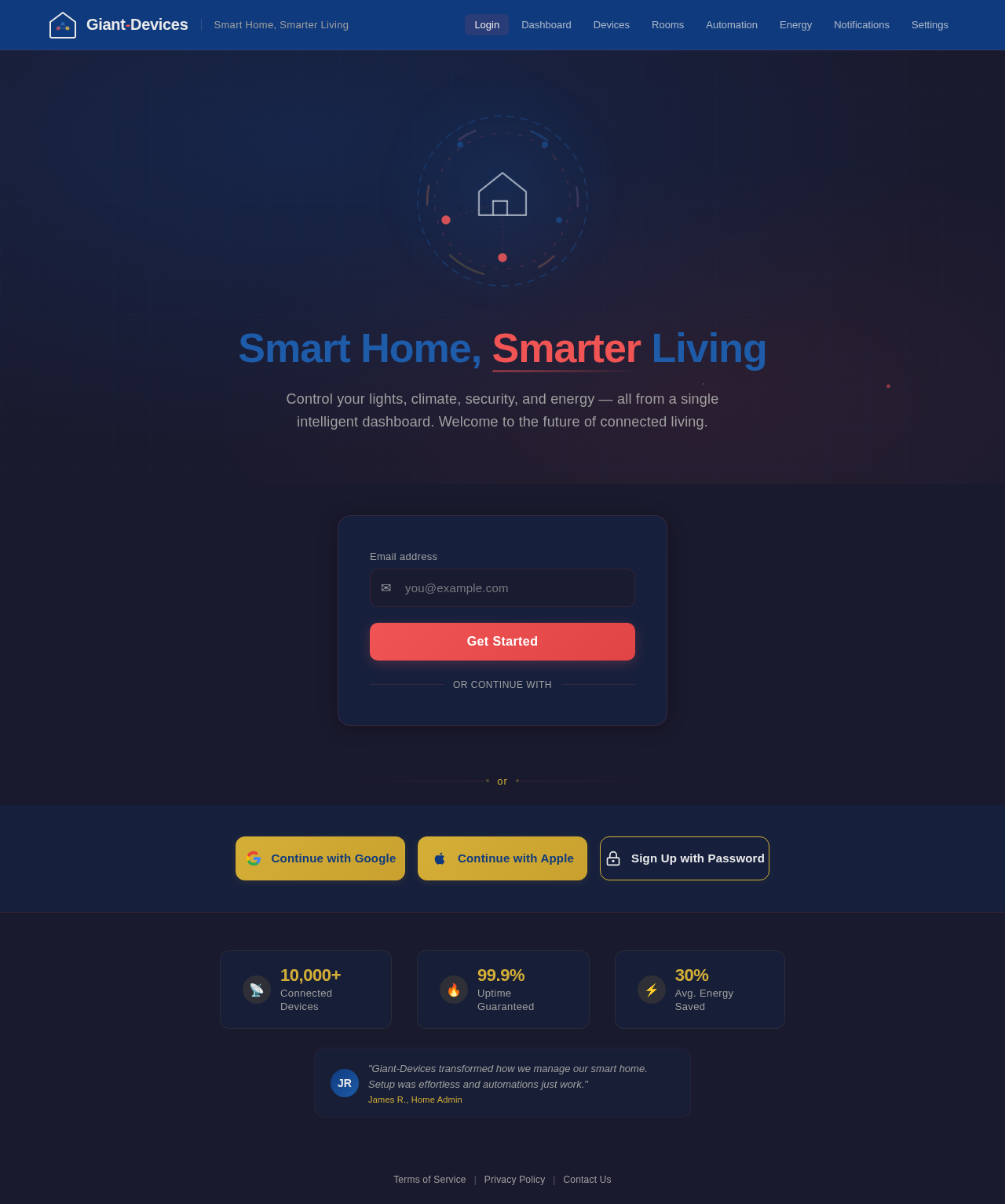
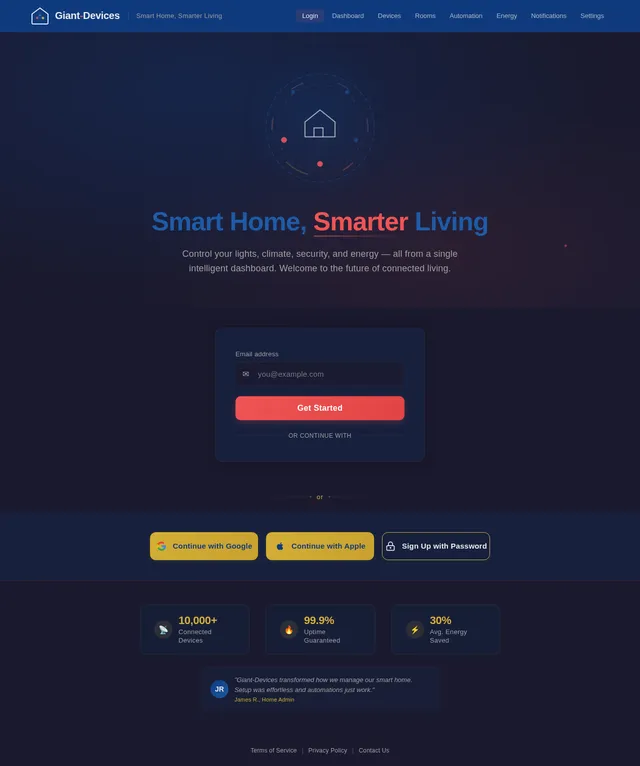
Smart Home, Smarter Living
Control your lights, climate, security, and energy — all from a single intelligent dashboard. Welcome to the future of connected living.
Or sign up with
No comments yet. Be the first!