giant-beautiful
 ENESI RUTH IZE
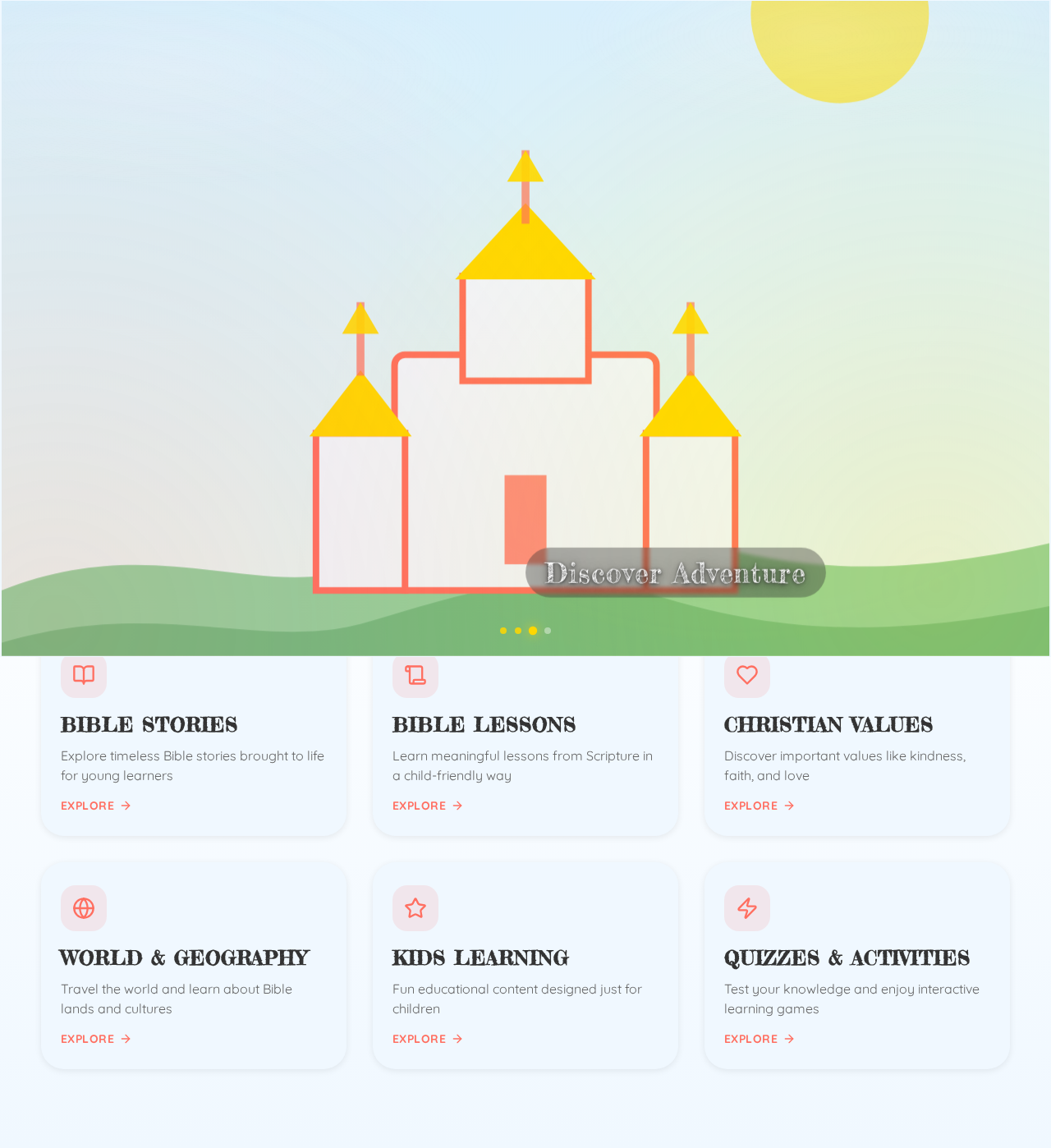
Create a beautiful, cinematic Bible Academy educational website homepage for children using the uploaded images and the uploaded video sample as the visual transition reference. The website is a Christian educational platform where children learn Bible stories, Christian values, Bible lessons, geography, general education, quizzes, and fun activities. Opening Animation Start with the uploaded Bible Academy logo centered on screen. Use a clean, bright, peaceful background. Slowly zoom toward the logo with subtle movement. Display: BIBLE ACADEMY LEARN • GROW • DISCOVER Then create a smooth cinematic transition, following the same type of movement, pacing, zooming, fading, and image-to-image flow shown in the uploaded video sample. Do not use sudden cuts. Use the uploaded images in this order: 1. Bible Academy Logo Slow cinematic zoom toward the logo. 2. World Map Smoothly transition into the world map. Add gentle camera movement and a subtle zoom, creating the feeling of exploring the world. 3. Jesus Teaching Children Transition smoothly into the image of Jesus teaching children. Use warm lighting, gentle zoom, and subtle parallax movement. Make it feel peaceful, welcoming, and educational. 4. Castle and Green Landscape Transition into the castle/landscape image. Slowly move forward through the scenery, creating a feeling of Bible adventure, discovery, and imagination. 5. Starry Sky and Clouds Transition upward into the starry sky. Slowly move through the clouds toward the bright star. Make this moment inspirational and magical. Final Homepage After the animation, smoothly reveal the main Bible Academy homepage. Show: BIBLE ACADEMY Learn the Bible. Discover the World. Grow in Faith. Buttons: START LEARNING EXPLORE COURSES Include visual sections for: * Bible Stories * Bible Lessons * Christian Values * World & Geography * Kids Learning * Quizzes & Activities Style Make everything modern, premium, colorful, peaceful, inspirational, child-friendly, and cinematic. Use smooth zooms, fades, camera pans, parallax, soft lighting, and seamless transitions so the entire sequence feels like one continuous journey. Use the uploaded images as the main visual assets and keep their original appearance. Make the design responsive and especially beautiful on mobile phones. Most importantly, follow the uploaded video sample’s transition style and rhythm as closely as possible, while adapting it to the Bible Academy theme.

Comments (0)
Sign in to leave a comment
BIBLEACADEMY
Learn the Bible. Discover the World. Grow in Faith.
Explore Bible Academy
Six joyful learning zones filled with stories, values, geography, and games for curious young hearts.
BIBLEACADEMY
Learn the Bible. Discover the World. Grow in Faith.
Explore Bible Academy
Six joyful learning zones filled with stories, values, geography, and games for curious young hearts.
No comments yet. Be the first!