fierce-opsdesk
 Naresh Vasikarla
Absolutely. For Opsdesk, I’d make the mobile app a read-first engineering command center: everything an engineer needs to understand the state of their projects, cloud, code, security, and work — without Docker. Build a native-quality Opsdesk mobile app for iOS and Android using the existing Opsdesk backend/APIs and React-based architecture. Goal Turn Opsdesk into a mobile engineering command center where a developer can open the app and immediately see the health, activity, security, cost, deployments, and connected services across their projects — minimizing the need to switch between tools. Important * Reuse all existing Opsdesk APIs, authentication, models, and business logic. * Do NOT add Docker/container/image functionality to the mobile app. * Do NOT duplicate backend logic in the mobile client. * Prefer existing API endpoints over creating duplicate APIs. * The mobile UI must be optimized for phone screens, touch, intermittent connectivity, and fast scanning. * Use secure OAuth/token handling. Never expose secrets or cloud credentials in the client. Mobile Architecture * React Native + TypeScript. * Reuse existing React components/design language where practical. * Shared API/types/models with the existing Opsdesk application where possible. * Central API client with authentication, retries, caching, pagination, error handling, and refresh. * Secure local credential/token storage. * Pull-to-refresh and background refresh where platform permits. * Dark/light mode. * Responsive layouts for iPhone and Android. * Deep linking into detailed resources. * Push notifications for important alerts where supported. Main Navigation Use a simple bottom navigation: 1. Home 2. Projects 3. Activity 4. Alerts 5. More Home Dashboard Create a highly useful engineering overview: * Overall system/project status * GitHub activity * Open PRs * Failed/recent GitHub Actions * Security alerts * Dependabot/code scanning alerts * AWS cost/current spend * Cost changes/trends * Recent deployments * Recent commits * Issues requiring attention * Connected application status * Recent important events * Quick actions The dashboard should prioritize things requiring attention, not simply display raw data. Example sections: Needs Attention * Failed deployment * Critical security alert * PR awaiting review * AWS cost spike * Failed workflow * Expiring credential/integration * Service/integration error Today * Commits * PRs * deployments * workflow runs * security events Infrastructure * AWS account/environment summary * Cost * major resource/service activity Projects Allow users to see all connected repositories/projects. For each project show: * Repository * Branch * Last commit * Open PRs * Open issues * GitHub Actions status * Deployment status * Security status * Recent activity * Project health summary Project detail should provide: * Commits * PRs * Issues * Actions/workflows * Releases * Security alerts * Code scanning * Dependabot * Deployment/activity history GitHub Use all relevant existing GitHub APIs. Expose: * Repositories * Organizations * Commits * Branches * Pull requests * Reviews * Issues * Releases * GitHub Actions * Workflow runs * Failed workflows * Security alerts * Dependabot alerts * Code scanning alerts * Secret scanning status/alerts where API access permits * Repository health * Recent activity Provide useful filtering by: * Repository * Organization * Status * Severity * Time range AWS Use the existing AWS integrations/APIs. Expose mobile-friendly views for: * AWS accounts * Regions * Cost Explorer * Current spend * Cost by service * Cost trends * Cost anomalies * Budget status * Major cost changes * Resource/service summaries * Recent AWS activity where APIs are available Add simple visualizations for cost trends and service breakdowns. Do not attempt to reproduce the entire AWS console. Surface the information an engineer needs most often. Security Create a unified security dashboard aggregating available security APIs. Show: * Critical/high/medium/low alerts * GitHub security alerts * Dependabot * Code scanning * Secret scanning * AWS security findings where available * Alert trends * New alerts * Resolved alerts * Repository/resource affected * Severity * Age * Recommended next action when available Allow drill-down into the original provider/resource. Activity Create a unified engineering activity stream across all connected APIs. Normalize events into: * Commit * PR * Issue * Deployment * Workflow * Release * Security event * AWS event * Cost event * Integration event Each event should contain: * Time * Source * Project/repository * Actor * Event type * Status * Link to original resource Support filtering by project, source, event type, and time. Alerts Create a single cross-platform alert center. Group alerts into: * Critical * High * Medium * Informational Support: * Read/unread * Acknowledged * Filtering * Sorting * Deep links * Alert details * Original-provider links Avoid notification spam. Aggregate related events where possible. Connected Apps Provide a Connected Apps screen showing every available integration. For each integration display: * Provider * Connection status * Account/user * Permissions/scopes * Last successful synchronization * API health * Available capabilities * Reconnect/disconnect where supported Use the existing OAuth/integration APIs. Potential integrations should include everything already supported by Opsdesk, including: * GitHub * AWS * Google * Other existing Opsdesk integrations Do not invent APIs that do not exist. Dynamically surface capabilities from the backend where possible. Search Add global search across available Opsdesk data. Search: * Projects * Repositories * PRs * Issues * Commits * Alerts * AWS resources * Integrations * Activity Results should be grouped by source/type. Notifications Support push notifications for meaningful events: * Critical security alert * Failed deployment * Failed workflow * Important PR activity * AWS cost anomaly * Integration failure Allow users to configure notification preferences. UX Principles The app should feel like a personal engineering cockpit, not a collection of API screens. Prioritize: 1. What needs my attention? 2. What changed? 3. Is everything healthy? 4. What is costing money? 5. Is there a security problem? 6. What happened in my projects? 7. Where do I need to take action? Use cards, status indicators, compact charts, badges, timelines, and drill-down screens. Every card should support: Summary → Detail → Original provider Offline / Performance * Cache recently viewed data. * Display cached data while refreshing. * Clearly show stale data. * Avoid unnecessary API calls. * Parallelize independent API requests. * Paginate large datasets. * Lazy-load expensive screens. * Persist user preferences locally. Security * Secure authentication. * Secure token storage. * No secrets in AsyncStorage/plaintext. * Respect provider OAuth scopes. * Never expose AWS credentials. * Logout must clear sensitive local credentials. * Handle expired/revoked tokens gracefully. * Backend remains the authority for authorization. Engineering Requirements Before implementation: 1. Inspect the existing Opsdesk repository. 2. Identify every existing API/integration. 3. Identify authentication flow. 4. Identify existing React components and design system. 5. Identify reusable types/models. 6. Map every existing API to a mobile capability. 7. Do not create duplicate backend functionality. Create a mobile API capability matrix: Provider → API → Existing endpoint → Mobile screen/card → Refresh strategy Then implement the mobile app incrementally. Quality Include: * TypeScript strict mode * Unit tests * API/client tests * Component tests * Navigation tests * Authentication tests * Error/loading/empty states * Accessibility * Responsive phone layouts * Dark/light themes * Offline/cache behavior Do not claim features are complete until the corresponding APIs and UI flows have actually been implemented and tested. Definition of Done A user can install Opsdesk on their phone, authenticate once, and immediately see: Projects + GitHub + deployments/workflows + security + AWS costs + alerts + activity + connected apps in one unified mobile experience, using the existing Opsdesk APIs and integrations, without needing to open separate engineering dashboards for routine visibility. This keeps the mobile app focused on visibility, triage, and navigation, rather than trying to turn a phone into a full developer workstation.

Comments (0)
Sign in to leave a comment
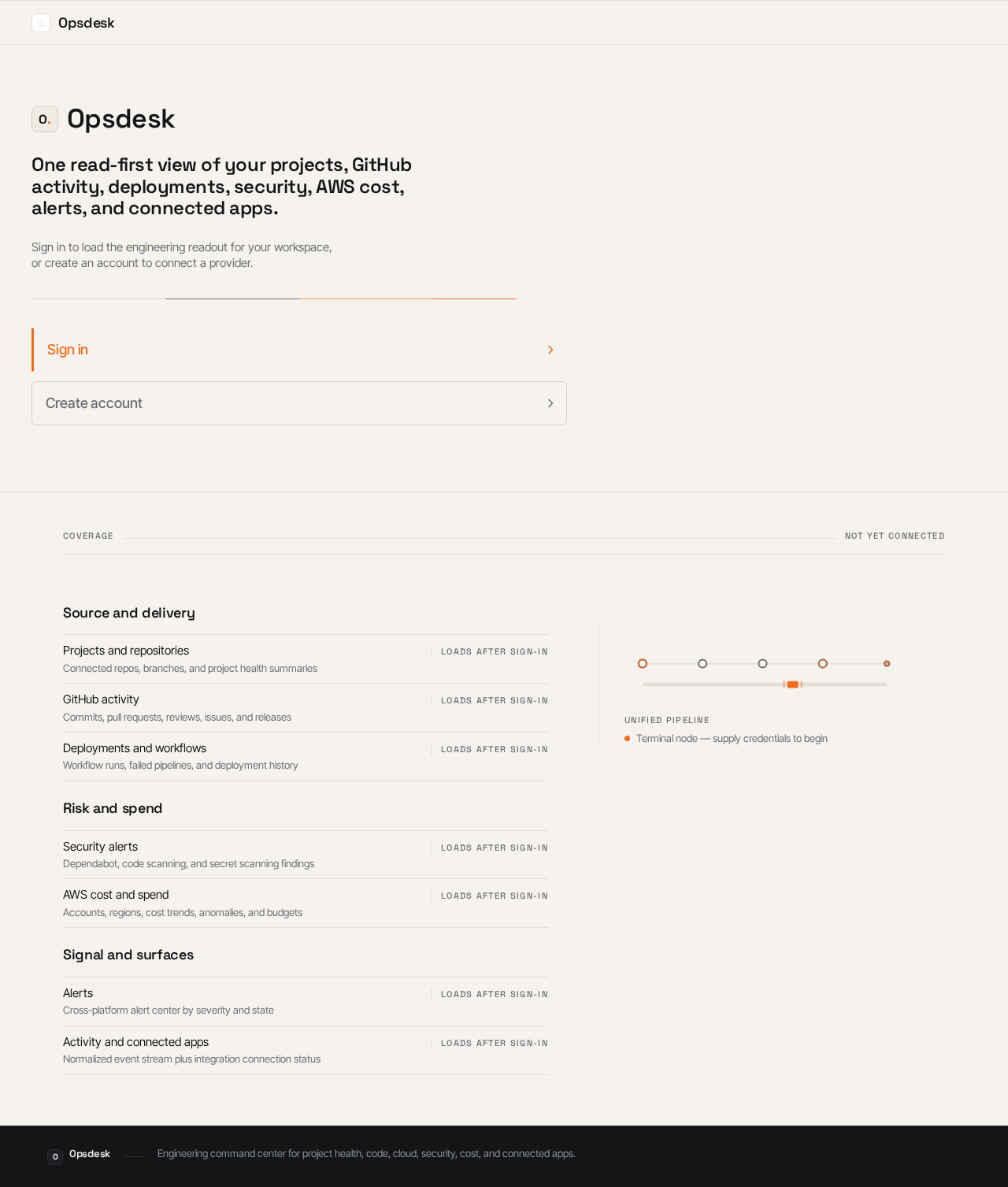
Opsdesk
One read-first view of your projects, GitHub activity, deployments, security, AWS cost, alerts, and connected apps.
Sign in to load the engineering readout for your workspace, or create an account to connect a provider.
Source and delivery
Risk and spend
Signal and surfaces
Opsdesk
One read-first view of your projects, GitHub activity, deployments, security, AWS cost, alerts, and connected apps.
Sign in to load the engineering readout for your workspace, or create an account to connect a provider.
No comments yet. Be the first!