family-os
 Taha Mohammed
والان بما انك تستطيع الوصول الى المشروع قم بفهمه واريدك ان تصمم لي الشعار حقه ونريدك ان تسخدم اقل رصيد ممكن بحيث لا يكمل بسرعه رصيد هذه الحساب


Comments (0)
Sign in to leave a comment
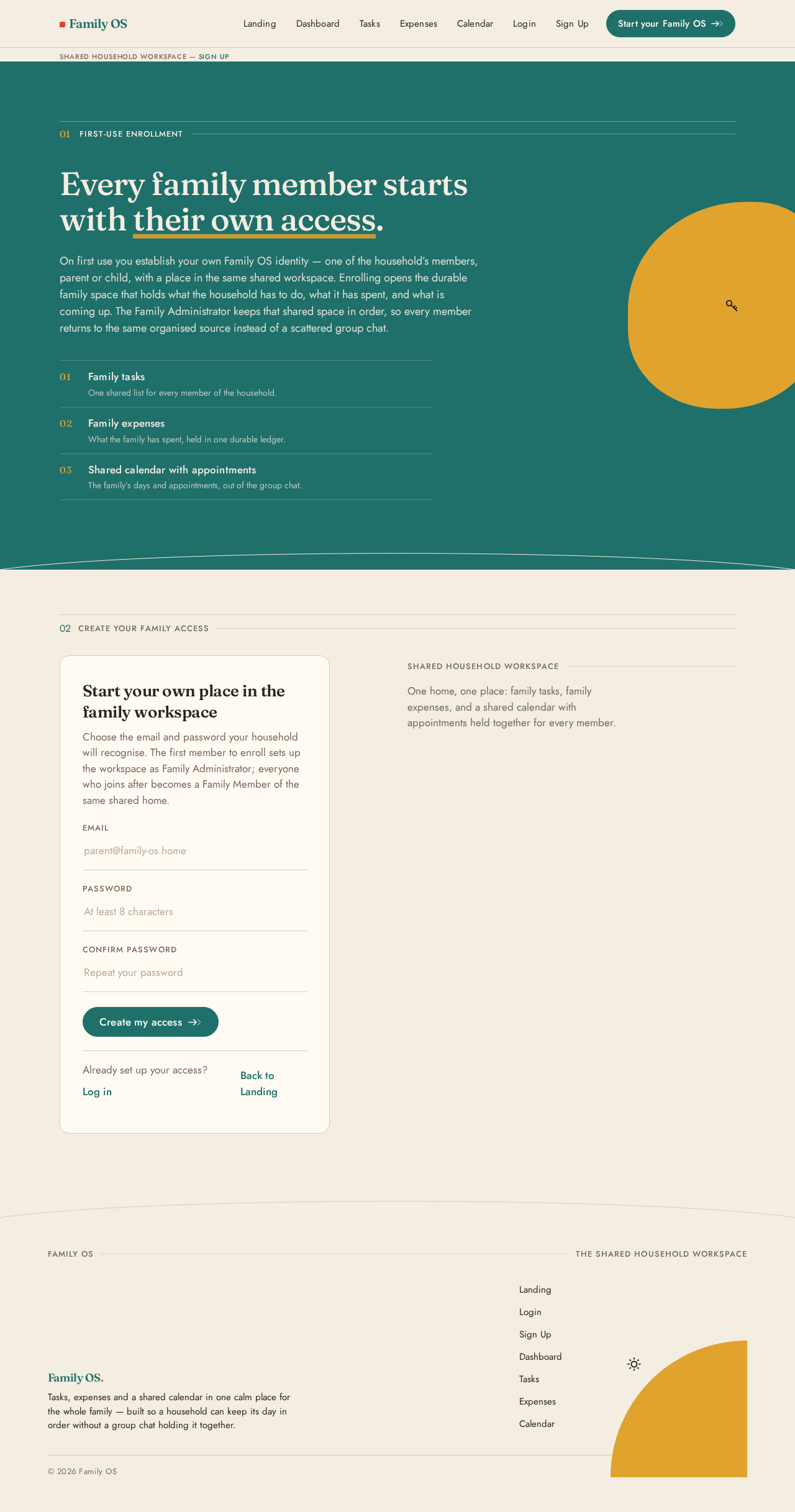
01First-Use Enrollment
Every family member starts with their own access.
On first use you establish your own Family OS identity — one of the household’s members, parent or child, with a place in the same shared workspace. Enrolling opens the durable family space that holds what the household has to do, what it has spent, and what is coming up. The Family Administrator keeps that shared space in order, so every member returns to the same organised source instead of a scattered group chat.
- 01Family tasksOne shared list for every member of the household.
- 02Family expensesWhat the family has spent, held in one durable ledger.
- 03Shared calendar with appointmentsThe family’s days and appointments, out of the group chat.
02Create your family access
Start your own place in the family workspace
Choose the email and password your household will recognise. The first member to enroll sets up the workspace as Family Administrator; everyone who joins after becomes a Family Member of the same shared home.
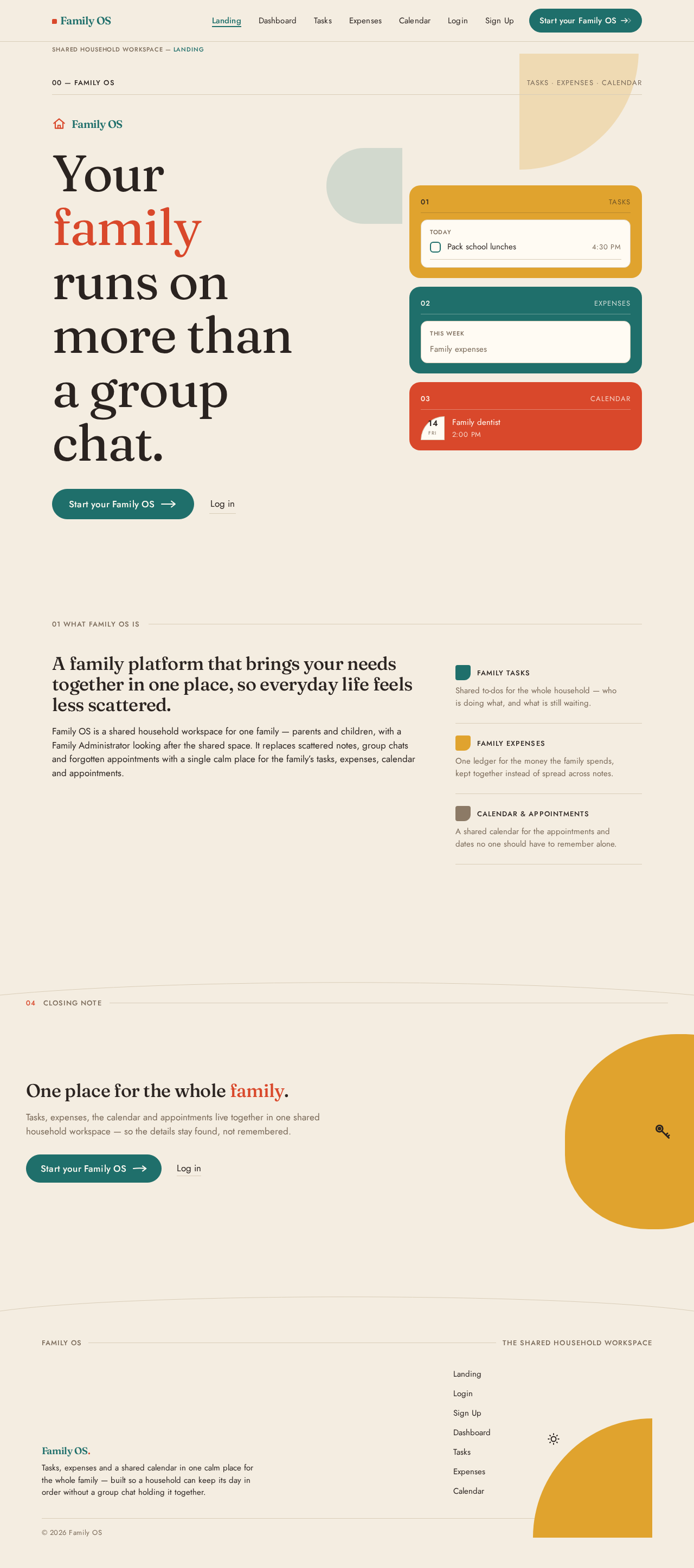
A family platform that brings your needs together in one place, so everyday life feels less scattered.
Family OS is a shared household workspace for one family — parents and children, with a Family Administrator looking after the shared space. It replaces scattered notes, group chats and forgotten appointments with a single calm place for the family’s tasks, expenses, calendar and appointments.
- Family tasks
Shared to-dos for the whole household — who is doing what, and what is still waiting.
- Family expenses
One ledger for the money the family spends, kept together instead of spread across notes.
- Calendar & appointments
A shared calendar for the appointments and dates no one should have to remember alone.
04CLOSING NOTE
One place for the whole family.
Tasks, expenses, the calendar and appointments live together in one shared household workspace — so the details stay found, not remembered.
No comments yet. Be the first!