epic-domain
 NANDINI ENTERPRISES
I have already bought the domain what are the free facility you can provide me
Comments (0)
Sign in to leave a comment
System Requirements
System Requirements Document (SRD) for Project: epic-domain
1. Introduction
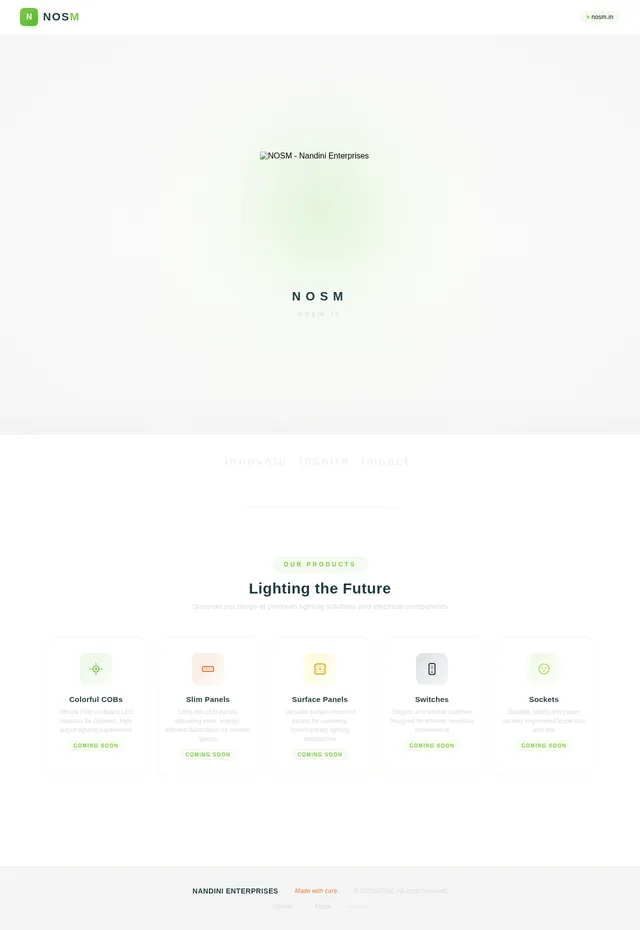
Welcome to the System Requirements Document for epic-domain, a project by NANDINI ENTERPRISES. This document outlines the requirements, design concepts, and technical specifications for the website hosted on the domain nosm.in. The primary goal is to create a minimalist, professional webpage that prominently displays the NOSM logo while preparing for the launch of a lighting brand specializing in colorful COBs, slim panels, surface panels, switches, and sockets.
2. System Overview
The epic-domain project aims to establish a live website for nosm.in that serves as a professional landing page. The website will feature:
- A centered display of the NOSM logo.
- A clean and responsive design optimized for desktop and mobile devices.
- A visually appealing background that complements the logo design.
- Placeholder sections for future product categories and brand information.
The website will be hosted on the nosm.in domain, providing a simple yet impactful online presence for the brand.
3. Functional Requirements
- As a User, I should see the NOSM logo prominently displayed at the center of the webpage.
- As a User, I should experience a clean and responsive design that adapts to various screen sizes.
- As a User, I should see a background color or design that complements the logo.
- As a User, I should be able to access the website via the domain nosm.in.
- As a User, I should see placeholder sections for product categories like COBs, slim panels, surface panels, switches, and sockets.
- As an Admin, I should be able to update the logo and placeholder images easily.
4. User Personas
4.1 Admin
- Description: Responsible for managing the website, including updates to the logo, placeholder images, and design.
- Goals: Ensure the website is live, visually appealing, and ready for future updates.
4.2 Visitor
- Description: General users who visit the website to view the logo and learn about the brand.
- Goals: Experience a professional and visually appealing landing page with clear information about the brand.
5. Visuals Colors and Theme
Color Palette
Inspired by the NOSM logo and the lighting brand concept, the color palette ensures consistency and vibrancy:
- Background:
#FFFFFF(White) - Surface:
#F4F4F4(Light Gray) - Text:
#000000(Black) - Accent:
#7AC943(Green from the logo) - Muted Tones:
#D9D9D9(Soft Gray)
Theme
The theme will be minimalist and professional, emphasizing the logo and placeholders for product categories. The design will use clean lines and subtle gradients to create depth and visual appeal.
6. Signature Design Concept
Concept: Dynamic Lighting Showcase
The homepage will feature the NOSM logo prominently in the center of the screen. To make the design unforgettable:
- Animation: The logo will subtly pulse or glow with a green accent (
#7AC943) to draw attention, symbolizing the vibrancy of lighting products. - Hover Interaction: When users hover over the logo, the tagline "Innovate. Inspire. Impact." will animate in with a fade effect.
- Background: A clean white background (
#FFFFFF) with a faint gradient resembling soft lighting effects. - Micro-interactions: Clicking the logo will trigger a ripple effect across the screen, creating a dynamic and engaging experience.
- Product Placeholder Sections: Below the logo, placeholder sections will showcase colorful COBs, slim panels, surface panels, switches, and sockets. These sections will use vibrant placeholder images to simulate the product range.
- Mobile Optimization: On mobile devices, the logo and placeholders will scale proportionally, maintaining their central position and interactivity.
This design ensures the website is visually captivating while remaining simple and professional, with room for future updates.
7. Non-Functional Requirements
- The website must load within 2 seconds on standard internet connections.
- The design must be responsive and compatible with all major browsers (Chrome, Firefox, Safari, Edge).
- The website must adhere to accessibility standards (WCAG 2.1 Level AA).
- The hosting solution must ensure 99.9% uptime.
- Placeholder images must be easily replaceable with actual product images.
8. Tech Stack
Frontend
- React: For building the responsive webpage.
Backend
- FastAPI: For handling any backend logic (if required in the future).
Database
- None: No database is required for this project as it is a static webpage.
Hosting and Deployment
- Docker: For containerization.
- Kubernetes: For server-side orchestration (if scaling is needed in the future).
9. Assumptions and Constraints
Assumptions
- The logo provided is the final design for the website.
- Placeholder images will be used until actual product images are available.
- The website will not require any additional pages or functionality beyond displaying the logo and placeholders.
Constraints
- The design must strictly adhere to the provided logo and visual reference.
- The website must remain lightweight and optimized for performance.
10. Glossary
- Domain: The unique web address where the website is hosted (e.g., nosm.in).
- Responsive Design: A design approach that ensures the website looks good on all devices, including desktops, tablets, and smartphones.
- WCAG: Web Content Accessibility Guidelines, a standard for ensuring web accessibility.
- COBs: Chip-on-Board LEDs, a type of lighting technology.
- Slim Panels: Thin LED panels used for lighting.
- Surface Panels: LED panels designed for surface mounting.
- Switches and Sockets: Electrical components used for controlling and connecting electrical devices.
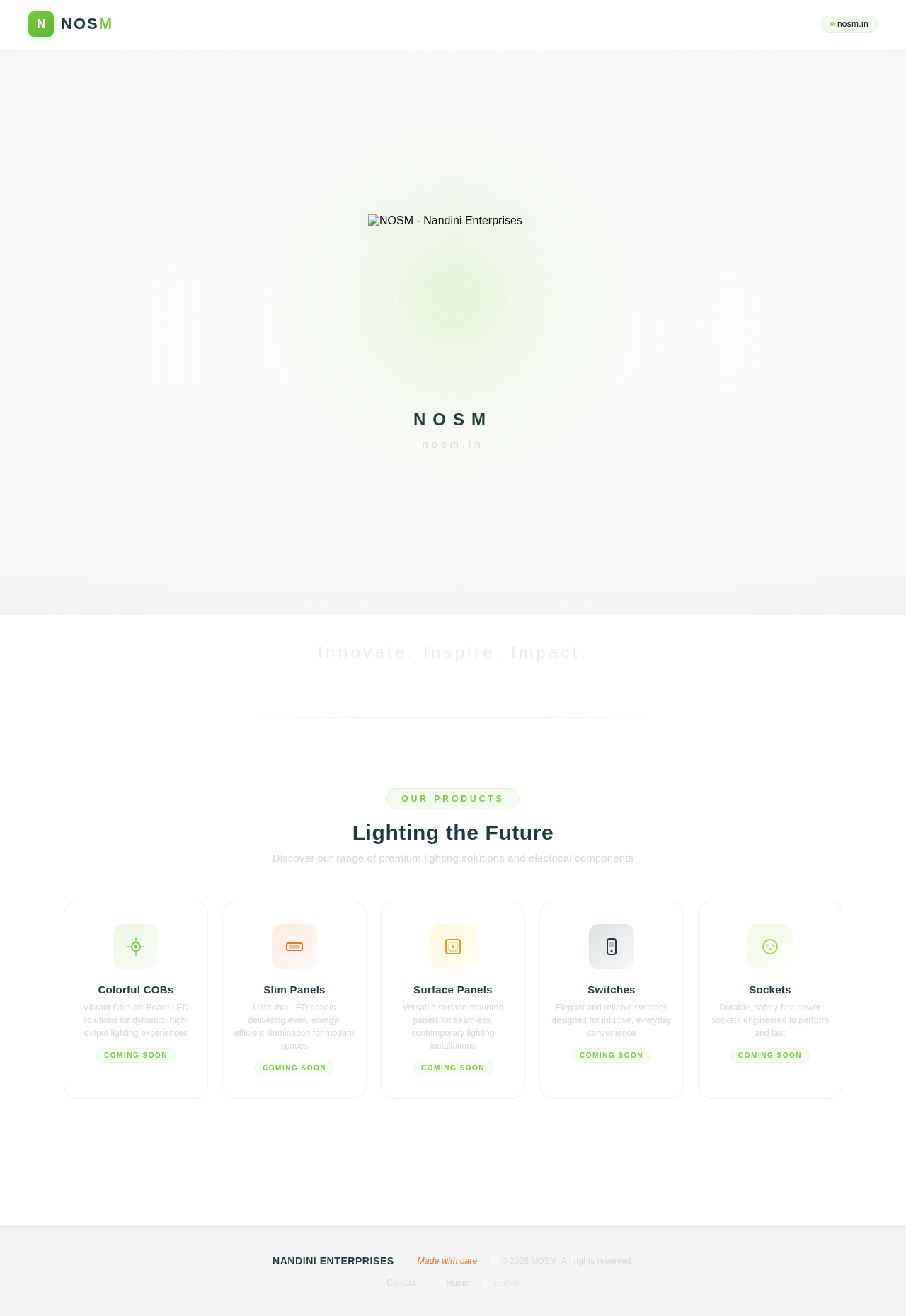

Innovate. Inspire. Impact.
Lighting the Future
Discover our range of premium lighting solutions and electrical components
Colorful COBs
Vibrant Chip-on-Board LED solutions for dynamic, high-output lighting experiences
Coming SoonSlim Panels
Ultra-thin LED panels delivering even, energy-efficient illumination for modern spaces
Coming SoonSurface Panels
Versatile surface-mounted panels for seamless, contemporary lighting installations
Coming SoonSwitches
Elegant and reliable switches designed for intuitive, everyday convenience
Coming SoonSockets
Durable, safety-first power sockets engineered to perform and last
Coming Soon
No comments yet. Be the first!