emerald-hi
Hi
Comments (0)
Sign in to leave a comment
System Requirements
System Requirements Document (SRD) for emerald-hi
1. Introduction
The emerald-hi project is focused on creating a sleek, user-friendly contact-saving form. This document outlines the system requirements for a single-file HTML/CSS/JS implementation of the form, ensuring a well-designed UI that is both intuitive and visually appealing. The goal is to provide users with a seamless experience for saving contact information.
2. System Overview
The emerald-hi project is a lightweight, single-page application designed to allow users to save contact information efficiently. The system will be implemented using only HTML, CSS, and JavaScript, ensuring simplicity and ease of deployment. The form will include essential fields for contact details and will feature a modern, polished UI to enhance usability. This project is targeted at users in India (IN), and the design will consider locale-specific preferences, such as mobile-friendly layouts and intuitive navigation.
3. Functional Requirements
- As a User, I should be able to input and save contact details, including Name, Email, and Phone Number.
- As a User, I should be able to reset the form to clear all fields.
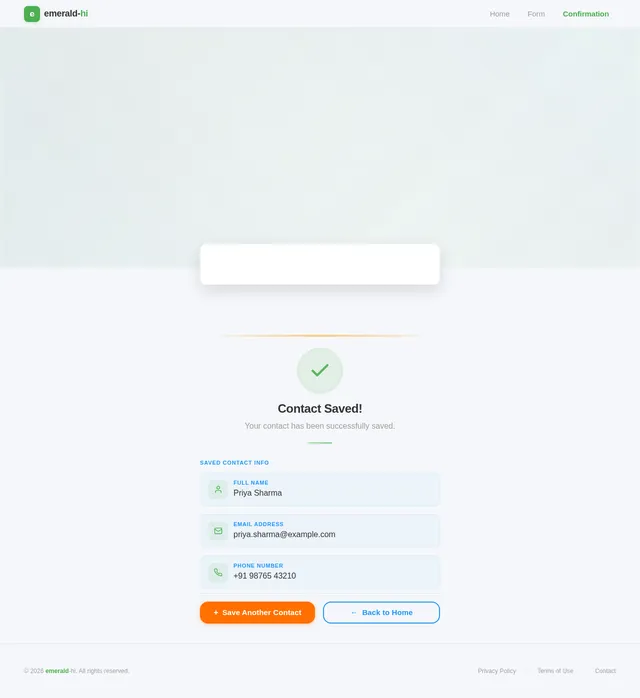
- As a User, I should see a confirmation message when a contact is successfully saved.
- As a User, I should experience a visually appealing and responsive design.
4. User Personas
4.1 Primary User
- Name: General User
- Description: A person looking to save contact information quickly and efficiently.
- Goals: To input, save, and manage contact details with minimal effort.
- Pain Points: Clunky or outdated UI, slow form submission, and lack of responsiveness on mobile devices.
5. Visuals Colors and Theme
The emerald-hi project will feature a unique and modern color palette to ensure a visually appealing interface:
- Background:
#f5f7fa(soft light gray for a clean, neutral backdrop) - Surface:
#ffffff(pure white for form elements to ensure clarity) - Text:
#333333(dark gray for high readability) - Accent:
#4caf50(emerald green for buttons and highlights, reflecting the project name) - Muted:
#9e9e9e(light gray for placeholders and secondary text)
This palette is designed to evoke a sense of simplicity, professionalism, and trustworthiness.
6. Signature Design Concept
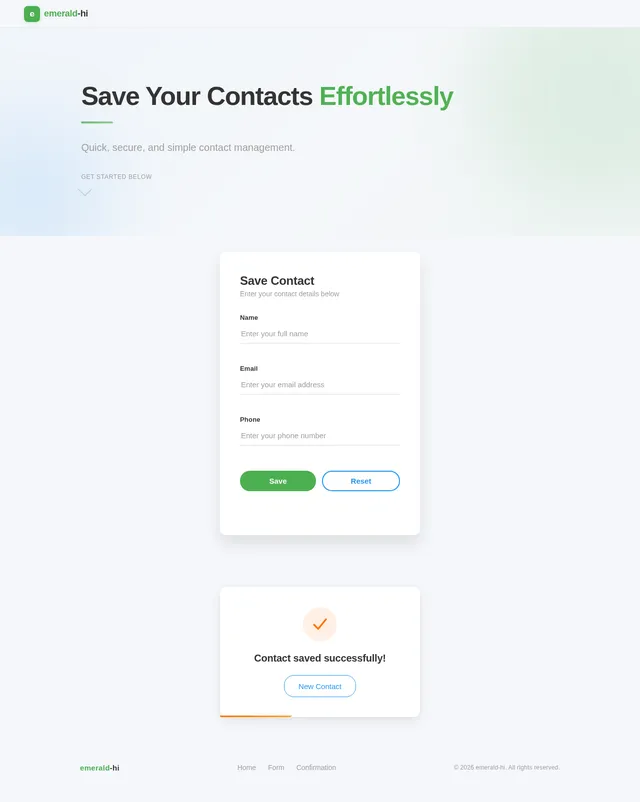
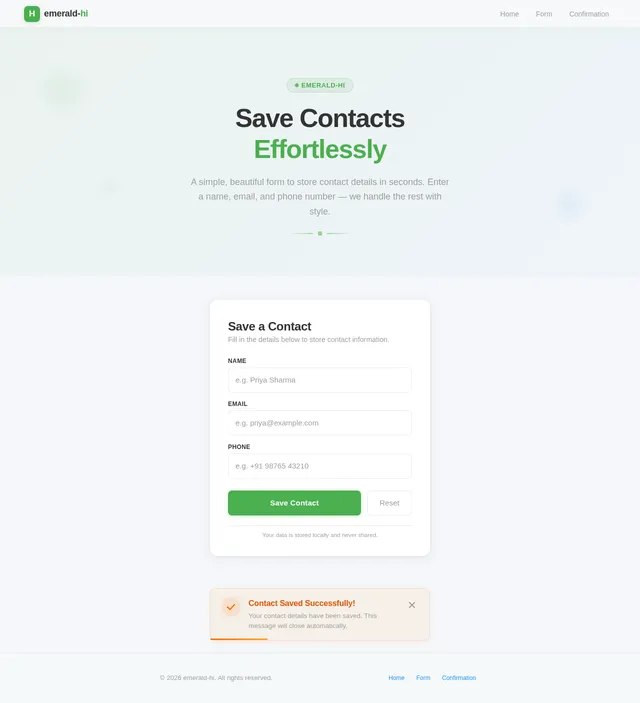
The emerald-hi contact-saving form will feature a "floating card" design. The form will appear as a sleek, elevated card in the center of the page, with subtle shadows and rounded corners to create a modern, polished look. Key details:
- Animations: The card will gently "float" into view when the page loads, using a fade-in and upward motion animation.
- Transitions: Buttons will have smooth hover effects, with the emerald green accent color intensifying slightly on hover.
- Micro-interactions: When a user clicks the "Save" button, a small checkmark animation will appear next to the button, confirming the action.
- Responsive Design: On mobile devices, the card will adjust to fit the screen width while maintaining its aesthetic appeal.
- Background Effect: A soft gradient background (
#f5f7fato#e8ebf0) will subtly shift as the user interacts with the form, adding a dynamic and engaging touch.
This design ensures that the first impression is both memorable and delightful.
7. Non-Functional Requirements
- The form must load within 2 seconds on a standard 4G connection.
- The design must be fully responsive and optimized for both desktop and mobile devices.
- The codebase must be lightweight, with a total file size not exceeding 100 KB.
- The form must be compatible with modern browsers, including Chrome, Firefox, Edge, and Safari.
8. Tech Stack
The emerald-hi project will use the following technologies:
- Frontend: HTML, CSS, JavaScript
- No Backend or Database: This is a single-file implementation with no server-side components.
9. Assumptions and Constraints
- The form will not include advanced features like file uploads or category tagging.
- The project will not store data persistently; it is assumed that the form will be used for demonstration purposes only.
- The design will prioritize simplicity and usability over complex functionality.
10. Glossary
- UI (User Interface): The visual elements and layout of the application that users interact with.
- Responsive Design: A design approach that ensures the application looks and works well on devices of all sizes.
- Floating Card Design: A UI design style where elements appear elevated from the background, often with shadows and rounded corners.
- Micro-interactions: Small animations or visual cues that provide feedback to users during interactions.
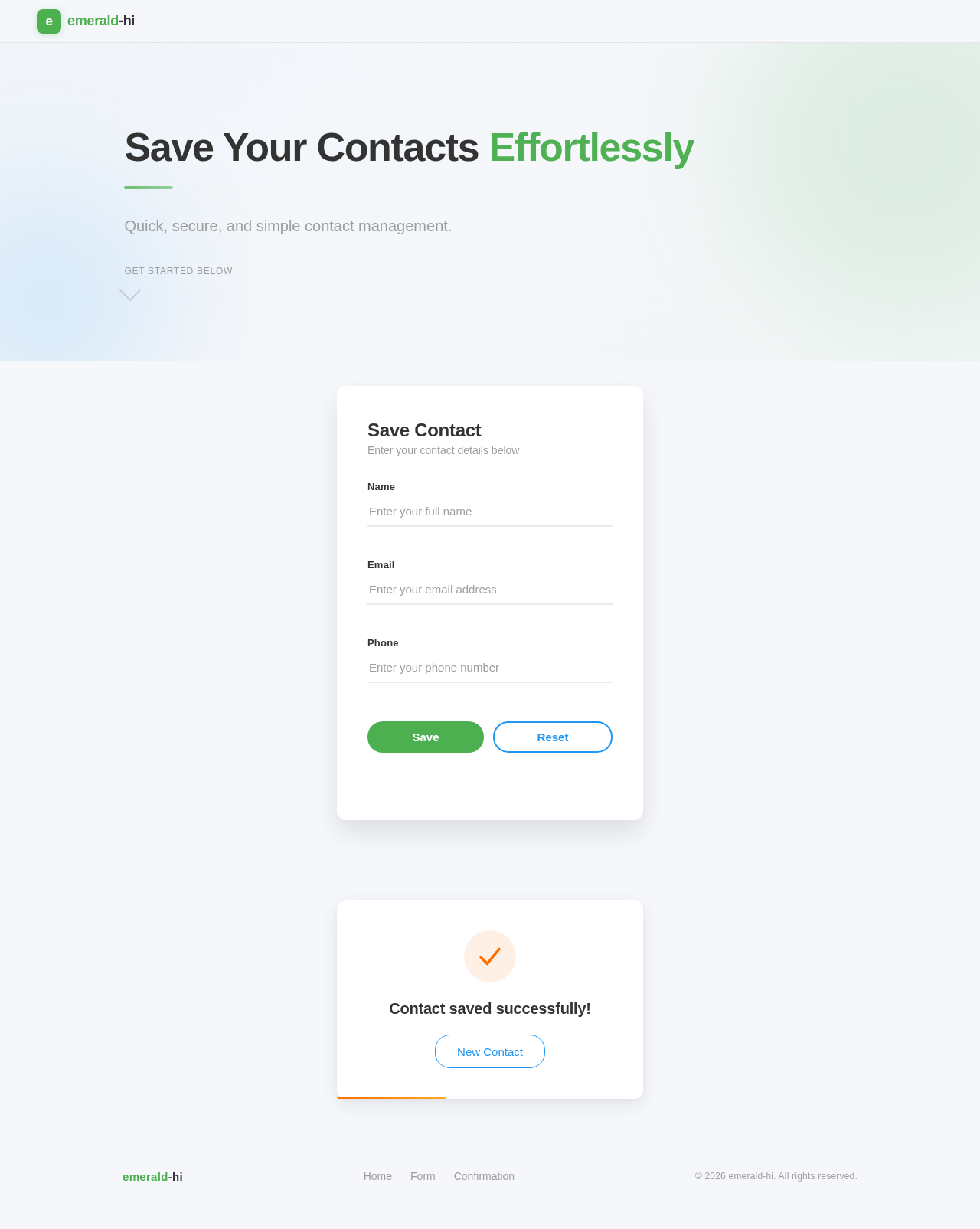
Save Your Contacts Effortlessly
Quick, secure, and simple contact management.
Save Contact
Enter your contact details below
No comments yet. Be the first!