Speed & efficiency
Generate professional proposals in minutes, not days.
Fast proposals Rahul Maurya
Solar EPC Design + Quotation + Customer Management SaaS (Mobile‑First, No 3D) What it does A lightweight, mobile‑first SaaS for Indian solar installers/EPCs that focuses on fast, professional proposals and simple customer management, without heavy 3D modelling: Customer & lead management Capture leads from WhatsApp, website forms, referrals. Store customer details: name, contact, address, electricity bill photo, load, roof type, budget, etc. Track lead status: New → Site Visit → Proposal Sent → Follow‑up → Closed / Lost. Simple task reminders for follow‑ups and site visits. Quick solar design (2D / rule‑based, not full 3D) Enter roof dimensions (length × width) and basic constraints (shadow areas, parapet, water tank). Choose module & inverter from a pre‑loaded catalog (ALMM‑listed options). Auto‑calculate: System size (kWp) Approx. number of panels & strings Inverter sizing Estimated annual generation (kWh) based on city/location. Auto BOM/BOQ & costing Generate BOM: panels, inverter, structure, cables, DBs, earthing, lightning arrestor, etc. Auto‑calculate material cost + installation + margins. Support multiple configurations (e.g., “basic”, “premium”, “with battery”). Subsidy & scheme checks PM Surya Ghar / rooftop subsidy eligibility estimator. ALMM compliance check for selected modules/inverters. Net‑metering feasibility hints (based on state/DISCOM selection). Proposal & quotation generator One‑click professional proposal PDF: System summary Expected generation & savings Payback / ROI OPEX/PPA vs CAPEX options (if you support them) Warranty & O&M terms. WhatsApp‑ready share link or PDF. Option to add your branding/logo. Basic post‑sale tracking Mark project as: Installed / Commissioned. Log installation date, system size, and key components. Simple O&M ticket log for complaints or service visits. Why it’s in demand Most small EPCs still use Excel + WhatsApp for leads, designs, and quotes. They don’t need complex 3D; they need speed, clarity, and professionalism in proposals. A tool that: Cuts proposal time from hours to minutes, Reduces errors in BOM and pricing, and Keeps all customer data in one place is an easy sell. Works on low‑end Android phones, which is critical for field teams in Tier‑2/3 cities. Revenue model (aligned with existing players) You can mirror the kind of pricing that’s already working: Freemium / trial: Free for up to 5–10 leads/month, basic proposal templates. Pro plan (per user): ₹499–₹1,499/month: unlimited leads, advanced proposals, BOM, subsidy calculator, basic CRM. Team / EPC plan: ₹4,999–₹14,999/month: multiple users, shared customer database, custom branding, OPEX/PPA modules, API/integrations. Add‑ons: White‑label proposals, custom workflows, integration with accounting/Tally, etc. This is consistent with how players like Reslink monetize (licence + subscription + optional hardware/monitoring). How to niche it further (micro‑SaaS style) To make it a tight micro‑SaaS: Vertical focus “Solar proposal + CRM for residential rooftop installers in [State X]”. “Solar proposal + CRM for C&I warehouse rooftops (10–100 kW)”. Scheme focus “PM Surya Ghar proposal & subsidy calculator for small installers”. “ALMM‑compliant BOM & quotation tool for EPCs”. Language & UX focus Fully Hindi / regional language UI. WhatsApp‑first flows: “Send lead from WhatsApp → auto‑create customer → generate proposal → share back on WhatsApp”. If you tell me your target segment (residential vs C&I, and which state), I can outline a concrete feature list and data model (tables/fields) you can build in 4–6 weeks. build me a micro saas


Sign in to leave a comment
The easy-solar project is a lightweight, mobile-first SaaS designed for Indian solar installers and EPCs (Engineering, Procurement, and Construction). It focuses on providing fast, professional proposals and simple customer management without the complexity of 3D modeling. The primary audience includes small EPCs and solar installers in India who require efficient tools for lead management, solar design, BOM/BOQ generation, subsidy checks, proposal creation, and post-sale tracking.
The easy-solar system is a web-based application that will transition to a mobile-first approach upon request. It supports solar EPCs in managing customer leads, designing solar systems, generating proposals, and tracking projects. The system is designed to work on low-end Android phones, ensuring accessibility for field teams in Tier-2/3 cities. The product does not include complex 3D modeling but instead uses lightweight 2D/rule-based solar design.
The product is delivered as a web-based application with a focus on Indian solar installers and EPCs. It includes features for lead capture, customer management, solar design, BOM/BOQ generation, subsidy checks, and proposal creation. The application supports WhatsApp-ready proposal sharing and allows for branding customization. The system requires user authentication and authorization for accessing shared records and functionalities. Mobile-first implementation is deferred until explicitly requested.
Not applicable as no content_source directive is provided.
As a Solar EPC / Installer, I should be able to capture leads from WhatsApp, website forms, and referrals.
Provenance: explicit
Lifecycle: Initiate lead capture → Store lead details → Update lead status
Observable Result: Lead captured and stored with initial status.
As a Solar EPC / Installer, I should be able to store customer details including name, contact, address, electricity bill photo, load, roof type, and budget.
Provenance: explicit
Lifecycle: Input customer details → Save details
Observable Result: Customer details stored in the system.
As a Solar EPC / Installer, I should be able to track lead status through New, Site Visit, Proposal Sent, Follow-up, Closed, or Lost.
Provenance: explicit
Lifecycle: Update lead status → Save status
Observable Result: Lead status updated and saved.
As a Solar EPC / Installer, I should be able to support simple task reminders for follow-ups and site visits.
Provenance: explicit
Lifecycle: Schedule task → Receive reminder → Complete task
Observable Result: Task reminder received and task marked complete.
As a Solar EPC / Installer, I should be able to enter roof dimensions and constraints such as shadow areas, parapet, and water tank.
Provenance: explicit
Lifecycle: Input dimensions and constraints → Save design inputs
Observable Result: Design inputs saved for solar design.
As a Solar EPC / Installer, I should be able to choose modules and inverters from a pre-loaded ALMM-listed catalog.
Provenance: explicit
Lifecycle: Select module/inverter → Save selection
Observable Result: Module and inverter selection saved.
As a Solar EPC / Installer, I should be able to automatically calculate system size, approximate panels and strings, inverter sizing, and estimated annual generation based on city/location.
Provenance: explicit
Lifecycle: Input design parameters → Calculate system metrics
Observable Result: System metrics calculated and displayed.
As a Solar EPC / Installer, I should be able to generate BOM/BOQ for solar materials and calculate material cost, installation cost, and margins.
Provenance: explicit
Lifecycle: Generate BOM/BOQ → Calculate costs
Observable Result: BOM/BOQ and cost calculations completed.
As a Solar EPC / Installer, I should be able to support multiple configurations such as basic, premium, and with battery.
Provenance: explicit
Lifecycle: Create configuration → Save configuration
Observable Result: Configuration options saved.
As a Solar EPC / Installer, I should be able to provide PM Surya Ghar / rooftop subsidy eligibility estimation, ALMM compliance checks, and net-metering feasibility hints based on state/DISCOM.
Provenance: explicit
Lifecycle: Input scheme parameters → Check eligibility/compliance
Observable Result: Eligibility and compliance results displayed.
As a Solar EPC / Installer, I should be able to generate professional proposal PDFs containing system summary, generation and savings, payback/ROI, and warranty/O&M terms, with OPEX/PPA options if supported.
Provenance: explicit
Lifecycle: Generate proposal → Save PDF
Observable Result: Proposal PDF generated and saved.
As a Solar EPC / Installer, I should be able to support WhatsApp-ready proposal sharing by link or PDF and allow branding/logo configuration.
Provenance: explicit
Lifecycle: Prepare proposal for sharing → Share via WhatsApp
Observable Result: Proposal shared via WhatsApp.
As a Solar EPC / Installer, I should be able to track projects as Installed or Commissioned, including installation date, system size, and key components.
Provenance: explicit
Lifecycle: Update project status → Save installation details
Observable Result: Project status and details updated.
As a Solar EPC / Installer, I should be able to provide a simple O&M ticket log for complaints or service visits.
Provenance: explicit
Lifecycle: Log ticket → Track service visit
Observable Result: O&M ticket logged and tracked.
As a Solar EPC / Installer, I should be able to create an account before accessing protected work.
Provenance: required_inference
Lifecycle: Create account → Access system
Observable Result: Account created and access granted.
As an EPC Team Member, I should be able to be provisioned or invited into the EPC workspace before accessing shared records.
Provenance: required_inference
Lifecycle: Receive invitation → Join workspace
Observable Result: Access to shared records granted.
As a returning user, I should be able to verify my identity through Login.
Provenance: required_inference
Lifecycle: Enter credentials → Verify identity
Observable Result: User identity verified.
As a Solar EPC / Installer, I should be able to have generated proposal PDFs available as a document output before WhatsApp-ready sharing.
Provenance: required_inference
Lifecycle: Generate PDF → Prepare for sharing
Observable Result: PDF available for sharing.
The public entry page will feature a full-width header with a solar-themed schematic diagram, using the primary orange for highlights. The layout will be structured with clear divisions and generous use of whitespace to separate content sections. Primary orange CTA buttons will have a slight hover lift for immediate access to actions. Consistent use of humanist sans typography in varying weights will establish hierarchy, and a structured side panel will provide quick navigation and status updates.
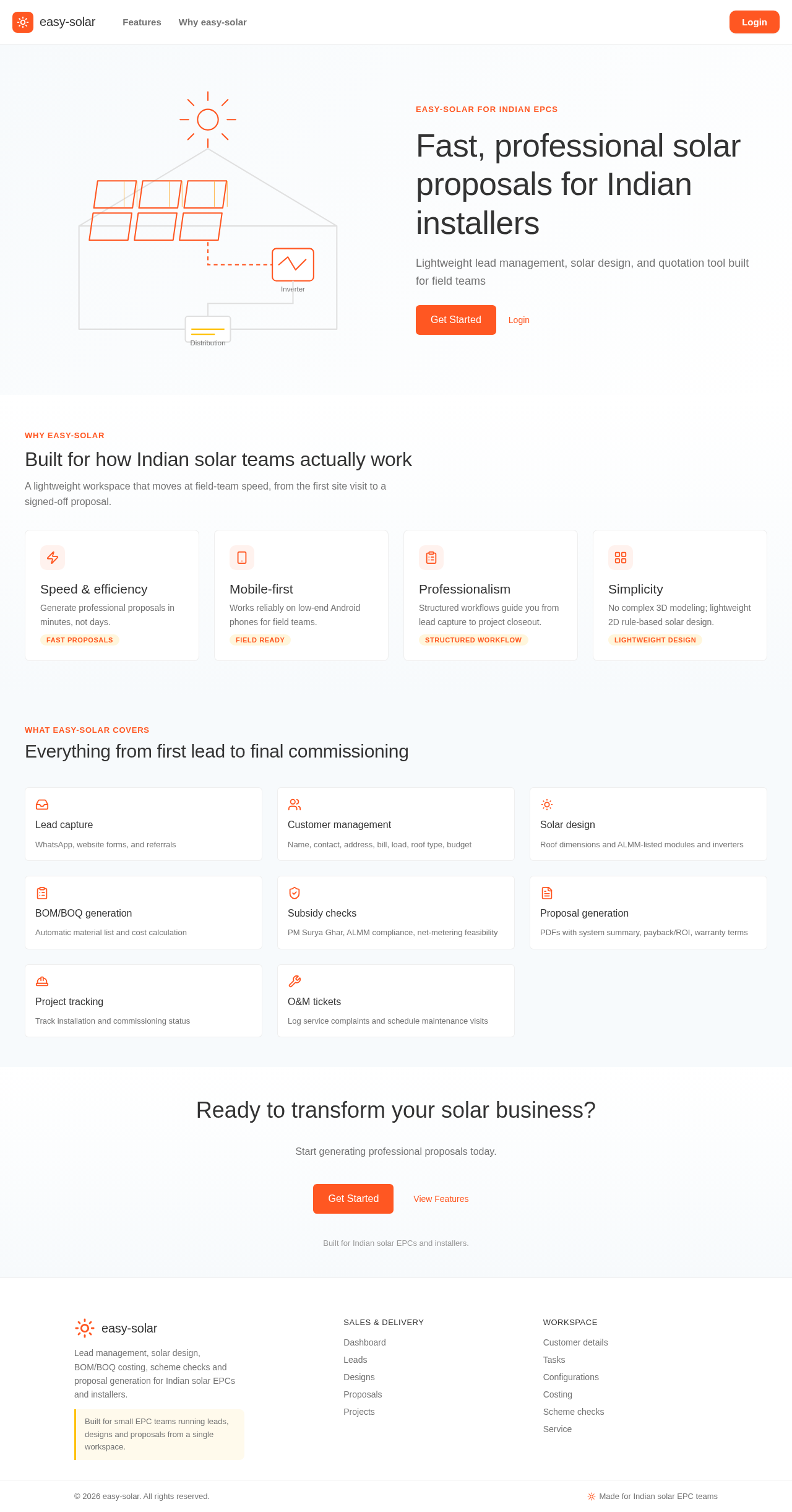
easy-solar for Indian EPCs
Lightweight lead management, solar design, and quotation tool built for field teams
A lightweight workspace that moves at field-team speed, from the first site visit to a signed-off proposal.
Generate professional proposals in minutes, not days.
Fast proposalsWorks reliably on low-end Android phones for field teams.
Field readyStructured workflows guide you from lead capture to project closeout.
Structured workflowNo complex 3D modeling; lightweight 2D rule-based solar design.
Lightweight designWhat easy-solar covers
Start generating professional proposals today.
Built for Indian solar EPCs and installers.
easy-solar for Indian EPCs
Lightweight lead management, solar design, and quotation tool built for field teams
A lightweight workspace that moves at field-team speed, from the first site visit to a signed-off proposal.
Generate professional proposals in minutes, not days.
Fast proposalsWorks reliably on low-end Android phones for field teams.
Field readyStructured workflows guide you from lead capture to project closeout.
Structured workflowNo complex 3D modeling; lightweight 2D rule-based solar design.
Lightweight designWhat easy-solar covers
Start generating professional proposals today.
Built for Indian solar EPCs and installers.
No comments yet. Be the first!