divine-dog
 Rajendra Thakur
Dog care AAP
Comments (0)
Sign in to leave a comment
System Requirements
System Requirements Document (SRD) for Divine-Dog
1. Introduction
Welcome to the System Requirements Document (SRD) for Divine-Dog, an innovative AI-powered gaming and learning app designed for kids. This app combines fun, education, and cutting-edge technology to create an engaging experience that helps children learn ABCs, 123s, and more through interactive games, vibrant graphics, voice recognition, and animations.
This document outlines the requirements and design principles for building Divine-Dog efficiently and effectively, ensuring a fast compilation and execution process while maintaining high-quality user experiences.
2. System Overview
Divine-Dog is a kid-friendly AI app that blends education and entertainment. It is designed to cater to children of all age groups, offering interactive learning experiences with features like voice recognition, progress rewards, and colorful animations. The app will focus on:
- Learning Modules: ABCs, 123s, and other foundational concepts.
- Interactive Features: Voice recognition, progress tracking, and rewards.
- Graphics and Animations: Vibrant visuals to captivate young users.
- Age-Appropriate Content: Unified experience adaptable to different learning levels.
To meet Rajendra's request for speed in the build process, the system architecture will prioritize optimized compilation and execution strategies, leveraging modern technologies and efficient workflows.
3. Functional Requirements
Story Points:
- As a Kid, I should be able to learn ABCs and 123s through interactive games.
- As a Kid, I should be able to interact with the app using voice recognition to say letters and numbers aloud.
- As a Kid, I should be rewarded for progress to stay motivated.
- As a Parent, I should be able to monitor my child's learning progress.
- As a Parent, I should be able to customize the app experience based on my child's age group.
- As Admin, I should be able to manage content updates and monitor app performance.
- As Admin, I should be able to optimize the app for fast compilation and execution.
4. User Personas
1. Kid
- Age: 2–10 years
- Goals: Learn ABCs, 123s, and foundational concepts through fun and engaging games.
- Needs: Vibrant graphics, interactive voice features, and rewards for progress.
2. Parent
- Age: 25–45 years
- Goals: Ensure their child is learning effectively while having fun.
- Needs: Monitoring tools, customization options, and assurance of safe content.
3. Admin
- Age: 30–50 years
- Goals: Manage app content, ensure smooth performance, and optimize for speed.
- Needs: Tools for content updates, analytics, and system optimization.
5. Visuals Colors and Theme
Unique Color Palette:
- Background: #FDF6E3 (Soft Cream)
- Surface: #FFE4B5 (Warm Peach)
- Text: #3B3B3B (Charcoal Gray)
- Accent: #FF6F61 (Playful Coral)
- Muted Tones: #B0C4DE (Calm Blue)
This palette is designed to evoke warmth, playfulness, and trust, appealing to both kids and parents.
6. Signature Design Concept
Interactive Storybook World
The homepage of Divine-Dog will transport users into a magical, interactive storybook world. Here’s what users will experience:
- Visuals: A 3D animated landscape resembling a vibrant storybook, with floating islands representing different learning modules (ABCs, 123s, etc.).
- Interactions: Kids can tap on islands to explore games, while animations like flying birds and talking animals guide them through the app.
- Voice Features: A friendly AI mascot (a talking dog) interacts with kids, encouraging them to say letters and numbers aloud.
- Transitions: Smooth animations between sections, with pages flipping like a real storybook.
- Micro-Interactions: Stars and rewards sparkle when kids complete tasks, creating a sense of achievement.
This unforgettable design will captivate kids and make learning feel like an adventure.
7. Non-Functional Requirements
- Performance: The app must compile and execute quickly, ensuring minimal load times and smooth transitions.
- Scalability: The system should support future updates and additional learning modules.
- Security: Ensure safe content and protect user data, especially for children.
- Accessibility: The app must be easy to use for kids of all ages and abilities.
- Localization: Support for multiple languages, starting with English and Hindi.
8. Tech Stack
Frontend:
- React for Web
- React Native for Mobile App
Backend:
- Python
- FastAPI
Database:
- MySQL or MariaDB (using Alembic for migrations)
AI Models:
- GPT 5.4 for user-friendly responses
- Google Nano Banana for image generation
AI Tools:
- Litellm for LLM Routing
- Langchain
Local Orchestration:
- Docker
- Docker-Compose
Server-Side Orchestration:
- Kubernetes
9. Assumptions and Constraints
Assumptions:
- The app will primarily target users in India, with localization for Hindi and English.
- Parents will have access to monitoring tools to track their child’s progress.
- The app will be optimized for Android and iOS platforms.
Constraints:
- Development must prioritize speed without compromising quality.
- The app must comply with child safety and data protection regulations.
- Graphics and animations must be lightweight to ensure fast execution.
10. Glossary
- Interactive Learning: A method of teaching that involves active engagement through games and activities.
- Voice Recognition: Technology that allows users to interact with the app using spoken words.
- Progress Rewards: Incentives given to users for completing tasks or achieving milestones.
- Localization: Adapting the app for different languages and regions.
- Optimization: Enhancing the app’s performance for faster compilation and execution.
End of Document
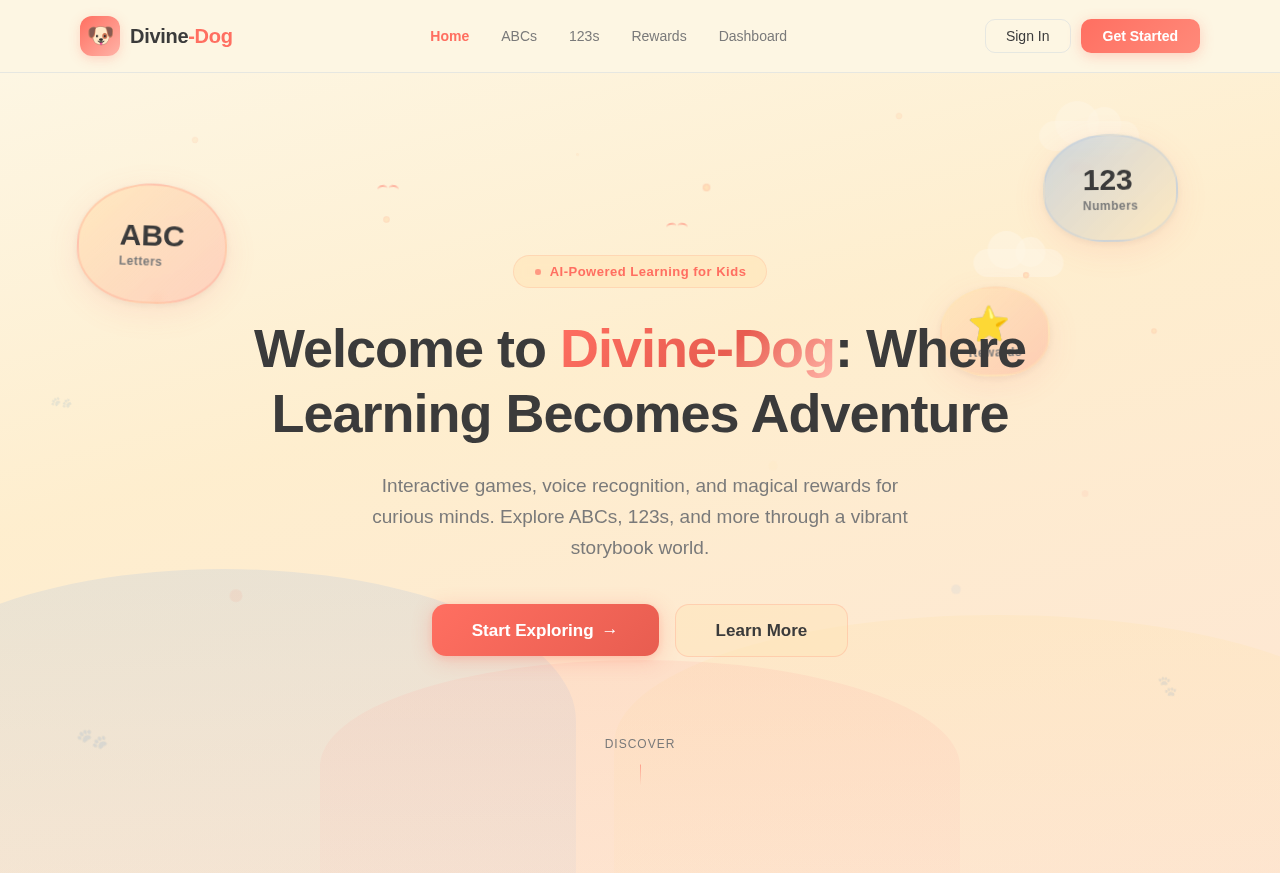
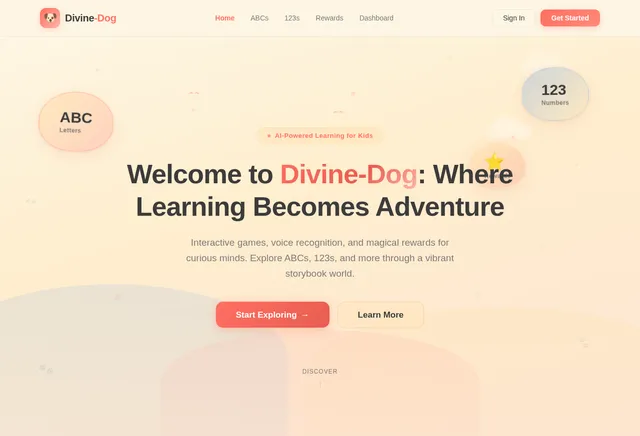
Welcome to Divine-Dog: Where Learning Becomes Adventure
Interactive games, voice recognition, and magical rewards for curious minds. Explore ABCs, 123s, and more through a vibrant storybook world.
No comments yet. Be the first!