divine-dance
 Khalid Abbas
Dance video

Comments (0)
Sign in to leave a comment
System Requirements
System Requirements Document (SRD)
Project Name: divine-dance
1. Introduction
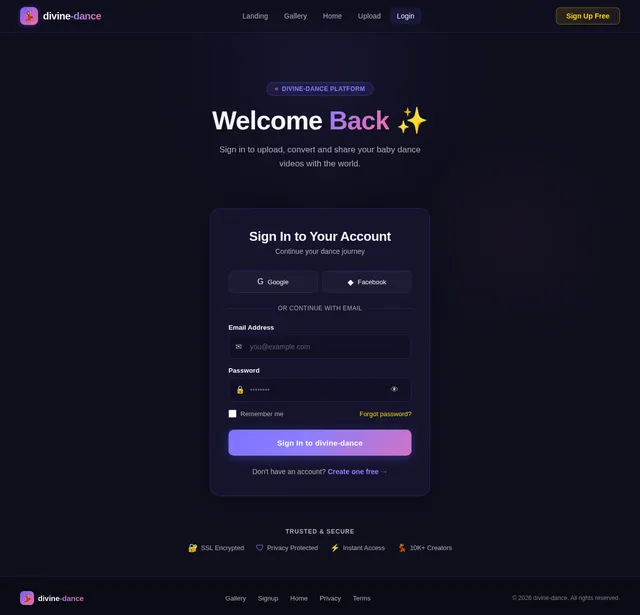
The divine-dance project is a platform designed to showcase dance videos, with a specific focus on converting baby dance videos into engaging and shareable formats. The system will integrate advanced video conversion tools and APIs to ensure seamless processing and high-quality outputs. This document outlines the requirements and design specifications for the project, incorporating the latest user input and visual reference.
2. System Overview
The divine-dance platform will serve as a hub for dance enthusiasts, particularly focusing on baby dance videos. Users will be able to upload, convert, and share videos with ease. The system will leverage cutting-edge APIs for video conversion and processing, ensuring compatibility with various formats and devices. The platform will also feature a visually appealing interface inspired by the provided design reference, emphasizing simplicity and vibrancy.
3. Functional Requirements
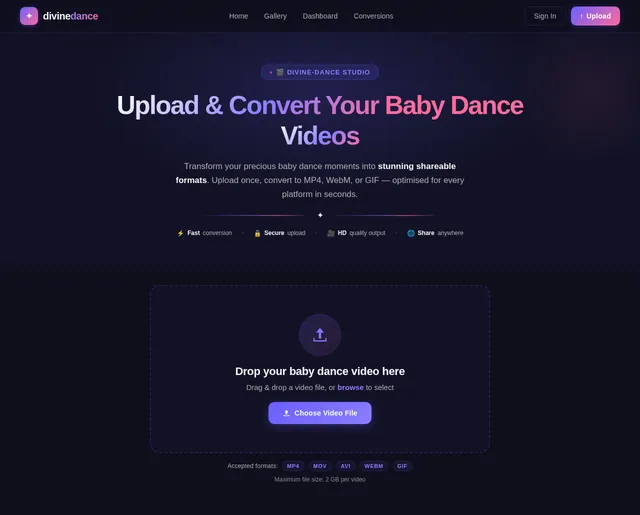
- As a User, I should be able to upload baby dance videos for conversion.
- As a User, I should be able to preview the converted video before downloading.
- As a User, I should be able to share the converted video directly to social media platforms.
- As an Admin, I should be able to approve video conversions based on API supervisor feedback.
- As a Guest, I should be able to view publicly shared baby dance videos.
4. User Personas
1. Admin
- Role: Manages video conversion approvals and oversees platform operations.
- Key Actions: Approve conversions, monitor user activity, and manage API integrations.
2. User
- Role: Uploads and converts baby dance videos.
- Key Actions: Upload videos, preview conversions, and share content.
3. Guest
- Role: Browses publicly shared videos.
- Key Actions: View and interact with shared content.
5. Visuals Colors and Theme
Inspired by the provided reference image, the color palette for **divine-d

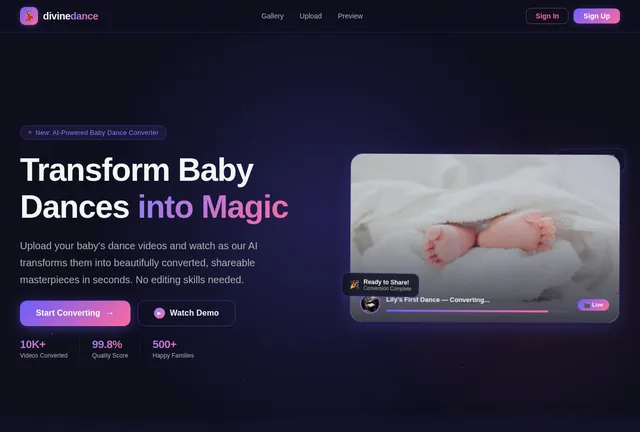
Transform Baby Dance Videos into Viral Content
Convert, preview & share adorable baby dance moments in seconds. Powered by advanced video processing for crystal-clear quality across all platforms.

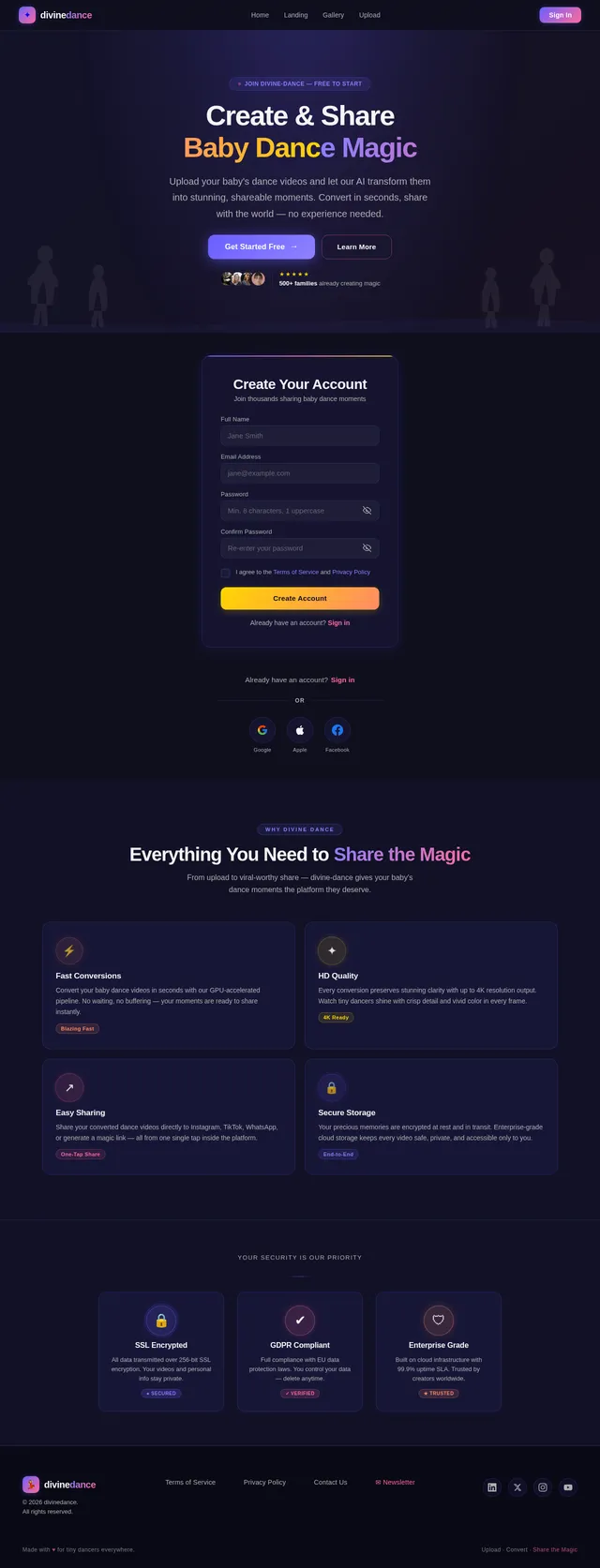
Everything You Need to Create Magic
From upload to share, our platform makes converting baby dance videos a delightful experience.
Lightning Fast
Convert your baby dance videos in seconds, not minutes. Our optimized engine processes uploads instantly so you never miss a moment.
Under 10sCrystal Clear Quality
Every giggle, every twirl preserved in stunning HD. No compression artifacts, no quality loss — just pure adorable clarity.
Up to 4KOne-Click Sharing
Share directly to Instagram, TikTok, Facebook and more. Built-in social integrations make spreading joy effortless.
10+ PlatformsFour Simple Steps to Magic
Transform any baby dance video into share-ready content in minutes. No technical skills required.
Upload Your Video
Select any baby dance video from your device. We support MP4, MOV, WebM and more formats for seamless uploads.
Convert Instantly
Our advanced conversion engine processes your video in seconds, optimizing quality and format for any platform.
Preview Results
Watch your converted video in real-time before downloading. Ensure every adorable moment looks exactly right.
Share Everywhere
Post directly to Instagram, TikTok, YouTube and more. One click to spread the joy with family and friends.
Powerful Features
Everything You Need to Create Magic
Advanced Conversion Engine
Our AI-powered engine transforms baby dance videos into crystal-clear, optimized formats. Support for MP4, MOV, WebM, GIF and more with intelligent quality preservation that keeps every adorable moment intact.
- Batch conversion support
- Smart quality optimization
- Hardware acceleration

Real-time Preview
See your converted video before downloading. Our instant preview engine renders changes in real time so you can fine-tune every frame, adjust trimming, and ensure the perfect output before saving.
- Frame-by-frame scrubbing
- Side-by-side comparison
- Real-time filter preview

Direct Social Sharing
Share your baby dance videos instantly to TikTok, Instagram, YouTube and more. One-click publishing with auto-optimized formats for each platform ensures maximum reach and engagement.
- Platform-specific optimization
- Scheduled publishing
- Cross-platform analytics

See How Your Baby Dance Video Transforms
Upload in any format, our engine handles the magic. Get perfectly optimized outputs ready to share across every platform.
divine-dance Engine
AI-powered processing optimizes every frame of your baby dance video for maximum quality and shareability.
Average conversion time: under 30 seconds for a 2-minute baby dance clip
Trusted by Parents Everywhere
Join a growing community of parents sharing adorable baby dance moments
Loved by Parents Everywhere
See why thousands of families trust divine-dance to capture and share their favorite baby dance moments.
divine-dance made it so easy to turn my toddler's hilarious dance moves into shareable clips. The conversion quality is incredible and my family loves them!

I've tried a dozen converters and nothing comes close. Lightning fast processing and the preview feature saved me so much time getting my baby's videos just right.

The one-click sharing to social media is a game changer. My followers can't get enough of the baby dance compilations I create with divine-dance!

As someone who works with media daily, I appreciate the format support and crystal clear quality. Converting my daughter's dance videos has never been this smooth.

I use divine-dance to share joyful dance moments from class with parents. Zero watermarks, no cost to start, and the kids look adorable in every clip!

Built for Parents Who Care
We designed every feature around what matters most to you — quality, privacy, and simplicity.
No Watermarks
Every video you convert is completely clean. Download and share your baby dance moments without any branding or watermarks cluttering the frame.
Privacy First
Your family videos stay private. We never store, share, or analyze your uploads. Files are processed in-memory and automatically purged after conversion.
Zero Cost to Start
Get started without a credit card. Convert your first videos completely free with generous limits that grow as you need them.
Ready to Create Magic?
Join thousands of parents sharing delightful baby dance moments. Upload, convert, and share your favorite videos in seconds.
No comments yet. Be the first!