devops-finops
 Social Collage
Build a multi-tenant SaaS Unified DevOps & FinOps Control Plane web application using Next.js (App Router), TypeScript, Tailwind CSS, Shadcn UI, PostgreSQL (with Prisma or Drizzle ORM), and Redis (BullMQ) for background jobs. ### 1. Core Product Goal A single-pane-of-glass developer dashboard that unifies: - **Version Control & Release Timeline:** Track Git commits, branches, PR authors, and environment mappings (Dev, Staging, Production). - **Deployment Records & Quick Actions:** CI/CD pipeline statuses (Queued, Building, Success, Failed), build durations, searchable error logs, and one-click rollback triggers. - **Server & Storage Health:** Real-time CPU, RAM, network I/O, disk usage %, storage exhaustion forecasts (e.g., "Disk full in 12 days"), and deployment markers overlaid on latency/error graphs. - **Estimated Billing & FinOps:** Month-to-date cloud spend, linear/AI month-end bill projections, per-environment cost breakdowns, and threshold anomaly alerts. ### 2. Multi-Tenant Architecture & Security Requirements - **Strict Tenant Isolation:** Implement a shared-database, shared-schema model where every core table (`organizations`, `projects`, `repositories`, `deployments`, `servers`, `server_metrics`, `billing_snapshots`, `integrations`) includes an `organization_id` (tenant ID). Enforce PostgreSQL Row-Level Security (RLS) policies on all tenant-scoped tables. - **Auth & RBAC:** Implement multi-tenant Organization support with Role-Based Access Control (`OWNER`, `ADMIN`, `DEVELOPER`, `VIEWER`). Restrict destructive actions (production rollbacks, deleting servers, updating API keys) to `OWNER` and `ADMIN` roles. - **Encrypted Credential Vault:** Create an abstraction layer using AES-256-GCM envelope encryption for storing tenant integration credentials (GitHub App installation tokens, AWS Cross-Account Role ARNs with unique `ExternalId`, and server agent ingest keys). ### 3. Data Ingestion & API Endpoints - **GitHub Webhook Receiver (`/api/webhooks/github`):** Verify `X-Hub-Signature-256`, map the repository to the corresponding `organization_id`, and enqueue deployment/push events into BullMQ. - **Server Agent Telemetry Endpoint (`/api/v1/ingest/metrics`):** Authenticate via tenant-scoped Bearer API key (`sk_live_...`), validate payload (`cpu_percent`, `ram_used_mb`, `ram_total_mb`, `disk_used_gb`, `disk_total_gb`), and batch-insert into `server_metrics`. - **Billing & Cloud Sync Worker:** Create a scheduled BullMQ worker that fetches or simulates daily cloud cost breakdowns per environment and calculates a projected month-end total. ### 4. Frontend UI & UX Specifications - **Design System:** Sleek, high-density dark-mode-first developer UI (Linear/Vercel aesthetic) using Slate/Zinc neutral tones, monospace fonts (`JetBrains Mono`) for commit hashes, IP addresses, and logs, and crisp status badges. - **Layout:** - Left sidebar with Organization Switcher, Project Selector, and navigation (`Overview`, `Deployments`, `Infrastructure & Storage`, `Billing & FinOps`, `Integrations`, `Team & Settings`). - Top bar with live environment filter (`All`, `Production`, `Staging`, `Development`) and time-range selector (`1h`, `24h`, `7d`, `30d`). - **Main Overview View:** 1. **KPI Summary Cards:** Active


Comments (0)
Sign in to leave a comment
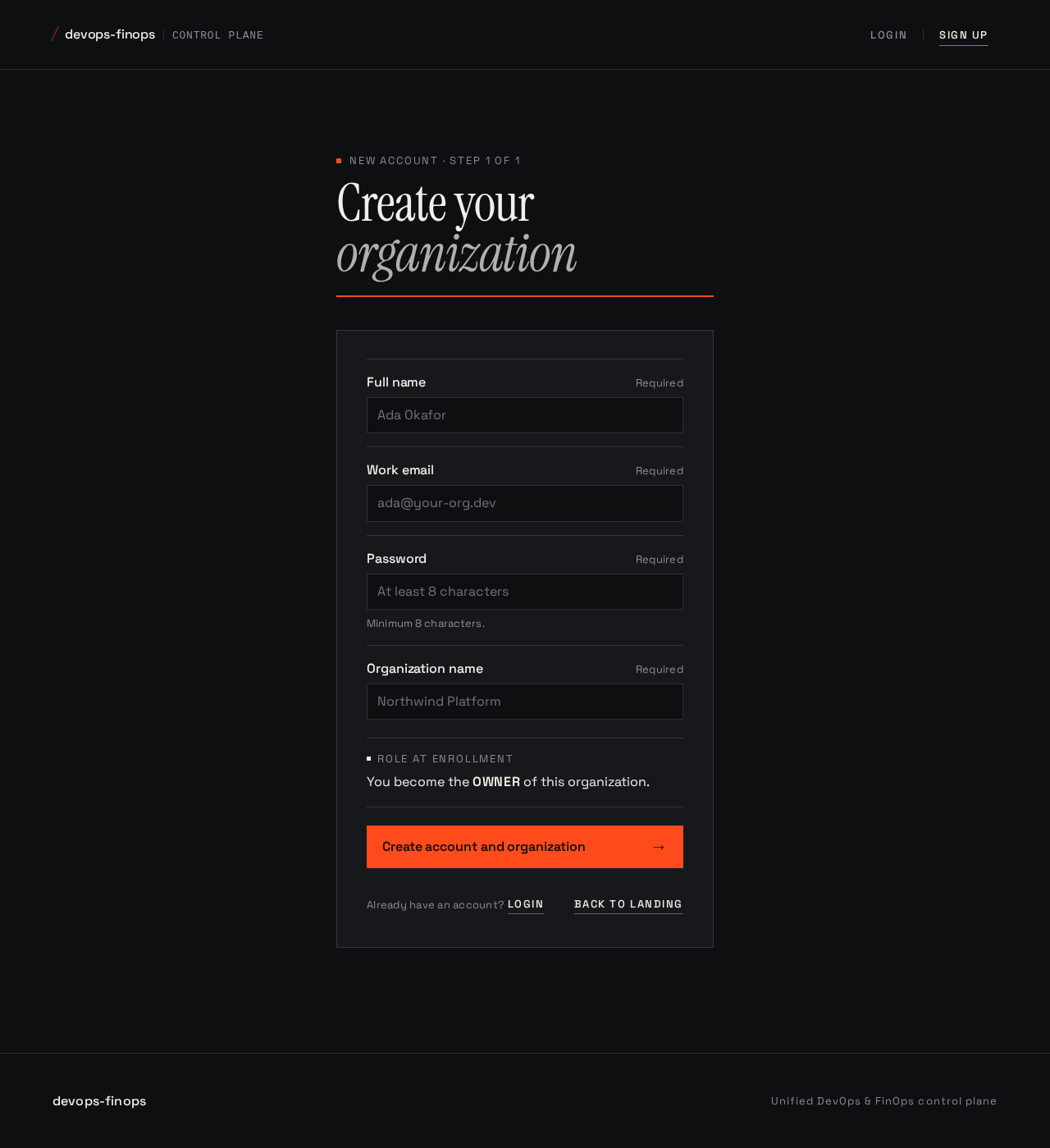
New account · Step 1 of 1
Create yourorganization
Minimum 8 characters.
Role at enrollment
You become the OWNER of this organization.
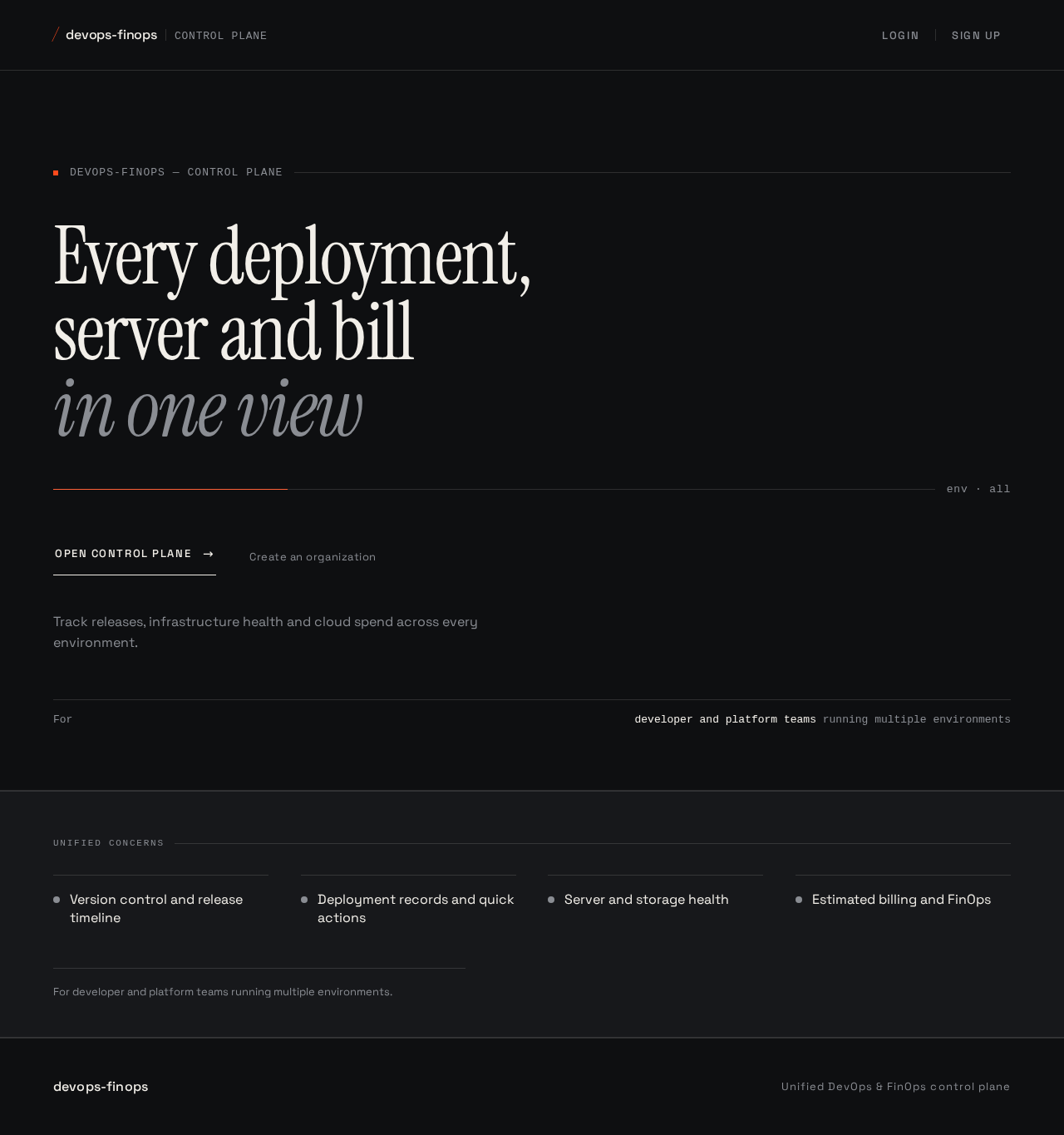
Every deployment,server and billin one view
Track releases, infrastructure health and cloud spend across every environment.
Unified concerns
- Version control and release timeline
- Deployment records and quick actions
- Server and storage health
- Estimated billing and FinOps
For developer and platform teams running multiple environments.
No comments yet. Be the first!