crypto-trading-bitcoin
 Hello Mcdonald
build me a crypto trading website where i can have access to control the amount of bitcoin in the wallet


Comments (0)
Sign in to leave a comment
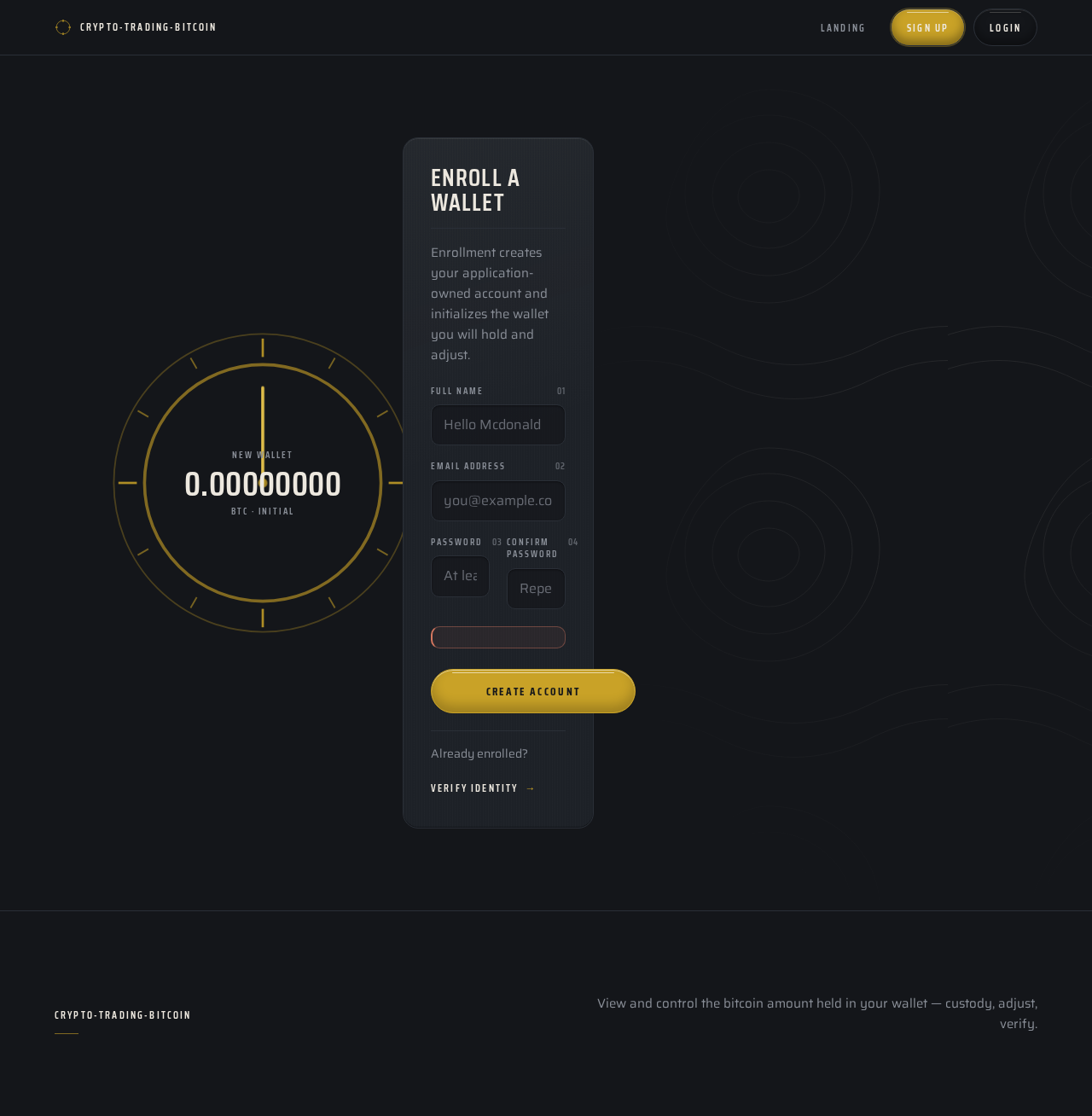
Enroll a wallet
Enrollment creates your application-owned account and initializes the wallet you will hold and adjust.
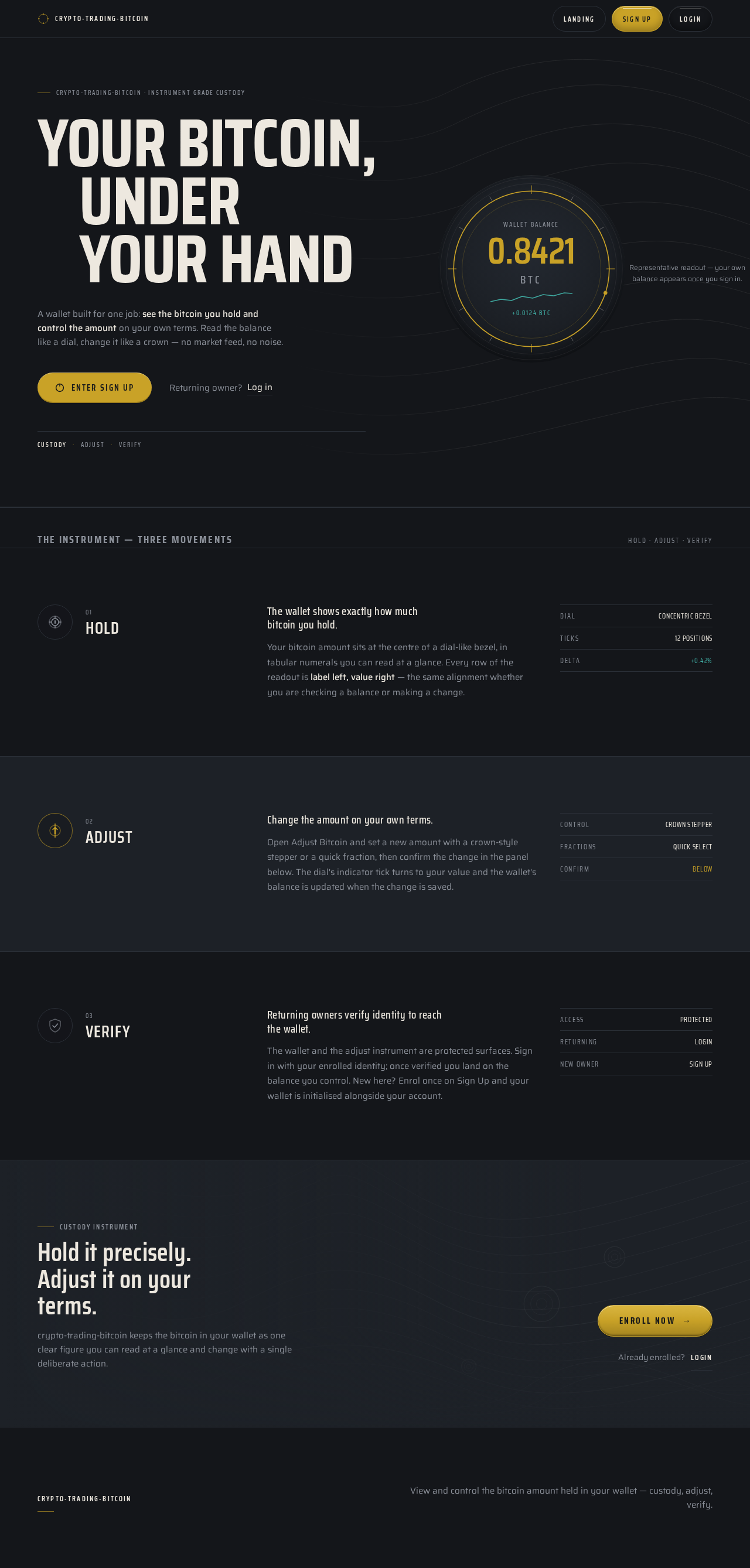
crypto-trading-bitcoin · Instrument grade custody
Your bitcoin,under your hand
A wallet built for one job: see the bitcoin you hold and control the amount on your own terms. Read the balance like a dial, change it like a crown — no market feed, no noise.
- Custody
- Adjust
- Verify
Representative readout — your own balance appears once you sign in.
The instrument — three movements
Hold · Adjust · Verify- 01
Hold
The wallet shows exactly how much bitcoin you hold.
Your bitcoin amount sits at the centre of a dial-like bezel, in tabular numerals you can read at a glance. Every row of the readout is label left, value right — the same alignment whether you are checking a balance or making a change.
- Dial
- Concentric bezel
- Ticks
- 12 positions
- Delta
- +0.42%
- 02
Adjust
Change the amount on your own terms.
Open Adjust Bitcoin and set a new amount with a crown-style stepper or a quick fraction, then confirm the change in the panel below. The dial's indicator tick turns to your value and the wallet's balance is updated when the change is saved.
- Control
- Crown stepper
- Fractions
- Quick select
- Confirm
- Below
- 03
Verify
Returning owners verify identity to reach the wallet.
The wallet and the adjust instrument are protected surfaces. Sign in with your enrolled identity; once verified you land on the balance you control. New here? Enrol once on Sign Up and your wallet is initialised alongside your account.
- Access
- Protected
- Returning
- Login
- New owner
- Sign Up
Custody instrument
Hold it precisely. Adjust it on your terms.
crypto-trading-bitcoin keeps the bitcoin in your wallet as one clear figure you can read at a glance and change with a single deliberate action.
No comments yet. Be the first!