
GenBI System โ Build Specification
๐ฏ Objective
I want to build a system where:
User uploads a CSV file
File is stored inside PostgreSQL (Docker-based PostgreSQL container)
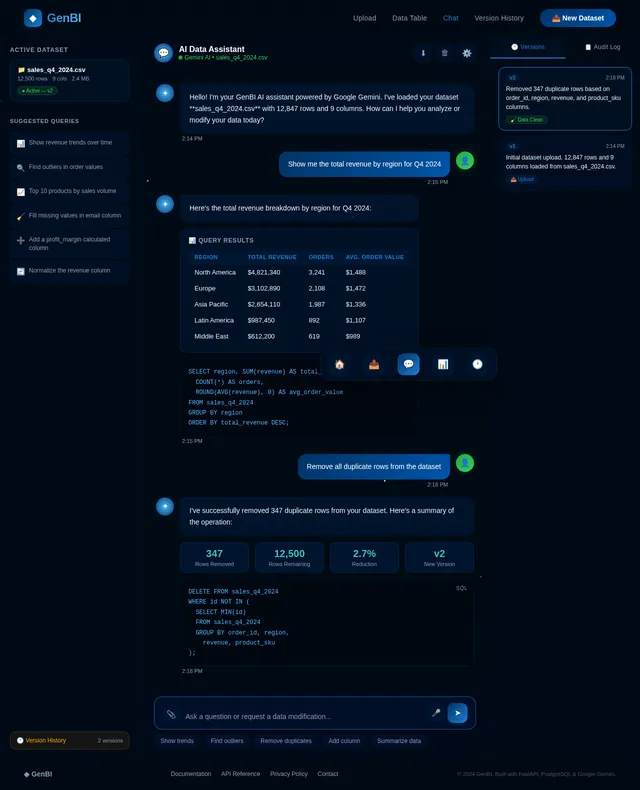
User interacts via chat
AI analyzes data, gives insights, answers queries
AI can modify data (add/remove/update rows or columns)
All changes are tracked
User can revert (undo) any action
System maintains full audit trail
This must be built as a production-ready architecture.
๐ง Core Functional Requirements
1๏ธโฃ File Upload & Storage
User uploads CSV
Backend parses CSV
Create table dynamically in PostgreSQL
Store original dataset
Maintain version history table
Use Docker-based PostgreSQL image
2๏ธโฃ Chat-Based Data Interaction
User can:
Ask questions:
Ask for insights:
Trends
Aggregations
Outliers
Ask for modifications:
"Remove duplicates"
"Delete rows where amount < 0"
"Add new column profit = revenue - cost"
"Update all dates to 2024 format"
System must:
Generate SQL or Python code
Execute safely
Update database
Return result
3๏ธโฃ Data Versioning & Revert
Every modification creates new version
Store:
Previous state
SQL executed
Timestamp
User action
User can:
Revert to any previous version
View change history
Maintain audit log table
4๏ธโฃ Agentic Architecture
Use:
LangGraph
Tool-based architecture
Google Gemini API key
The AI must act as:
Data Analyst + Data Engineer Agent
Agent Flow:
Understand user query
Decide which tool to use
Execute tool
Validate output
Return response
๐ Required Tools (LangGraph Tools)
Create tools:
Schema Inspection Tool
SQL Query Tool
Data Cleaning Tool
Aggregation Tool
Data Update Tool
Version Control Tool
Revert Tool
Insight Generation Tool
Each tool:
Executes structured logic
Returns structured output
Logs operation
๐ Technical Stack
Backend
Python
FastAPI
LangGraph
Google Gemini API (API Key)
PostgreSQL
SQLAlchemy
Docker
Frontend
Node.js (or Next.js)
Chat Interface
File Upload UI
Version History Panel
Revert Button
Data Table Preview
๐ณ Infrastructure
Docker Setup
Create:
Dockerfile (Backend)
Dockerfile (Frontend)
Dockerfile (PostgreSQL optional if needed)
docker-compose.yml
Docker Compose services:
backend (FastAPI)
frontend (Node.js)
postgres
redis (optional for state/session)
๐ Security & Safety
No raw SQL execution without validation
Validate generated SQL
Use parameterized queries
Restrict dangerous operations (DROP DATABASE, etc.)
Role-based DB access
Session isolation
๐ System Flow
User uploads CSV
CSV stored into PostgreSQL
Schema extracted
Metadata sent to Gemini
Agent decides action
Tool executes SQL/Python
Result returned
Version stored
Audit log updated
User can revert
๐ Output & Tracking
System must show:
Query result
SQL executed
Version number
Change log
Previous versions
Revert option
๐ฆ Deliverables Required
Generate:
Full system architecture
Folder structure
FastAPI backend skeleton
LangGraph agent flow
Gemini prompt template
Tool implementations (basic structure)
PostgreSQL schema design
Versioning strategy
Dockerfile (backend & frontend)
docker-compose.yml
Example API endpoints
Sample agent execution flow
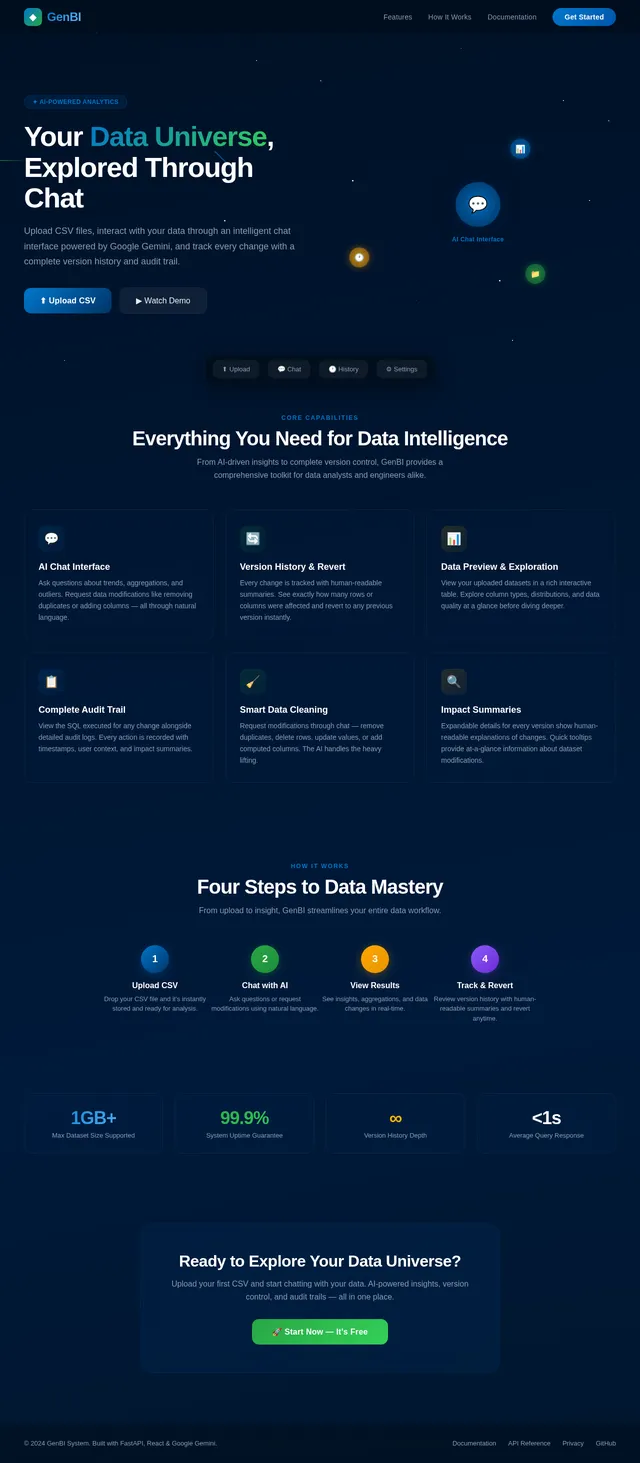
Landing
Comments (0)
No comments yet. Be the first!
Sign in to leave a comment
โ
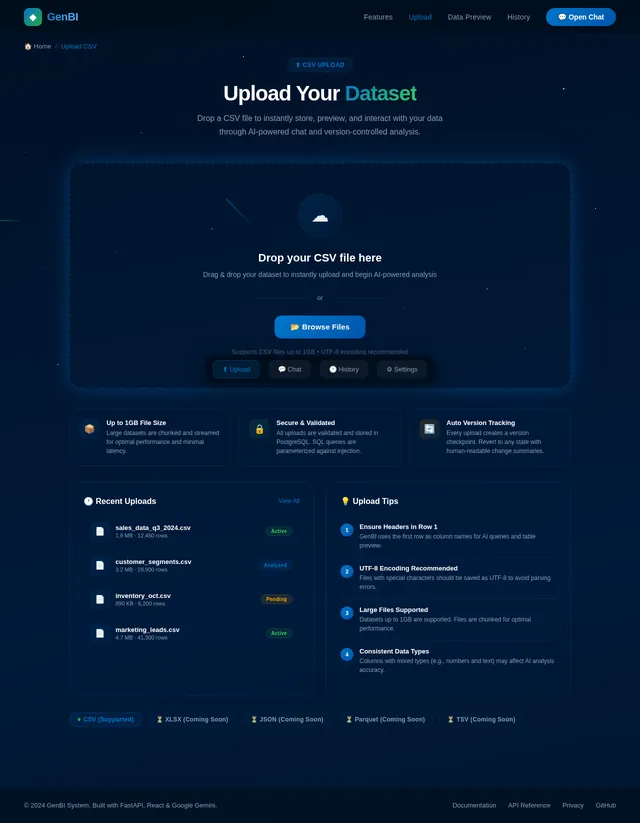
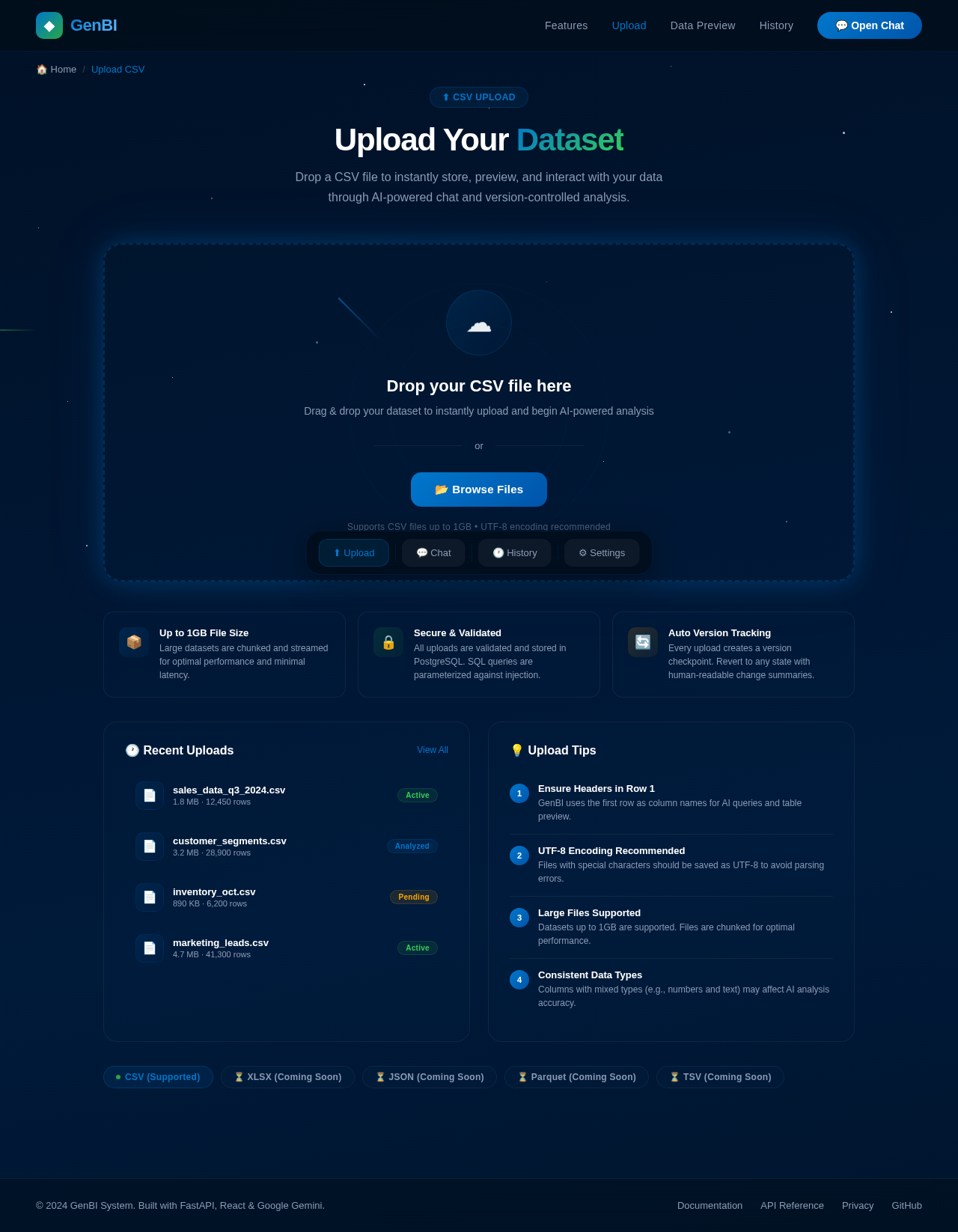
GenBI
๐ Home/Upload CSV
โฌ CSV Upload
Upload Your Dataset
Drop a CSV file to instantly store, preview, and interact with your data through AI-powered chat and version-controlled analysis.
โ
Drop your CSV file here
Drag & drop your dataset to instantly upload and begin AI-powered analysis
or
Supports CSV files up to 1GB โข UTF-8 encoding recommended
๐ฆ
Up to 1GB File Size
Large datasets are chunked and streamed for optimal performance and minimal latency.
๐
Secure & Validated
All uploads are validated and stored in PostgreSQL. SQL queries are parameterized against injection.
๐
Auto Version Tracking
Every upload creates a version checkpoint. Revert to any state with human-readable change summaries.
๐ Recent Uploads
๐
sales_data_q3_2024.csv
1.8 MB ยท 12,450 rows
Active
๐
customer_segments.csv
3.2 MB ยท 28,900 rows
Analyzed
๐
inventory_oct.csv
890 KB ยท 6,200 rows
Pending
๐
marketing_leads.csv
4.7 MB ยท 41,300 rows
Active
๐ก Upload Tips
1
Ensure Headers in Row 1
GenBI uses the first row as column names for AI queries and table preview.
2
UTF-8 Encoding Recommended
Files with special characters should be saved as UTF-8 to avoid parsing errors.
3
Large Files Supported
Datasets up to 1GB are supported. Files are chunked for optimal performance.
4
Consistent Data Types
Columns with mixed types (e.g., numbers and text) may affect AI analysis accuracy.
No comments yet. Be the first!