clever-projects
 Jatin Yadav
i need to work on projects based on this SOW


Comments (0)
Sign in to leave a comment
System Requirements
System Requirements Document
1. Introduction
This document outlines the system requirements for a B2B logistics and parcel transport application focused on the delivery of auto parts and local goods within the Sangli District. The project is designed as a pilot with the potential for future expansion. The system includes two mobile applications and an admin panel, with core AI capabilities and specific operational workflows. This section will be updated to include project work requirements based on the provided Statement of Work (SOW).
2. System Overview
The system is a B2B logistics platform that facilitates the transport of goods from wholesalers and distributors to local garages and shops. It includes:
- A Client App for businesses to place orders.
- A Driver App for local transport vehicles.
- An Admin Panel for managing operations.
3. Functional Requirements
App Structure
- As a system architect, I want to develop two separate mobile apps and an admin panel, so that users have dedicated interfaces for their specific roles.
Client App
- As a garage/shop owner, I want to place orders for auto parts and local goods using the app, so that I can receive necessary supplies efficiently.
- As a user, I want to use vernacular voice commands in Marathi to place orders, so that I can interact with the app in my local dialect.
- As a user, I want to upload photos of spare parts to the app, so that the system can match them with the local inventory.
Driver App
- As a driver, I want to receive delivery assignments through the app, so that I can transport goods to local garages/shops.
- As a driver, I want to view optimized routes using Google Maps, so that I can deliver goods efficiently.
Admin Panel
- As an admin, I want to manage inventory listings from distributors/wholesalers, so that the system can match orders with available stock.
- As an admin, I want to manually approve driver KYC documents, so that I can ensure compliance with regulations.
- As an admin, I want to manage commission rates for deliveries, so that revenue is accurately tracked.
Core AI Capabilities
- As a user, I want the app to support vernacular voice AI for ordering, so that I can use local terms for parts.
- As a mechanic, I want the app to use computer vision to identify parts from photos, so that I can easily find required items.
Operations and Fleet Management
- As a system, I want to automatically match orders with available drivers, so that deliveries are efficiently assigned.
- As a system, I want to enforce a maximum parcel weight of 20 kg, so that standard transit limitations are respected.
Operating Hours
- As a system, I want to support 24/7 automated order matching, so that deliveries can be scheduled at any time, with primary operations during daytime.
Payment and Notifications
- As a user, I want to pay using UPI, NetBanking, or COD, so that I have flexible payment options.
- As a user, I want to receive push notifications and SMS OTPs, so that I am informed about order status and verification.
Timeline Expectation
- As a project manager, I want to prepare a proposal by the end of the day, so that the project can proceed according to the planned timeline.
4. User Personas
- Garage/Shop Owner: Places orders for parts and goods.
- Driver: Transports goods from distributors to garages/shops.
- Admin: Manages inventory, driver approvals, and system operations.
5. Core User Flows
Garage/Shop Owner
- Open the Client App.
- Use voice commands or search to find parts.
- Upload a photo if necessary for part identification.
- Place an order and choose a payment method.
- Receive notifications about order status.
Driver
- Open the Driver App.
- Receive and accept delivery assignments.
- Use Google Maps for route optimization.
- Deliver goods to the specified location.
- Confirm delivery completion.
Admin
- Log into the Admin Panel.
- Approve driver KYC documents.
- Manage inventory listings.
- Set commission rates for deliveries.
- Monitor system operations and resolve issues.
6. Visuals Colors and Theme
- Professional blues and teals to convey trust and reliability.
7. Signature Design Concept
- Clean and intuitive interface with a focus on ease of use for non-technical users.
8. Interaction Model & Motion Direction
- Smooth transitions and animations to guide users through tasks without distraction.
9. Non-Functional Requirements
- System must support high availability and scalability for future expansion.
- Ensure data security and privacy compliance.
10. Tech Stack
- Frontend: React.js
- Backend: Python + FastAPI
- Database: MySQL with Alembic migrations
- Mapping: Google Maps API
- Payment Gateway: Razorpay
11. Assumptions and Constraints
- The pilot is limited to the Sangli District.
- Operations are primarily during daytime, though the system supports 24/7 matching.
- Heavy items are routed differently due to parcel weight limitations.
12. Glossary
- B2B: Business-to-Business
- KYC: Know Your Customer
- OTP: One-Time Password
- COD: Cash on Delivery
- AI: Artificial Intelligence
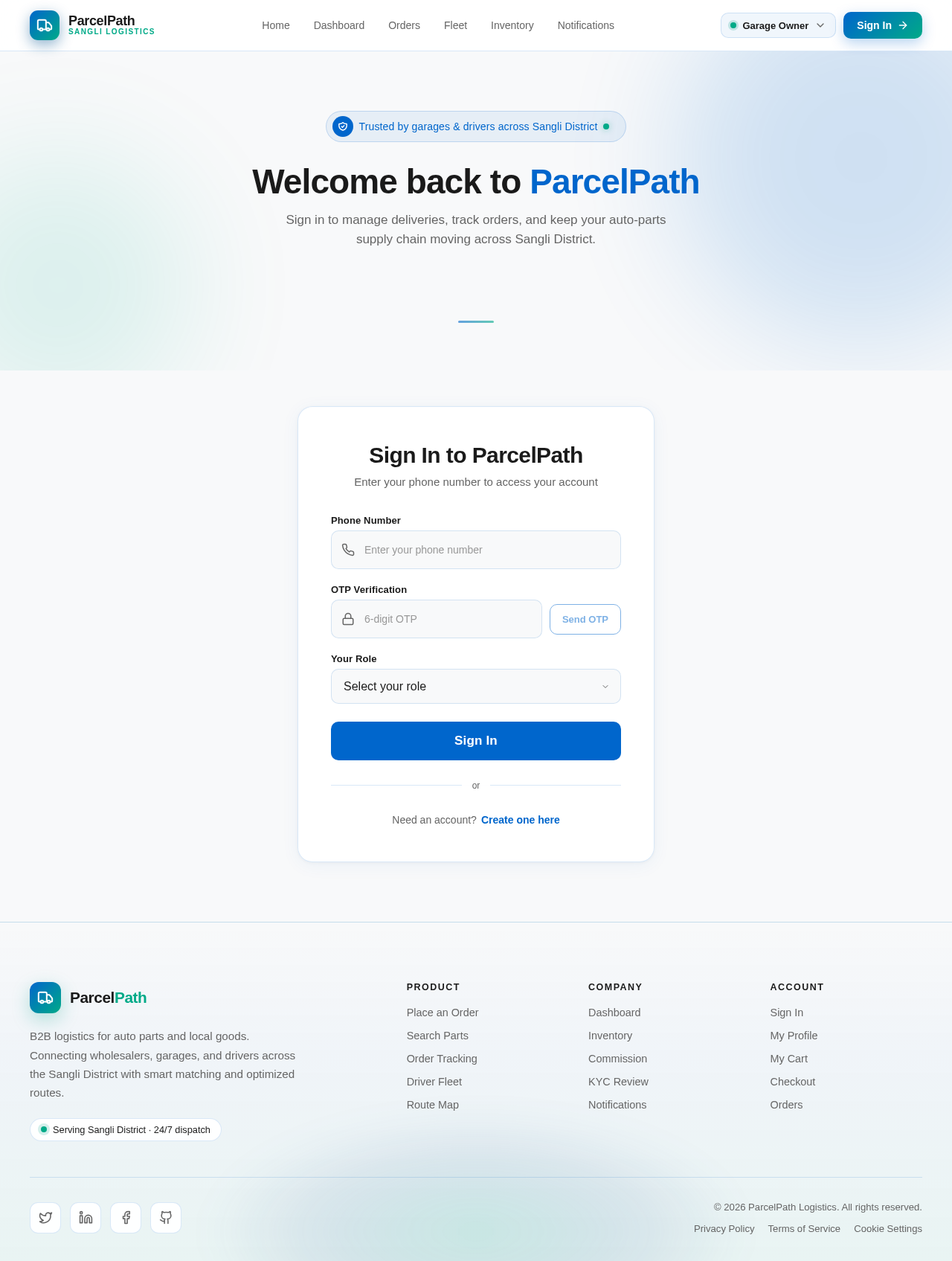
Welcome back to ParcelPath
Sign in to manage deliveries, track orders, and keep your auto-parts supply chain moving across Sangli District.
Sign In to ParcelPath
Enter your phone number to access your account
No comments yet. Be the first!