clearvoice-aac-communication
 Nebula Vibez
Build Clearvoice AAC as a faithful, accessible, mobile-first AAC communication web app, using the existing Clearvoice AAC (Test Demo) in Replit as the behavioral and content reference. This is a parallel implementation experiment; preserve the actual product, do not invent new clinical claims. Shared acceptance brief: provide a calm home screen with message composer, accessible word buttons and vocabulary tabs: Core (29 high-frequency choices including urgent help and stop), Quick Phrases (phrases are added for review before speaking), More (topic categories), and Spell (letter-by-letter composition). Support composing and undo/clear, speech synthesis with user-initiated Speak, and share/copy through device-native mechanisms where available. Make touch, keyboard, screen reader labels, focus, and responsive layouts first-class. Keep the honest notice: usability demo, not a clinical AAC device or substitute for individualized AAC assessment. Explain that the app does not store, monitor, or independently deliver messages. Phase one is local-only: no accounts, database, analytics, prediction, caregiver monitoring, external message delivery, or claims of personalized clinical suitability. Include settings and persistence only where supported by the reference; do not add unsupported data collection. Build a working first vertical slice, not just a marketing landing page. Start with the home communication journey, then provide a concise implementation plan, files/routes, and concrete gaps/assumptions. No deployment or public sharing. Use a single shared spec so the parallel v0 implementation can be compared against this one. Preserve clearvoice brand name.

Comments (0)
Sign in to leave a comment
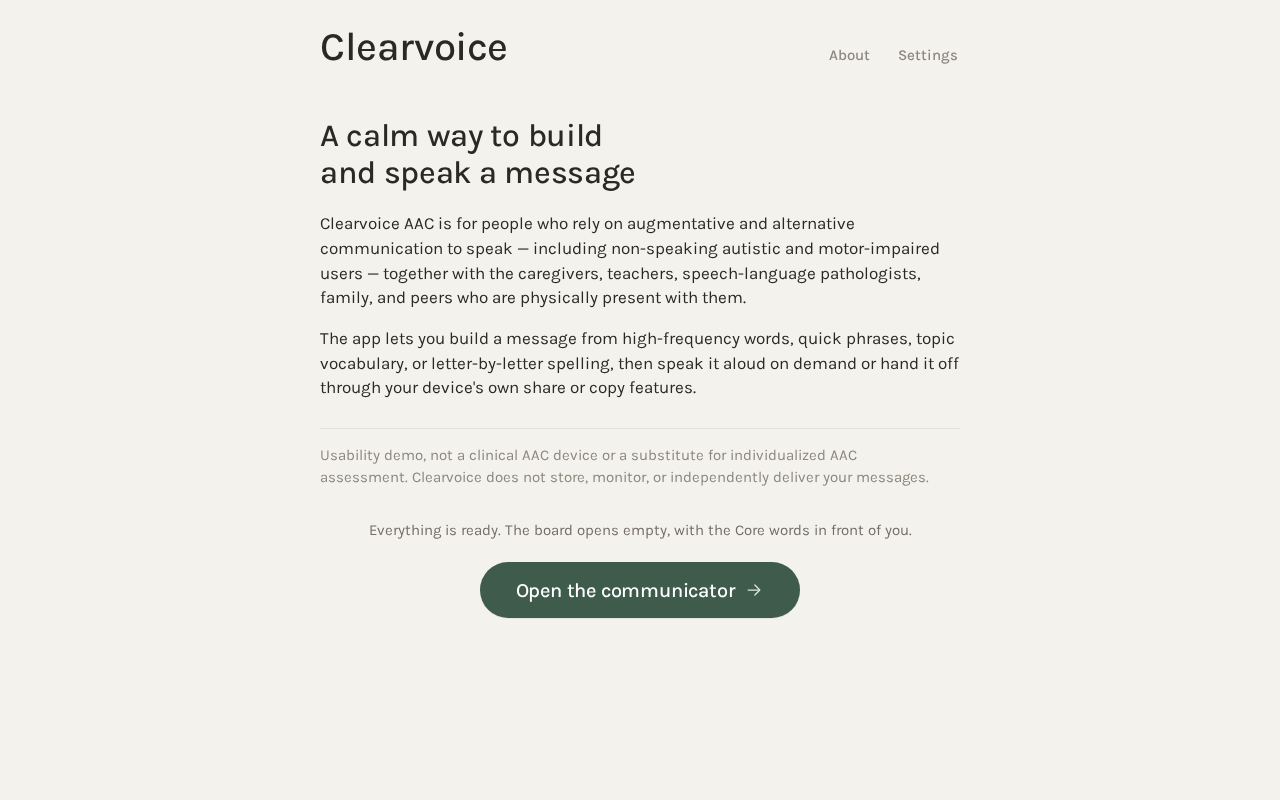
A calm way to build and speak a message
Clearvoice AAC is for people who rely on augmentative and alternative communication to speak — including non-speaking autistic and motor-impaired users — together with the caregivers, teachers, speech-language pathologists, family, and peers who are physically present with them.
The app lets you build a message from high-frequency words, quick phrases, topic vocabulary, or letter-by-letter spelling, then speak it aloud on demand or hand it off through your device's own share or copy features.
Usability demo, not a clinical AAC device or a substitute for individualized AAC assessment. Clearvoice does not store, monitor, or independently deliver your messages.
Everything is ready. The board opens empty, with the Core words in front of you.
Open the communicatorA calm way to build and speak a message
Clearvoice AAC is for people who rely on augmentative and alternative communication to speak — including non-speaking autistic and motor-impaired users — together with the caregivers, teachers, speech-language pathologists, family, and peers who are physically present with them.
The app lets you build a message from high-frequency words, quick phrases, topic vocabulary, or letter-by-letter spelling, then speak it aloud on demand or hand it off through your device's own share or copy features.
Usability demo, not a clinical AAC device or a substitute for individualized AAC assessment. Clearvoice does not store, monitor, or independently deliver your messages.
Everything is ready. The board opens empty, with the Core words in front of you.
Open the communicator
No comments yet. Be the first!