
chattare-linux

byP

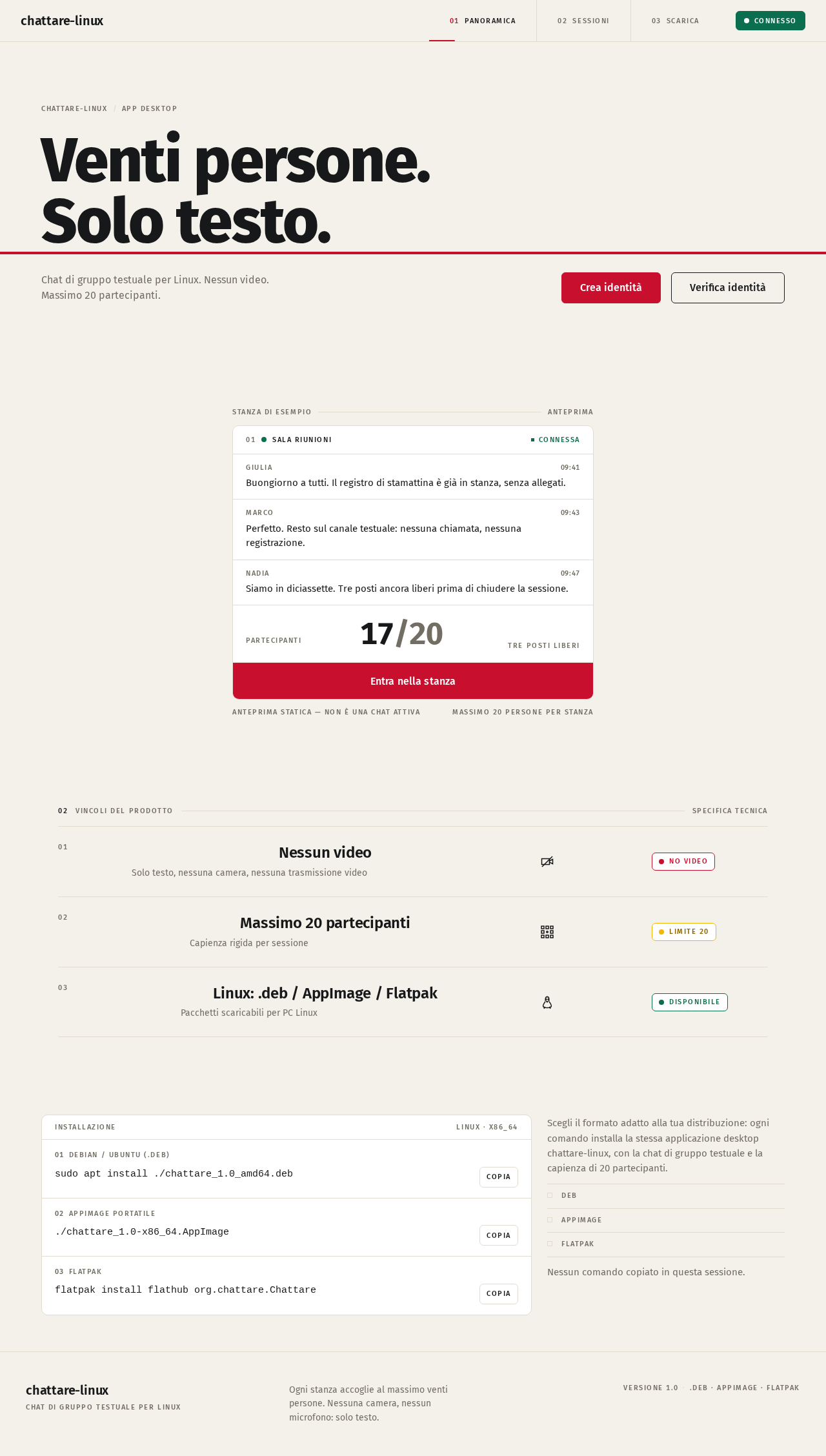
costruisci un programma simile a zomm che permetta a 20 persone di chattare senza video. Deve essere scaricaribel su pc linux

Landing
Landing

Comments (0)

No comments yet. Be the first!

Project Tasks

25 planning tasks
#1

Generate system requirement document

0m 40s0.1 cr used
Done
#2

Generate personas & user flows

0m 7s0.1 cr used
Done
#5

Architecture

0.1 cr needed
Backlog
#6

Workspace task plan

0.1 cr needed
Backlog
#7

Create flow for Partecipante alla chat

0m 5sCredits in parent
Done
#8

Create flow for Organizzatore della sessione

0m 5sCredits in parent
Done
#9

Landing

16m 39sCredits in subtasks
Done
#10

Sign Up

Credits in subtasks
Backlog
#11

Login

Credits in subtasks
Backlog
#12

Sessions

Credits in subtasks
Backlog
#13

New Session

Credits in subtasks
Backlog
#14

Join Session

Credits in subtasks
Backlog
#15

Chat

Credits in subtasks
Backlog
#16

Landing / Transit Header

0m 24s0.8 cr needed
Done
#17

Landing / Hero Band

0m 17s0.8 cr used
Done
#18

Landing / Room Panel

0m 21s0.8 cr used
Done
#19

Landing / Spec Table

0m 31s0.8 cr used
Done
#20

Landing / Install Terminal

0m 22s0.8 cr used
Done
#21

Transit Header

0m 20sCredits in parent
Done
#22

Footer

0m 10sCredits in parent
Done
#23

Landing / Footer

0m 13s0.8 cr needed
Done
#24

Landing / Transit Header

0m 20s0.8 cr used
Done
#25

Retry First Page

8m 30s0.2 cr used
Done
#26

Repair Landing JSX

1m 15s0.2 cr used
Done
#27

Repair Landing JSX

0m 53s0.2 cr used
Done
Landing design preview

Landing: Read product presentation

Landing: Copy install commands

Sign Up: Create app identity

Login: Verify identity

Sessions: 1. View created sessions

Sessions: 2. Retry list loading

Sessions: Open existing session

Sessions: Start new session

New Session: 1. Create and open session

New Session: 2. Correct and resubmit

New Session: Share session access

Chat: 1. Read messages

Chat: 2. Send message

Chat: View participant count and full stamp

Landing design preview

Landing: Read product presentation

Landing: Copy install commands

Sign Up: Create app identity

Login: Verify identity

Sessions: 1. View created sessions

Sessions: 2. Retry list loading

Sessions: Open existing session

Sessions: Start new session

New Session: 1. Create and open session

New Session: 2. Correct and resubmit

New Session: Share session access

Chat: 1. Read messages

Chat: 2. Send message

Chat: View participant count and full stamp