cedar-dashboard
 Shashank Rautkar
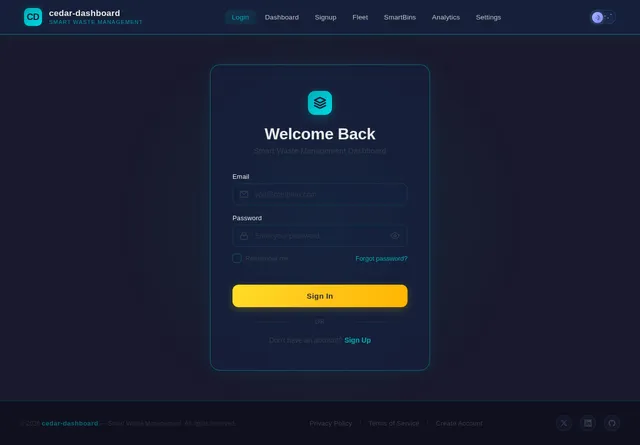
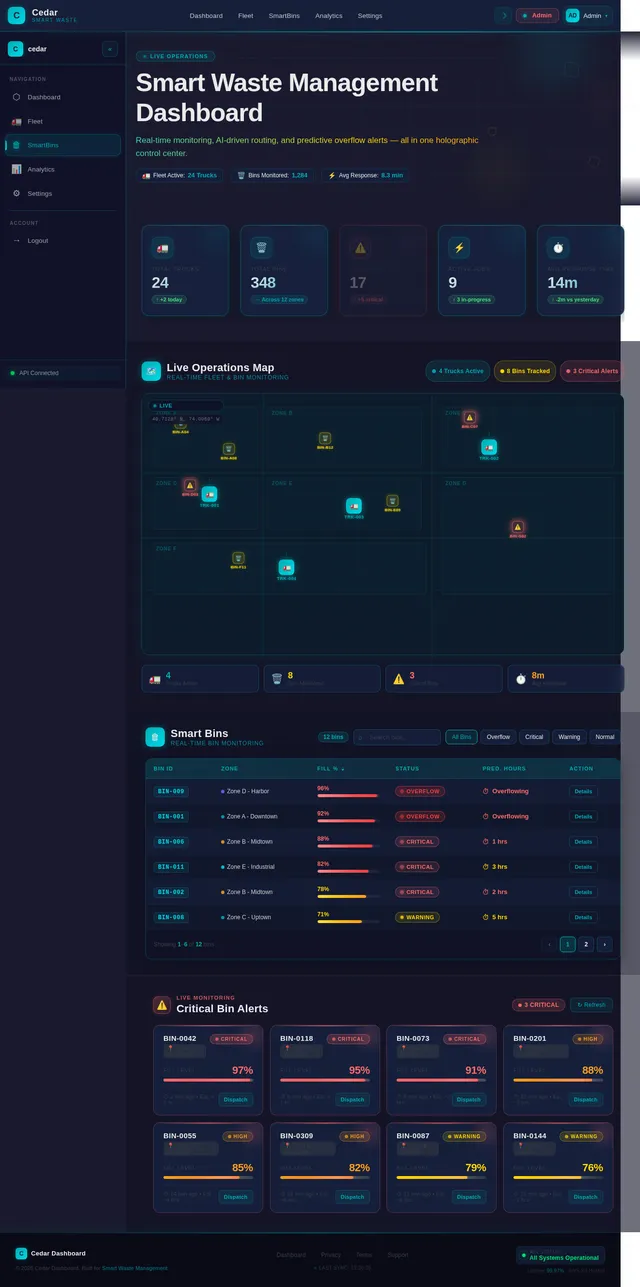
Build a premium production-ready frontend UI for my project named: DIGITAL TWIN Project Type: Smart Waste Management Dashboard with full backend integration. Tech Stack: React + Vite + Tailwind CSS + Framer Motion + Leaflet + Chart.js Deploy Target: AWS S3 Static Website Hosting (optimized build ready) Backend API: https://z29gy8hv2i.execute-api.ap-south-1.amazonaws.com/data Use GET + POST requests. Backend Response Parsing: const raw = await (await fetch(API)).json(); const parsed = raw.body ? JSON.parse(raw.body) : raw; const data = parsed.data ? parsed.data : parsed; Use: data.trucks || [] data.bins || [] data.alerts || data.bins || [] data.analytics || {} Create a modern futuristic Digital Twin control dashboard. UI Theme: Dark glassmorphism Neon accents Smooth animations Enterprise quality Fully responsive desktop/mobile Pages: 1 Dashboard 2 Fleet 3 Smart Bins 4 Analytics 5 Settings Top Navbar: DIGITAL TWIN logo Live clock Theme toggle Profile menu Logout Sidebar: Animated icons + page navigation Login / Signup: Modern auth UI using localStorage Remember login session Dashboard Features: KPI Cards: - Total Trucks - Total Bins - Overflow Bins - Active Jobs - Avg Response Time Live Map: Use browser geolocation for user location Fallback Pune India Leaflet Map: - Animated truck markers - Truck movement smooth transitions - Bin markers: red = critical yellow = warning green = normal - Pulse effect on critical bins - Animated route lines nearest truck to critical bin - User live location marker - Popups with full details Fleet Table: Truck ID Driver Status ETA Load % Bins Table: Bin ID Zone Fill % Status Predicted Hours Alerts Panel: Readable cards only Bin ID Zone Fill % Priority Time Charts: Bar chart zone fill % Doughnut status split Line chart overflow history Buttons: Refresh Data -> GET Demo Overflow -> POST {"action":"demo_run"} Cleanup Reset -> POST {"action":"full_cleanup"} Add Critical Bin -> POST random critical bin Theme Toggle POST Helper: fetch(API,{ method:"POST", headers:{"Content-Type":"application/json"}, body:JSON.stringify(payload) }) AI Widgets: Nearest truck recommendation Dispatch priority list Predicted fill alerts Extra UI: Loading screen Toast notifications Count-up KPI animation Hover glow effects Smooth page transitions Styled scrollbar Rules: No dummy data No console errors No broken buttons Auto refresh every 5 sec Production clean code Output: Complete frontend codebase ready for npm install, npm run build, upload dist folder to AWS S3 static hosting.

Comments (0)
Sign in to leave a comment
No comments yet. Be the first!