cantalk
 Aarya Gaur (Shani)
Eye optical care billing app


Comments (0)
Sign in to leave a comment
System Requirements
System Requirements Document for cantalk
1. Introduction
Cantalk is an eye optical care billing application designed specifically for staff at optical centers. The primary purpose of the application is to facilitate efficient billing workflows within optical care settings, ensuring that staff can manage billing records effectively and securely.
2. System Overview
Cantalk is delivered as a custom UI application with app-owned identity, ensuring secure access for optical center staff. The application focuses on billing workflows, providing a structured and efficient interface for managing billing records. Access is strictly limited to staff, with no customer access permitted.
2a. Product Interpretation and Delivery Boundary
Cantalk is a staff-centric application, with access restricted to optical center staff. The application requires staff to establish their identity before accessing protected billing functionalities. The system is designed to support billing workflows, with no provisions for customer interactions or access. The application is built with a focus on functional clarity, following the design principles of Dieter Rams.
2b. Source Content Inventory
Not applicable as there is no explicit content_source directive.
2c. Page Content and Component Coverage
Landing
- Purpose: Introduce the application, its audience, and its billing focus.
- Components:
- Introduction to the app and its purpose.
- Explanation of the staff-only access policy.
- Link to the Login page.
Login
- Purpose: Allow staff to verify their identity and access the application.
- Components:
- Username and password fields.
- Login button.
- Error messages for failed login attempts.
- Link to password recovery.
Dashboard
- Purpose: Serve as the central hub for billing activities.
- Components:
- Summary of recent billing activities.
- Navigation to Billing Records and Billing pages.
- Alerts and notifications for pending tasks.
Billing Records
- Purpose: Provide access to completed and in-progress billing records.
- Components:
- List of billing records with search and filter options.
- Details view for individual records.
- Navigation controls for browsing records.
Billing
- Purpose: Workspace for creating, updating, and completing billing records.
- Components:
- Form for entering billing details.
- Options to save, update, or finalize billing records.
- Error handling for invalid inputs.
3. Functional Requirements
- As an Optical Centre Staff, I should be able to log in to the application to access billing records and workflows. (Provenance: required_inference)
- As an Optical Centre Staff, I should be able to view a dashboard summarizing billing activities. (Provenance: required_inference)
- As an Optical Centre Staff, I should be able to browse and review billing records to manage completed and in-progress records. (Provenance: required_inference)
- As an Optical Centre Staff, I should be able to create, update, and complete billing records to ensure accurate billing processes. (Provenance: required_inference)
4. User Personas
- Optical Centre Staff: The primary users responsible for managing billing workflows within the optical center. They are responsible for logging into the application, accessing the dashboard, reviewing billing records, and completing billing tasks.
5. Core User Flows
-
Login Flow:
- Trigger: Staff opens the application.
- Steps:
- Navigate to the Login page.
- Enter username and password.
- Click the Login button.
- If credentials are correct, access the Dashboard.
- If credentials are incorrect, display an error message.
- Outcome: Staff gains access to the application.
-
Dashboard Navigation:
- Trigger: Successful login.
- Steps:
- View summary of billing activities.
- Choose to navigate to Billing Records or Billing page.
- Outcome: Staff can access detailed billing functionalities.
-
Billing Records Management:
- Trigger: Staff selects Billing Records from the Dashboard.
- Steps:
- Browse list of billing records.
- Use search and filter options to find specific records.
- View details of selected billing records.
- Outcome: Staff can review and manage billing records.
-
Billing Workflow:
- Trigger: Staff selects Billing from the Dashboard.
- Steps:
- Enter billing details in the provided form.
- Save or update billing records as needed.
- Finalize billing records to complete the process.
- Outcome: Accurate and complete billing records are maintained.
6. Visuals Colors and Theme
- Muse: Dieter Rams
- Palette:
- Background: #F7F7F7
- Surface: #FFFFFF
- Text: #000000
- Primary: #FFA500
- Accent: #FF5722
- Muted: #BDBDBD
- Typography:
- Headings: Source Sans Pro — Medium weight, small caps
- Body: Roboto Condensed
- Scale: 1.25 modular, 48/32/24/18/16
- Shape Language: Rounded-rectangle controls, aligned label/value pairs, modular grid
- Layout: Strict grid with ruled panels
- Imagery: Diagrammatic line art and product silhouettes
7. Signature Design Concept
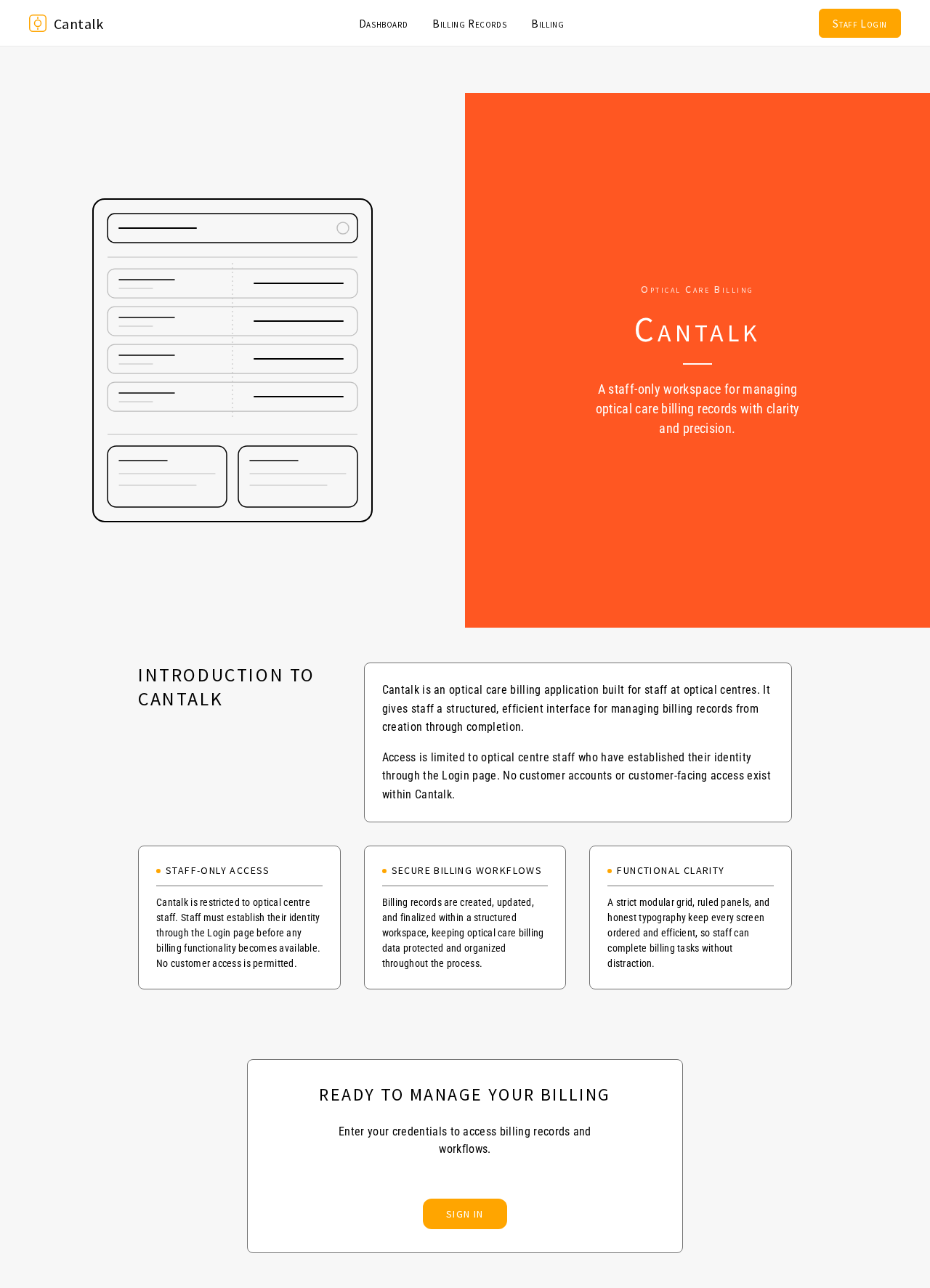
The public entry page features a split-screen login hero. One side showcases a macro detail of the billing interface, perfectly lit on a warm grey background. The other side features a vibrant orange accent panel with login inputs, emphasizing the application's focus on functional clarity and efficient billing processes.
8. Interaction Model & Motion Direction
- Interaction Model: Static
- Motion Tempo: Restrained
- Hero Dimensionality: Flat
- Landing Hero Motion Brief: The login hero features a composed macro detail of the billing interface, with instant mechanical feedback on login inputs. The orange accent panel provides a focal point, ensuring clarity and focus on the login process.
9. Non-Functional Requirements
- Security: Ensure secure authentication and data protection for billing records.
- Performance: The application must provide instant feedback and quick navigation between pages.
- Usability: The interface must be intuitive, following the principles of functional clarity.
10. Tech Stack
- Frontend: React
- Backend: Python/FastAPI
- Storage: Appropriate database for billing records
- Deployment: Docker/docker-compose
11. Assumptions and Constraints
- Assumption: Only optical center staff will use the application.
- Constraint: Access is limited to staff; customers do not have access.
12. Glossary
- Optical Centre Staff: Employees responsible for managing billing processes within an optical center.
- Billing Records: Documents detailing the billing transactions for optical care services.
Optical Care Billing
Cantalk
A staff-only workspace for managing optical care billing records with clarity and precision.
Introduction to Cantalk
Cantalk is an optical care billing application built for staff at optical centres. It gives staff a structured, efficient interface for managing billing records from creation through completion.
Access is limited to optical centre staff who have established their identity through the Login page. No customer accounts or customer-facing access exist within Cantalk.
Staff-Only Access
Cantalk is restricted to optical centre staff. Staff must establish their identity through the Login page before any billing functionality becomes available. No customer access is permitted.
Secure Billing Workflows
Billing records are created, updated, and finalized within a structured workspace, keeping optical care billing data protected and organized throughout the process.
Functional Clarity
A strict modular grid, ruled panels, and honest typography keep every screen ordered and efficient, so staff can complete billing tasks without distraction.
Optical Care Billing
Cantalk
A staff-only workspace for managing optical care billing records with clarity and precision.
Introduction to Cantalk
Cantalk is an optical care billing application built for staff at optical centres. It gives staff a structured, efficient interface for managing billing records from creation through completion.
Access is limited to optical centre staff who have established their identity through the Login page. No customer accounts or customer-facing access exist within Cantalk.
Staff-Only Access
Cantalk is restricted to optical centre staff. Staff must establish their identity through the Login page before any billing functionality becomes available. No customer access is permitted.
Secure Billing Workflows
Billing records are created, updated, and finalized within a structured workspace, keeping optical care billing data protected and organized throughout the process.
Functional Clarity
A strict modular grid, ruled panels, and honest typography keep every screen ordered and efficient, so staff can complete billing tasks without distraction.
No comments yet. Be the first!