

Seasonal roast
This season, the beans
Freshly roasted small lots, chosen for this time of year and rested until they taste just right. Browse the beans to find the roast for your morning.
 Harshil Vaja
# Project: Brew & Bean – Premium Coffee Shop Website Create a premium, modern, visually attractive, fully responsive coffee shop website named "Brew & Bean". Focus exclusively on UI/UX design. ## Design Requirements 1. Use an elegant coffee-inspired theme with espresso brown, beige, cream, caramel, and white colors. 2. Use premium typography, realistic coffee photography, beautiful layouts, and consistent visual styling. ## Website Pages 3. **Home:** Hero banner, coffee imagery, brand introduction, featured collections, bestsellers, testimonials, and promotional banners. 4. **Shop:** Product grid, coffee categories, search, filters, sorting, product ratings, prices, and Add to Cart buttons. 5. **Product Details:** Large product images, thumbnails, descriptions, prices, size selection, quantity selector, tasting notes, and related products. 6. **About Us:** Brand story, coffee sourcing, roasting process, quality commitment, and team introduction. 7. **Our Menu:** Espresso, Cappuccino, Latte, Americano, Mocha, Cold Brew, and specialty drinks with images and prices. 8. **Our Locations:** Cafe branches, attractive location cards, addresses, opening hours, and map placeholders. 9. **Contact Us:** Contact information, business hours, social media links, and an elegant inquiry form. 10. **Shopping Cart:** Product images, quantities, prices, remove options, subtotal, total, and checkout button. ## Shared Components 11. Create a consistent header with logo, navigation, search, account, and shopping cart icons. 12. Design a premium footer with navigation links, contact details, social media, and newsletter subscription. 13. Use attractive buttons, product cards, badges, icons, and consistent spacing. 14. Connect all 8 pages through intuitive and consistent navigation. ## Visual Experience 15. Use high-quality, realistic coffee, cafe, and product photography. 16. Add subtle hover effects, smooth transitions, and elegant scrolling animations. 17. Maintain excellent typography, alignment, visual hierarchy, and whitespace. 18. Ensure responsive layouts for desktop, tablet, and mobile screens. 19. Avoid generic templates, cluttered layouts, excessive gradients, and inconsistent designs. 20. Deliver a polished, cohesive, premium coffee shop website with all 8 pages and a professional user experience.


Sign in to leave a comment
Search the shop
Results open on the Shop page.
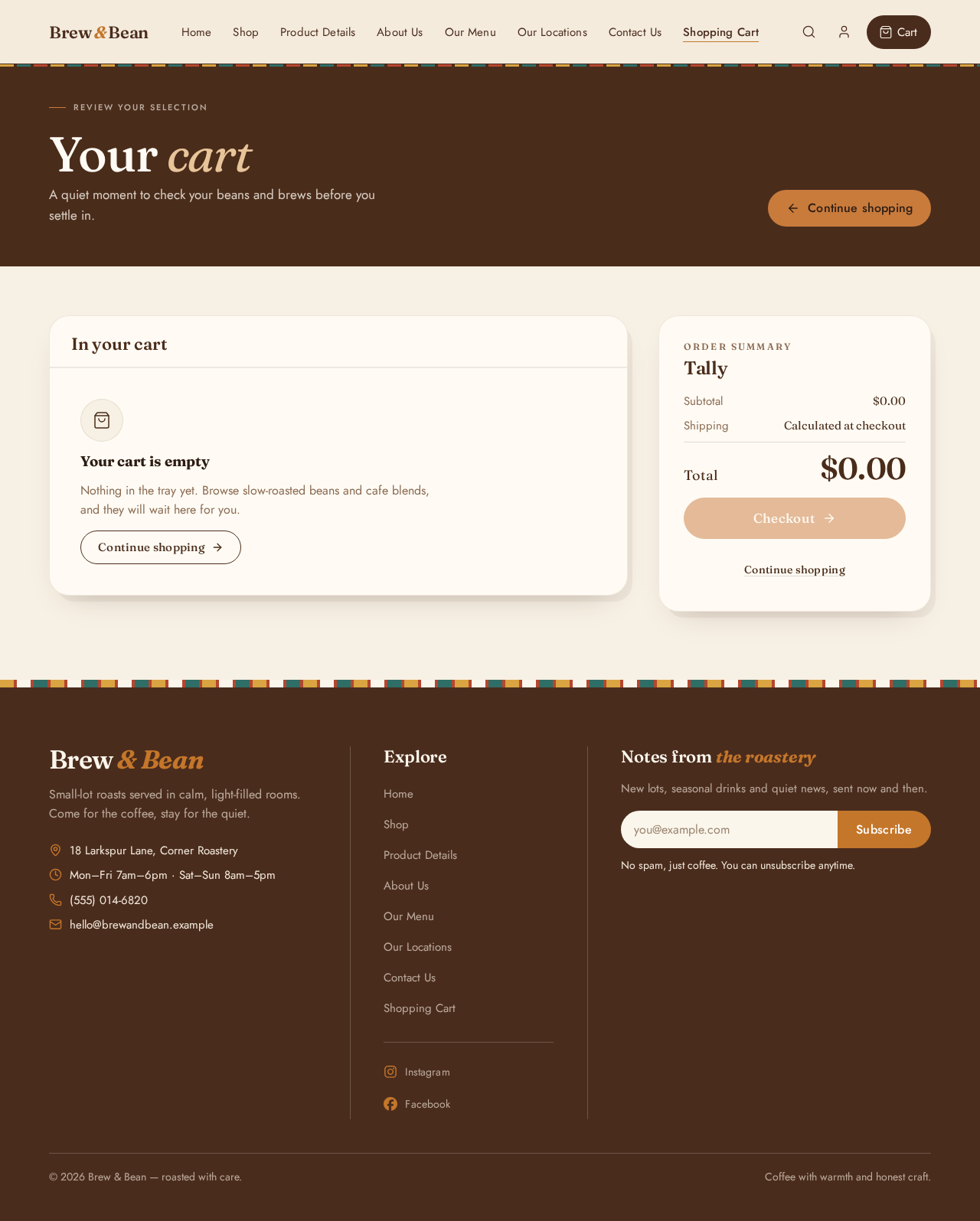
Review your selection
A quiet moment to check your beans and brews before you settle in.
Nothing in the tray yet. Browse slow-roasted beans and cafe blends, and they will wait here for you.
Continue shopping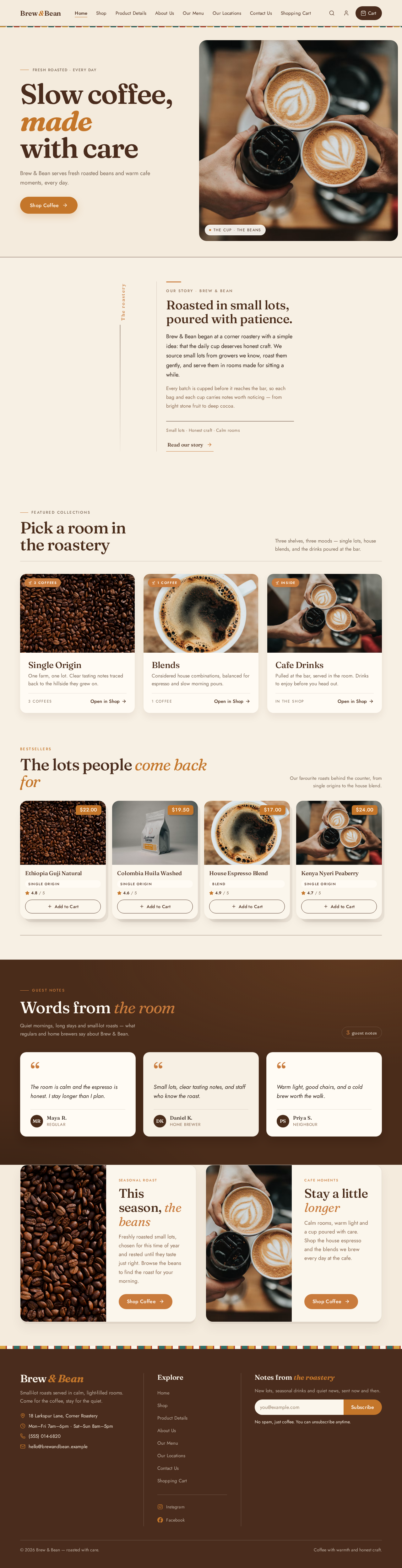
Search the shop
Results open on the Shop page.
Fresh roasted · every day
Brew & Bean serves fresh roasted beans and warm cafe moments, every day.

The hero photograph is unavailable right now — the cream ground holds its place.
Our story Brew & Bean
Brew & Bean began at a corner roastery with a simple idea: that the daily cup deserves honest craft. We source small lots from growers we know, roast them gently, and serve them in rooms made for sitting a while.
Every batch is cupped before it reaches the bar, so each bag and each cup carries notes worth noticing — from bright stone fruit to deep cocoa.
Small lots · Honest craft · Calm rooms
Read our storyFeatured collections
Three shelves, three moods — single lots, house blends, and the drinks poured at the bar.
One farm, one lot. Clear tasting notes traced back to the hillside they grew on.

Considered house combinations, balanced for espresso and slow morning pours.

Pulled at the bar, served in the room. Drinks to enjoy before you head out.
Bestsellers
Our favourite roasts behind the counter, from single origins to the house blend.
Guest notes
Quiet mornings, long stays and small-lot roasts — what regulars and home brewers say about Brew & Bean.
3guest notes
The room is calm and the espresso is honest. I stay longer than I plan.
Small lots, clear tasting notes, and staff who know the roast.
Warm light, good chairs, and a cold brew worth the walk.
Seasonal roast
Freshly roasted small lots, chosen for this time of year and rested until they taste just right. Browse the beans to find the roast for your morning.
Cafe moments
Calm rooms, warm light and a cup poured with care. Shop the house espresso and the blends we brew every day at the cafe.
No comments yet. Be the first!