agile-microservices
 Maulik Patel
March Scope of Work for FXIS.AI Intro: We are planning to add 3 microservices in our Kubernetes cluster hosted on Vultr that can perform the following tasks: Generate thumbnail for every file uploaded Generate face rec. embedding for every file uploaded Architecture: Note: We can also decide to go with a single microservice for this task if needed. The idea of keeping 2 separate pods for each is that multiple users could also be uploading hundreds or even thousands of photos at times. Although these photos are uploaded sequentially at a per user level, yet we can have multiple users uploading parallelly, and considering the execution time, there could be multiple requests queued parallelly. Keeping 1 or 2 microservices require planning accordingly. Thumbnail Generation Job: Currently we have 2 lambda functions that perform this task. Lambda 1 takes care of following tasks: Downloading the newly uploaded image from B2 Generating it’s thumbnail using Sharp package in Node.js Uploading the thumbnail back to B2 Upon successful execution of Lambda 1, it also invokes Lambda 2 that updates the db about the storage, photo_count, and other necessary changes that our application requires. In the microservice, we simply need to perform the tasks of Lambda 1, and for db operations we can continue to use Lambda 2 since it would have access to our db, while our k8s cluster does not. Refer the Lambda function “r2-object-thumb-test” for referring the lambda function logic as reference. Embedding generation job: This microservice would be triggered from the thumbnail job itself since it uses the same image (payload). We need to use the exact same model and parameters as we use in prod_batch_embed to generate the embeddings for each image that is passed through this. Similar to the step function, we can use the lambda function for making the db update since that is in the same VPC and subnet as the prod db and has access to it, unlike Vultr server. One key difference in running this microservice would be that prod_batch_embed lambda function runs indexing on a batch of 50 photos, but here it would be run for 1 photo at a time. Therefore performance must be optimized in this to minimize the delay as much as possible. Queries from a UX perspective: Refer our current architecture for upload: Yellow blocks denote Lambda function Due to this architecture, after the upload of even 10k photos, user has to wait only a few seconds (<10s) before the thumbnails of uploaded images are shown at FE. For those 10 seconds, we show a loader saying “Processing your photos” so the user knows some processing is going on. The status “Processing” is currently deduced by FE based on the status of the 20 lambda calls in the last iteration of upload. But since we will be doing this thumbnail generation in Vultr going forward, how can we show the realtime status of this "Processing” at the front-end so the user is informed? Also, how can we do the same for the ai indexing since processing for that might again take some extra time so we would like to show some message such as “indexing with ai” until that processing is complete. Testing Criteria for UAT: Functionality testing complete (No Load Scenario) - For every photo that is uploaded via application, using B2 event notification both thumbnail and embedding generation job must be triggered (whether in parallel or sequential can be decided). Both the jobs should run successfully generating thumbnail and embedding. Need to minimize the time as much as possible. Load Testing - For 5 users uploading 2k photos in parallel, need to test how long is the thumbnail and embedding generation taking at a per user level once their upload is completed.






Comments (0)
Sign in to leave a comment
Architecture
No Services Diagrams Yet

Your Images, Processed at Galactic Speed
Two purpose-built microservices working in concert — auto-generating optimized thumbnails in under 300ms and producing face recognition embeddings in ~500ms. Real-time status polling keeps you informed every step of the way.
Explore the Galaxy of Features
Each star represents a capability of agile-microservices. Hover to discover, click to explore.
Two Microservices. One Seamless Pipeline.
Purpose-built services working in concert to transform your raw uploads into searchable, optimized assets.
Thumbnail Generation
Auto-generates optimized thumbnails within 300ms per image. Resized, compressed, and ready for instant gallery display across every device.
Learn MoreFrom Upload to Galaxy in Seconds
Five steps. Zero friction. Galactic speed.
Select and upload your images through our intuitive drag-and-drop interface. Multiple file formats supported with parallel batch uploads.
Both microservices kick in instantly. Thumbnail generation begins in under 300ms while face embedding extraction runs in parallel.
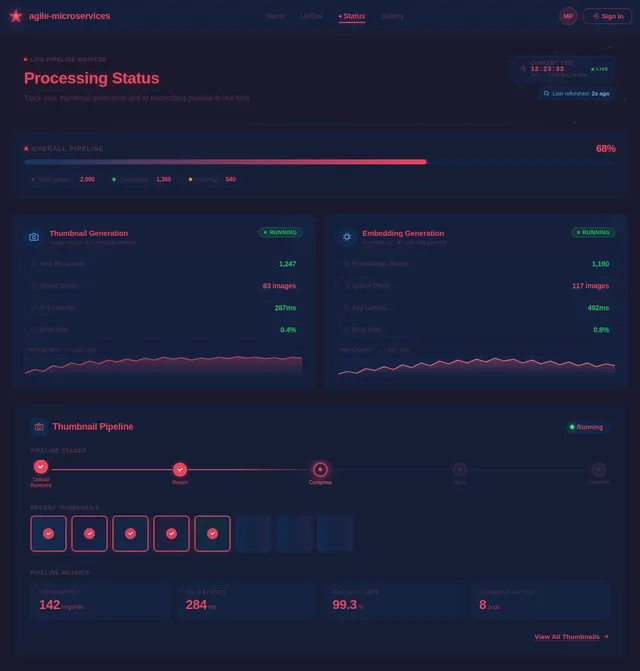
API-based polling delivers live status updates to your dashboard. Watch processing progress in real time with no page refreshes needed.
Face recognition embeddings are generated and indexed. Each image is enriched with intelligent metadata powered by our AI pipeline.
Explore your fully processed image gallery with thumbnails, face embeddings, and intelligent search all ready to go.
Performance at a Glance
Technology Stack
Powered by a Modern Galaxy of Tools
Enhanced with next-gen AI integrations — GPT 5.2 and Claude 4.5 power intelligent image analysis and embedding pipelines.
Your Gallery, Illuminated
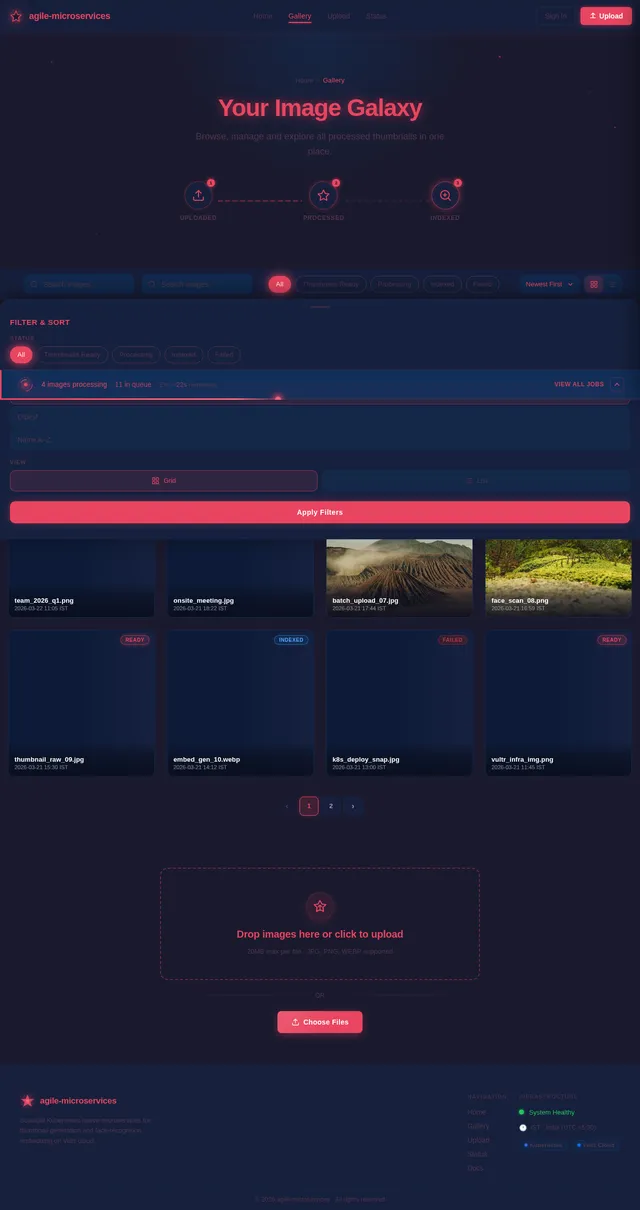
Every uploaded image is automatically thumbnailed and indexed with face-recognition embeddings — browse the results in real time.
Ready to Launch?
Start uploading images and watch your microservices process them at the speed of light. Thumbnail generation in under 300ms, face recognition embeddings in ~500ms — all orchestrated on Kubernetes.
No comments yet. Be the first!