SHA256-Magic
 Lance Marchetti
My project involves hashing a file and then locking the hash to the file by deleting the characters in the binary according to their column position sequence found in the hash string. Once the coordinate key is generated, we can then recall the characters from the hash string to populate their positions again in the binary file.


Comments (0)
Sign in to leave a comment
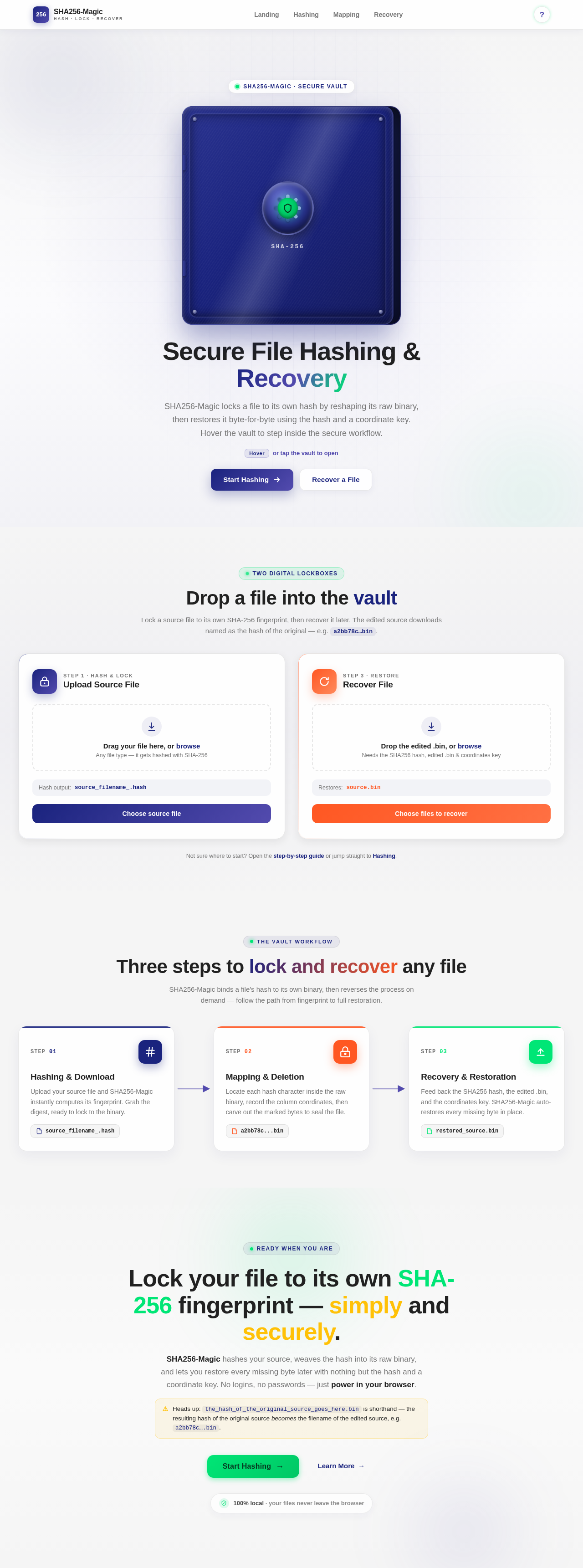
Secure File Hashing & Recovery
SHA256-Magic locks a file to its own hash by reshaping its raw binary, then restores it byte-for-byte using the hash and a coordinate key. Hover the vault to step inside the secure workflow.
Hoveror tap the vault to openDrop a file into the vault
Lock a source file to its own SHA-256 fingerprint, then recover it later. The edited source downloads named as the hash of the original — e.g. a2bb78c…bin.
source_filename_.hashsource.binNot sure where to start? Open the step-by-step guide or jump straight to Hashing.
Three steps to lock and recover any file
SHA256-Magic binds a file's hash to its own binary, then reverses the process on demand — follow the path from fingerprint to full restoration.
Hashing & Download
Upload your source file and SHA256-Magic instantly computes its fingerprint. Grab the digest, ready to lock to the binary.
source_filename_.hashMapping & Deletion
Locate each hash character inside the raw binary, record the column coordinates, then carve out the marked bytes to seal the file.
a2bb78c...binRecovery & Restoration
Feed back the SHA256 hash, the edited .bin, and the coordinates key. SHA256-Magic auto-restores every missing byte in place.
restored_source.binLock your file to its own SHA-256 fingerprint — simply and securely.
SHA256-Magic hashes your source, weaves the hash into its raw binary, and lets you restore every missing byte later with nothing but the hash and a coordinate key. No logins, no passwords — just power in your browser.
the_hash_of_the_original_source_goes_here.bin is shorthand — the resulting hash of the original source becomes the filename of the edited source, e.g. a2bb78c….bin.
No comments yet. Be the first!