PackFlow
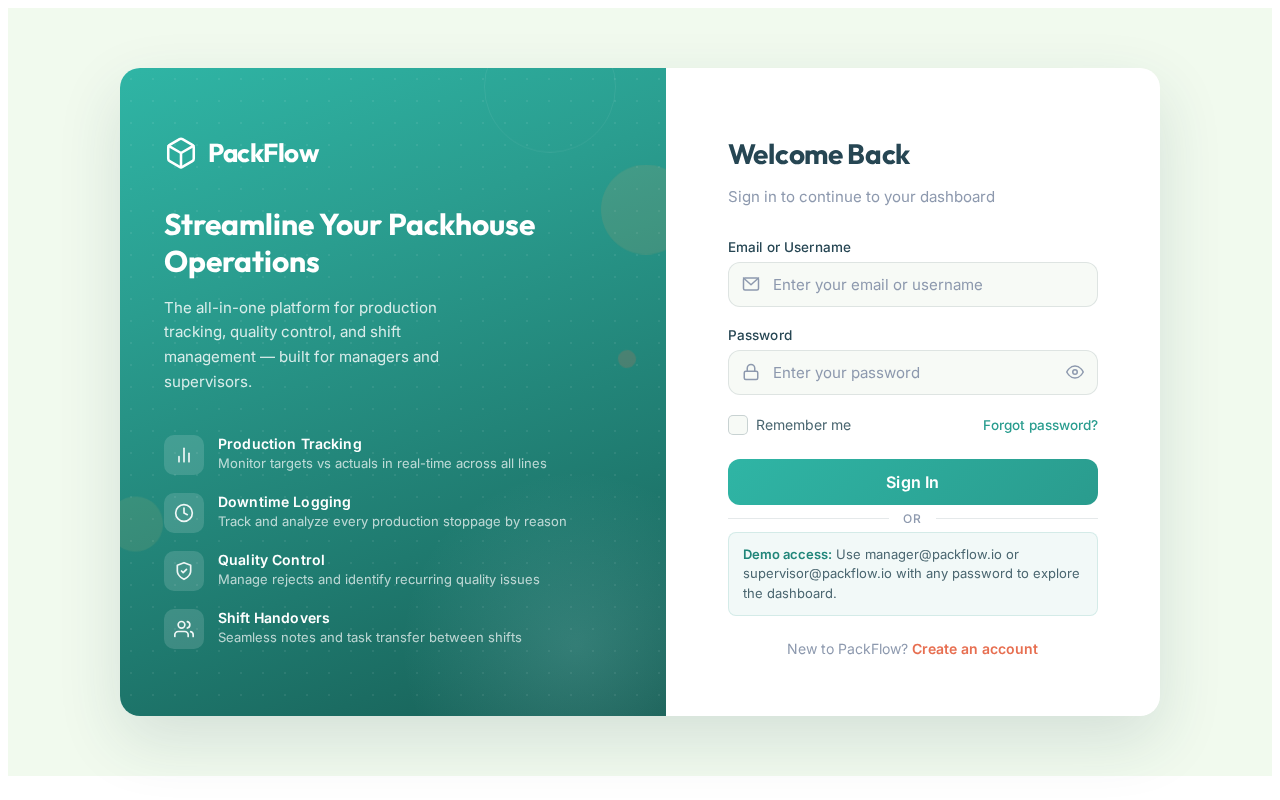
Welcome Back
Sign in to continue to your dashboard
or
Demo access: Use manager@packflow.io or supervisor@packflow.io with any password to explore the dashboard.
New to PackFlow? Create an account
 Nathan Johannes
Build an MVP web application called "PackFlow" — a simple Packhouse Operations Management System. The goal is to create a working prototype that solves the biggest daily operational problems in a packhouse. Keep the first version simple, functional, and easy to demonstrate to a real packhouse manager. Do NOT build unnecessary advanced features yet. Focus on the core MVP features. Core MVP Features: 1. User Login - Simple login system - Roles: - Manager - Supervisor - Basic permissions 2. Daily Production Tracking Create a form to capture: - Date - Shift - Product/variety - Production line - Target quantity - Actual quantity packed - Hours worked Automatically calculate: - Achievement % - Production difference 3. Operations Dashboard Show: - Today's target vs actual production - Production by line - Daily performance percentage - Recent production entries Use simple charts. 4. Downtime Tracking Create a simple downtime log: - Date - Production line - Duration - Reason - Notes Dashboard should show: - Total downtime - Most common downtime reasons 5. Quality Issues Log Create a simple quality tracking form: - Product - Issue type - Quantity rejected - Notes Show: - Total rejects - Main problems 6. Daily Shift Handover Allow supervisors to add: - Problems - Notes - Tasks for next shift 7. Reports Create simple exportable reports: - Production report - Downtime report - Quality report Export to Excel. Design: - Professional industrial dashboard - Simple tablet-friendly interface - Large clear buttons - Easy for workers and supervisors to use Technical: - Use a database - Include sample demo data - Make the app functional end-to-end - Build it as a foundation that can later be expanded into a full SaaS product Prioritize: 1. Working features 2. Clean UI 3. Simple user experience 4. Scalability later


Sign in to leave a comment
The PackFlow-app is a web application designed to serve as a simple Packhouse Operations Management System. The primary goal is to develop a Minimum Viable Product (MVP) that addresses the most significant daily operational challenges faced by packhouses. The application aims to be simple, functional, and easy to demonstrate to a real packhouse manager, with a focus on core features essential for daily operations.
PackFlow-app is intended to streamline packhouse operations by providing tools for production tracking, downtime logging, quality issue management, and shift handovers. The application will support multiple user roles, including managers and supervisors, and will be designed to accommodate various countries and metrics. It will be a subscription-based service, allowing multiple farms to use the system with secure login credentials. The app will be scalable, ensuring long-term stability and ease of use.
The PackFlow-app will feature an interactive "Production Line Journey" on the homepage. Users will navigate through a virtual production line, where each station represents a core feature of the app. As users hover over each station, animations will reveal detailed information and statistics, creating an engaging and informative experience. This concept will utilize @react-three/fiber for 3D interactions and framer-motion for smooth animations, providing an immersive introduction to the app's capabilities.
The landing page will employ a "parallax" interaction model, creating a sense of depth as users scroll through layered content. Each section will feature a unique interactive element, such as kinetic typography or scroll-triggered animations, to maintain user engagement. Internal pages will prioritize a "static" model for clarity and ease of use, focusing on data presentation and user input.
Sign in to continue to your dashboard
New to PackFlow? Create an account
No comments yet. Be the first!