Starter Plan
Monthly₹499/month
This offer is a mockup and integration ready. The Subscribe Now control opens a placeholder Razorpay payment gateway URL. No payment, entitlement or billing lifecycle is created.
Placeholder gateway · mockup offer
 Harsh Jay Kumar
Build a clean, modern, and fully functional Micro-SaaS web application called "ReviewReply AI" designed for local business owners (like cafes, salons, clinics, and gyms) to instantly generate professional, polite, and de-escalating replies to customer reviews. ### Tech Stack & Design Requirements: - Modern, minimalist UI using Tailwind CSS (clean white/slate theme with primary accent color like indigo or emerald). - Responsive design that works seamlessly on both mobile phones and desktops. - Fast loading speed with smooth micro-interactions (loading spinners, toast notifications). ### Core Features to Implement: 1. User Authentication (Simple Email/Password Login & Sign up using Supabase or local state). 2. Dashboard View: - A clean input textarea where the business owner can paste a customer review. - A dropdown menu to select the "Tone of Reply": * Professional & Polite (Standard) * Friendly & Casual (For cafes/salons) * Apologetic / De-escalation (For negative 1-star or 2-star reviews) * Hinglish / Local Style (Engaging and warm) - A prominent "Generate AI Reply" button. 3. AI Processing Area: - Connect securely via backend API to OpenAI (GPT-4o-mini or GPT-3.5-turbo). - System Prompt instruction for the AI: "You are an expert customer service manager for local businesses. Write a short, engaging, and culturally appropriate reply to the customer review provided, using the selected tone. Keep it ready to copy-paste directly to Google Maps or Instagram." 4. Output & Actions: - Display the generated reply clearly in a dedicated box. - "Copy to Clipboard" button with a success toast notification ("Copied!"). - "Send via WhatsApp" quick-action button that formats the text into a WhatsApp share link. 5. Subscription / Pricing Section (Mockup / Integration ready): - A simple pricing card display: "Starter Plan - ₹499/month" with a "Subscribe Now" button linked to a placeholder payment gateway URL (Razorpay). Ensure the code is well-structured, modular, and ready to deploy immediately with proper error handling for empty inputs or API timeouts.


Sign in to leave a comment
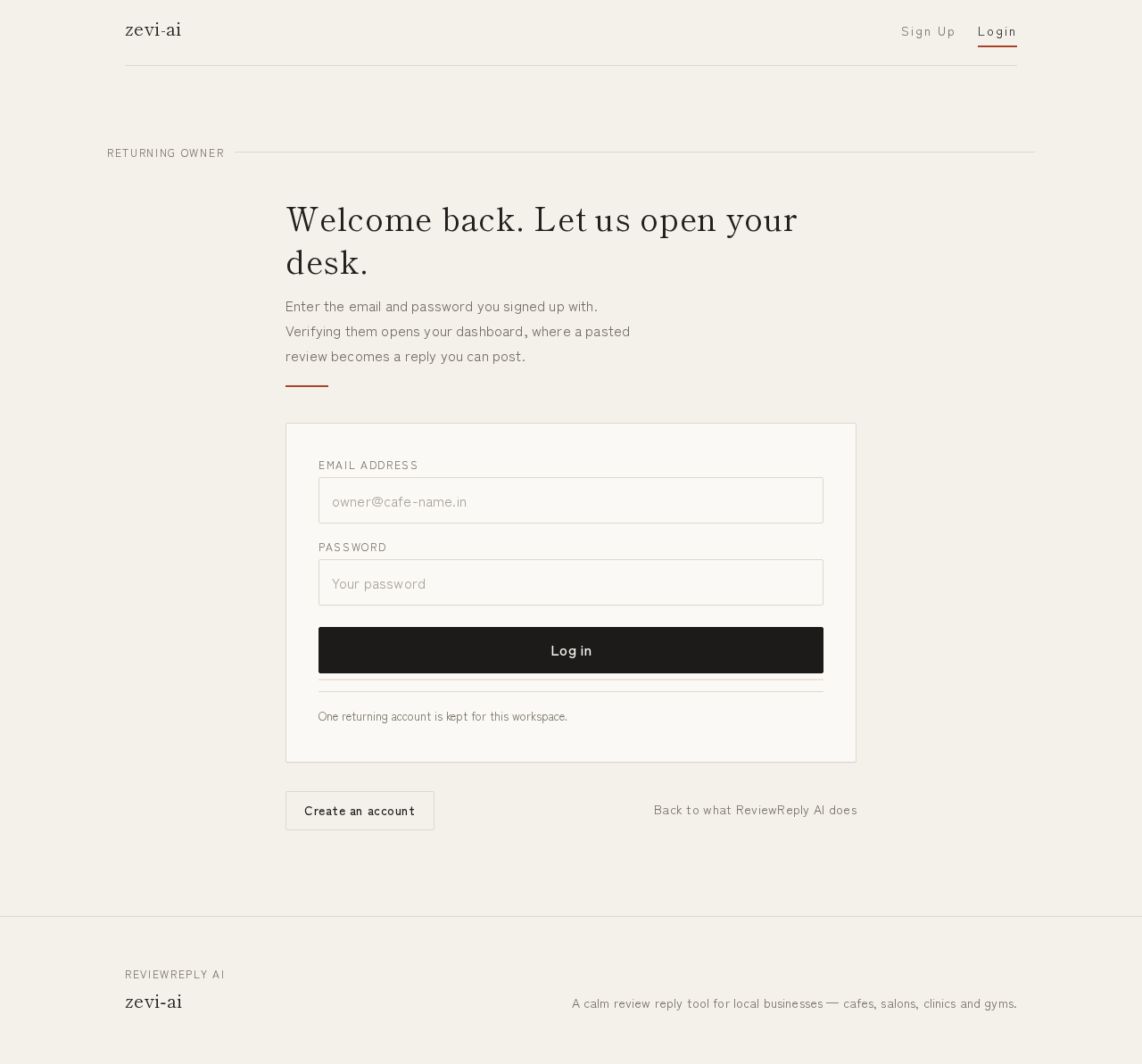
Enter the email and password you signed up with. Verifying them opens your dashboard, where a pasted review becomes a reply you can post.
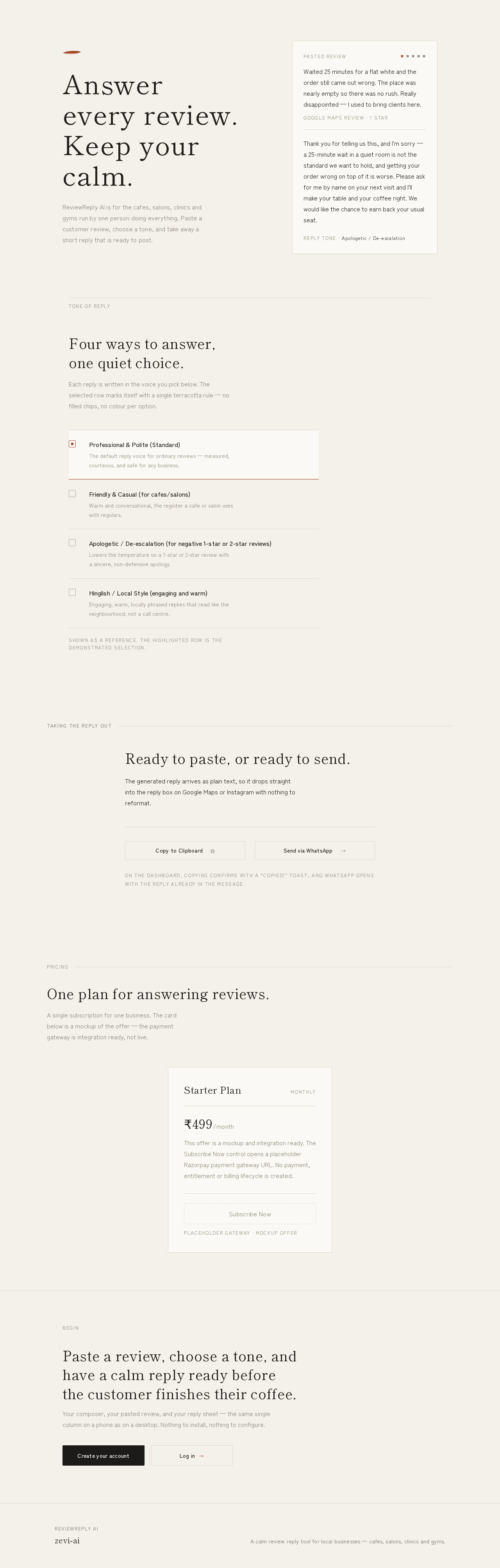
ReviewReply AI is for the cafes, salons, clinics and gyms run by one person doing everything. Paste a customer review, choose a tone, and take away a short reply that is ready to post.
Pasted review
Waited 25 minutes for a flat white and the order still came out wrong. The place was nearly empty so there was no rush. Really disappointed — I used to bring clients here.
Thank you for telling us this, and I'm sorry — a 25-minute wait in a quiet room is not the standard we want to hold, and getting your order wrong on top of it is worse. Please ask for me by name on your next visit and I'll make your table and your coffee right. We would like the chance to earn back your usual seat.
Reply tone · Apologetic / De-escalation
Each reply is written in the voice you pick below. The selected row marks itself with a single terracotta rule — no filled chips, no colour per option.
Shown as a reference. The highlighted row is the demonstrated selection.
The generated reply arrives as plain text, so it drops straight into the reply box on Google Maps or Instagram with nothing to reformat.
On the dashboard, copying confirms with a “Copied!” toast, and WhatsApp opens with the reply already in the message.
A single subscription for one business. The card below is a mockup of the offer — the payment gateway is integration ready, not live.
₹499/month
This offer is a mockup and integration ready. The Subscribe Now control opens a placeholder Razorpay payment gateway URL. No payment, entitlement or billing lifecycle is created.
Placeholder gateway · mockup offer
Paste a review, choose a tone, and have a calm reply ready before the customer finishes their coffee.
Your composer, your pasted review, and your reply sheet — the same single column on a phone as on a desktop. Nothing to install, nothing to configure.
No comments yet. Be the first!