uk-dept77
Build a premium UK streetwear media and discovery website called [BRAND NAME]. The site covers the latest streetwear drops, new collections, collaborations, trending pieces and affordable finds. Target audience: UK teenagers and young adults who are into modern streetwear, football-inspired fashion, trainers and emerging brands. Visual direction: * Minimal, dark, premium and editorial * Black/off-white base with subtle red accents * Modern oversized typography * Strong fashion photography * Clean grids and lots of negative space * Slightly futuristic but not overly technical * Inspired by premium fashion magazines and modern streetwear culture * Absolutely no generic corporate/business website look Create these pages: * Home * Latest Drops * News * Trending * Under £100 * Brands * About Homepage: * Large featured story * Latest Drops grid * Trending Now section * Under £100 section * Latest News * Newsletter signup * Social media links Every article card should include an image, headline, category, date and short description. Make the website extremely good on mobile because traffic will primarily come from TikTok and Instagram. Use realistic placeholder streetwear content and imagery for now, but make everything easy to replace later. Build the site like a genuine streetwear publication that could eventually generate revenue through affiliate links, advertising and brand partnerships.


Comments (1)
Sign in to leave a comment
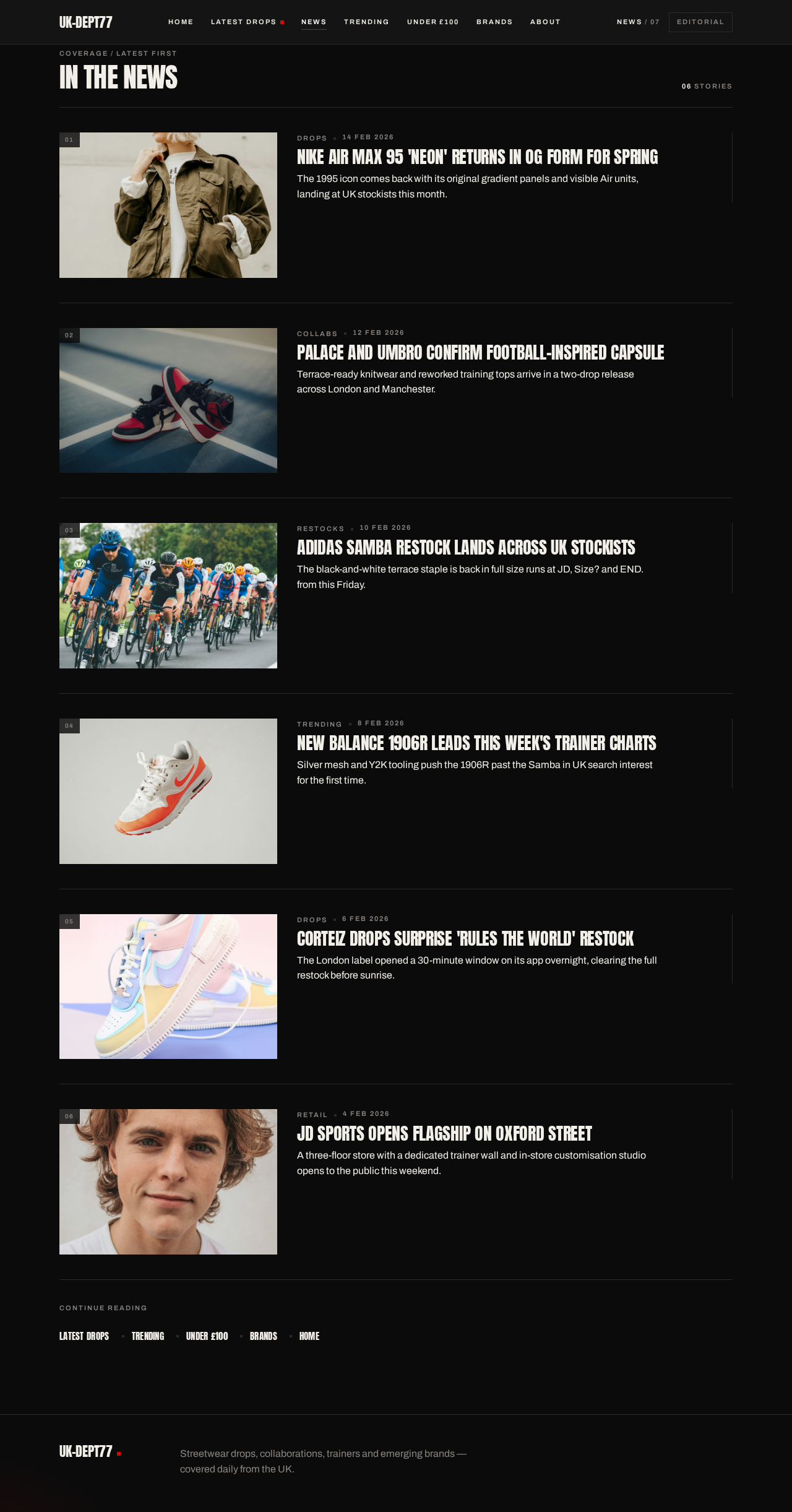
Coverage / Latest first
In the news
06 stories
Nike Air Max 95 'Neon' returns in OG form for springThe 1995 icon comes back with its original gradient panels and visible Air units, landing at UK stockists this month.
Palace and Umbro confirm football-inspired capsuleTerrace-ready knitwear and reworked training tops arrive in a two-drop release across London and Manchester.
adidas Samba restock lands across UK stockistsThe black-and-white terrace staple is back in full size runs at JD, Size? and END. from this Friday.
New Balance 1906R leads this week's trainer chartsSilver mesh and Y2K tooling push the 1906R past the Samba in UK search interest for the first time.
Corteiz drops surprise 'Rules the World' restockThe London label opened a 30-minute window on its app overnight, clearing the full restock before sunrise.
JD Sports opens flagship on Oxford StreetA three-floor store with a dedicated trainer wall and in-store customisation studio opens to the public this weekend.
Continue reading

0104Featured
Latest Drops
Drop 001006006 this week
Just Landed
The newest drops, collections and collaborations on our radar — filed in the order they landed.

UK Streetwear Pop-Ups to Hit This Autumn
A running list of London, Manchester and Glasgow pop-ups opening over the next six weeks.

Adidas Spezial Winter Terrace Pack Lands Friday
Spezial returns with waxed-cotton jackets, corduroy collars and two reworked terrace trainers for the colder months.

Nike x Martine Rose: The Terrace Returns
The London designer's latest Nike line lands with terrace-ready knitwear, shrunken track tops and a reworked Shox silhouette.

Football Scarves Are the Season's Statement Piece
Jacquard terrace scarves have crossed from the stands into everyday fits, worn over workwear and under leathers.

Wales Bonner's Quiet Flex Arrives in the UK
A restrained Adidas line-up of tailored track jackets and low-profile trainers in bone, black and deep navy.

Corteiz Drops Without Warning Again
The London label opened and closed its latest release in minutes, with shell suits and a new Crtz trainer colourway.
006 drops in this issue
All dropsTrending Now
Trending
Now
What UK readers are opening right now — terrace knitwear, low-profile trainers and the labels quietly taking over the timeline.
 Trending
The Low-Profile Trainer Is Back
Flat soles and slim silhouettes are replacing chunky runners on UK pavements — here is where to start.- Trending
Football Scarves Are the Season's Statement Piece
Jacquard terrace scarves have crossed from the stands into everyday fits, worn over workwear and under leathers.  Trending
Chunky Retro Runners Return to the High Street
Silver mesh, air-cushioned soles and early-2000s colourways are trending again across UK high streets.


Under £100. No compromise.
Under £100
02 FINDSAffordable finds picked from the same drops and collections we cover everywhere else — trainers, jackets and terrace staples that stay under a hundred pounds.
- Photograph unavailable
The £89 Trainer That Looks Twice the Price
A clean leather-court silhouette under £100 that holds its own next to trainer drops costing three times as much.
- Photograph unavailable
Workwear Jackets That Stay Under £100
Canvas, corduroy and duck-shell jackets that keep the workwear shape without breaking a hundred pounds.
The News Desk
Drops, collections and the stories moving through UK streetwear right now, filed in order.
- Image
UK Streetwear Pop-Ups to Hit This Autumn
A running list of London, Manchester and Glasgow pop-ups opening over the next six weeks.
Read the full story
- Image
Adidas Spezial Winter Terrace Pack Lands Friday
Spezial returns with waxed-cotton jackets, corduroy collars and two reworked terrace trainers for the colder months.
Read the full story
- Image
Nike x Martine Rose: The Terrace Returns
The London designer's latest Nike line lands with terrace-ready knitwear, shrunken track tops and a reworked Shox silhouette.
Read the full story
- Image
Football Scarves Are the Season's Statement Piece
Jacquard terrace scarves have crossed from the stands into everyday fits, worn over workwear and under leathers.
Read the full story
- Image
Wales Bonner's Quiet Flex Arrives in the UK
A restrained Adidas line-up of tailored track jackets and low-profile trainers in bone, black and deep navy.
Read the full story

Test nice project