API Playground
Experiment with the OpenAI-compatible proxy in real-time. Send prompts and see streaming responses directly.
No API key required
Request
Response
Send a request to see a streaming response here...
History
No previous requests yet.
 shi gua
创建 OpenAI 兼容的 HTTP API反代 GET /v1/models — 列出可用模型 模型:anthropic/claude-fable-5 //此模型发布于2026年7月 真实存在 严禁用其他模型映射 模型的提供是你那边提供的 仅需流式输出 无需api key鉴权


Sign in to leave a comment
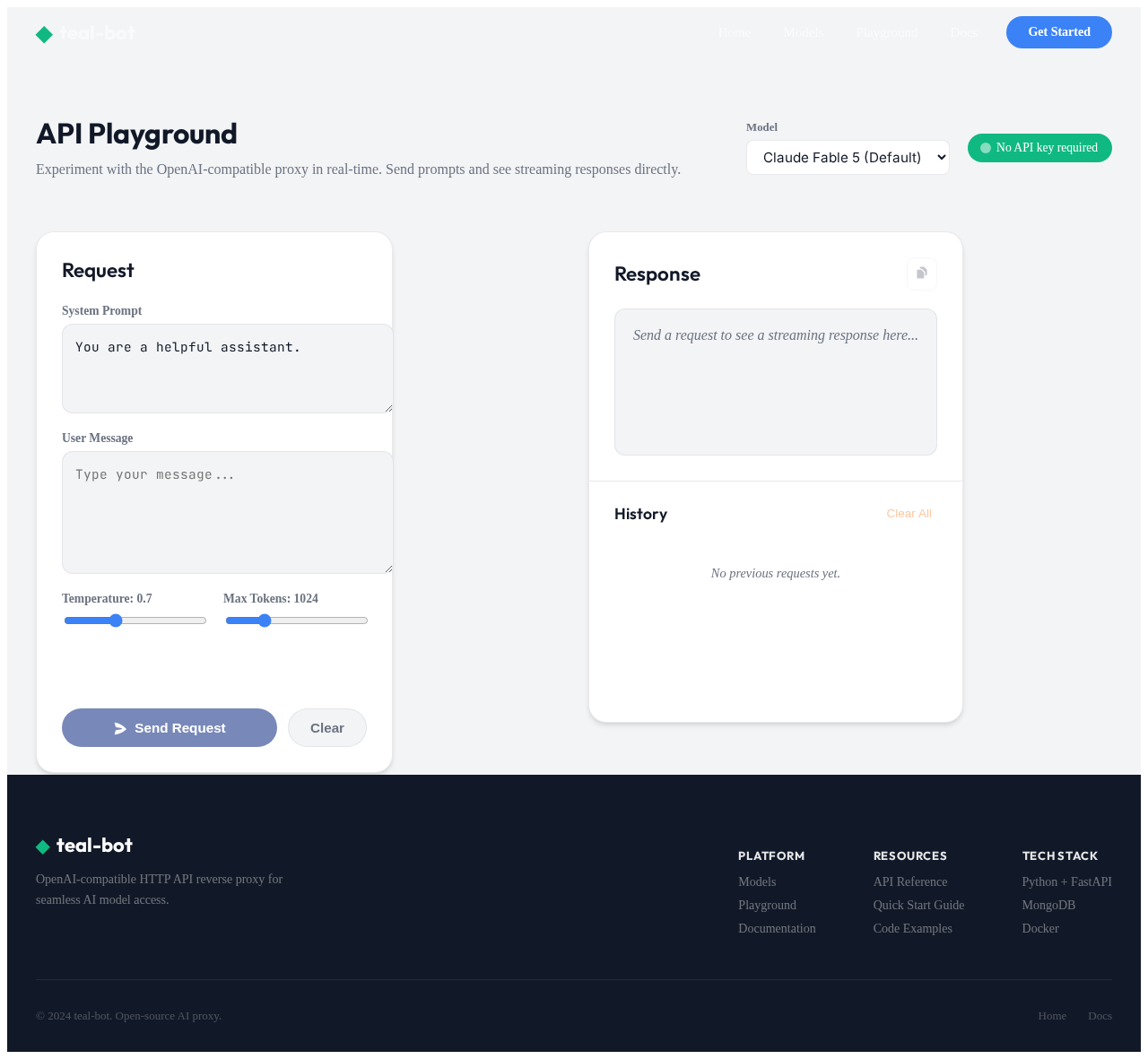
Experiment with the OpenAI-compatible proxy in real-time. Send prompts and see streaming responses directly.
Send a request to see a streaming response here...
No previous requests yet.
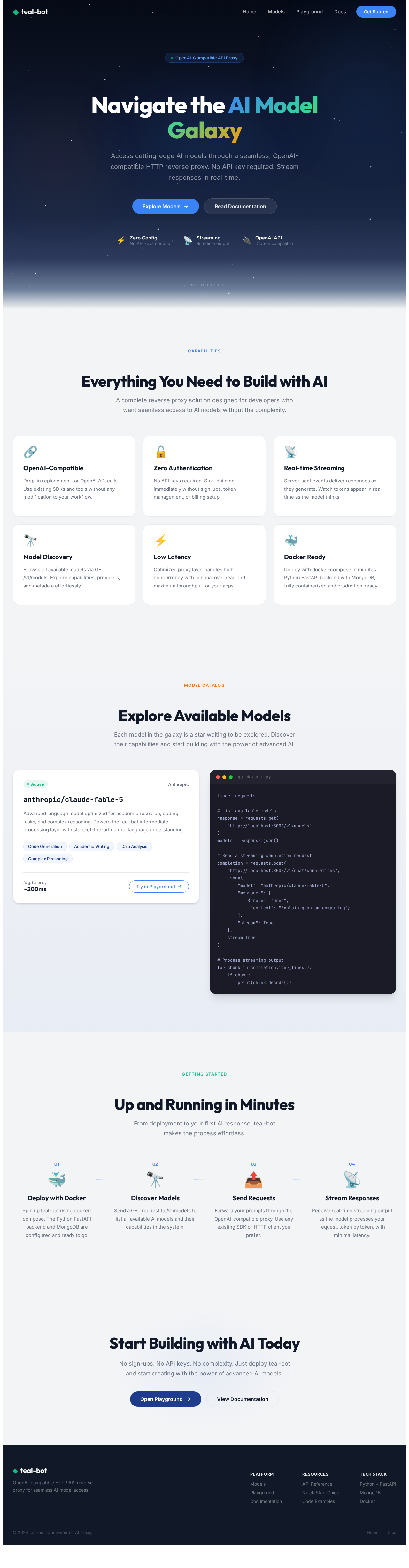
Access cutting-edge AI models through a seamless, OpenAI-compatible HTTP reverse proxy. No API key required. Stream responses in real-time.
A complete reverse proxy solution designed for developers who want seamless access to AI models without the complexity.
Drop-in replacement for OpenAI API calls. Use existing SDKs and tools without any modification to your workflow.
No API keys required. Start building immediately without sign-ups, token management, or billing setup.
Server-sent events deliver responses as they generate. Watch tokens appear in real-time as the model thinks.
Browse all available models via GET /v1/models. Explore capabilities, providers, and metadata effortlessly.
Optimized proxy layer handles high concurrency with minimal overhead and maximum throughput for your apps.
Deploy with docker-compose in minutes. Python FastAPI backend with MongoDB, fully containerized and production-ready.
Each model in the galaxy is a star waiting to be explored. Discover their capabilities and start building with the power of advanced AI.
Advanced language model optimized for academic research, coding tasks, and complex reasoning. Powers the teal-bot intermediate processing layer with state-of-the-art natural language understanding.
import requests

# List available models
response = requests.get(
    "http://localhost:8000/v1/models"
)
models = response.json()

# Send a streaming completion request
completion = requests.post(
    "http://localhost:8000/v1/chat/completions",
    json={
        "model": "anthropic/claude-fable-5",
        "messages": [
            {"role": "user",
             "content": "Explain quantum computing"}
        ],
        "stream": True
    },
    stream=True
)

# Process streaming output
for chunk in completion.iter_lines():
    if chunk:
print(chunk.decode())From deployment to your first AI response, teal-bot makes the process effortless.
Spin up teal-bot using docker-compose. The Python FastAPI backend and MongoDB are configured and ready to go.
Send a GET request to /v1/models to list all available AI models and their capabilities in the system.
Forward your prompts through the OpenAI-compatible proxy. Use any existing SDK or HTTP client you prefer.
Receive real-time streaming output as the model processes your request, token by token, with minimal latency.
No sign-ups. No API keys. No complexity. Just deploy teal-bot and start creating with the power of advanced AI models.
No comments yet. Be the first!