steel-terra
 Salman Salman

Comments (0)
Sign in to leave a comment
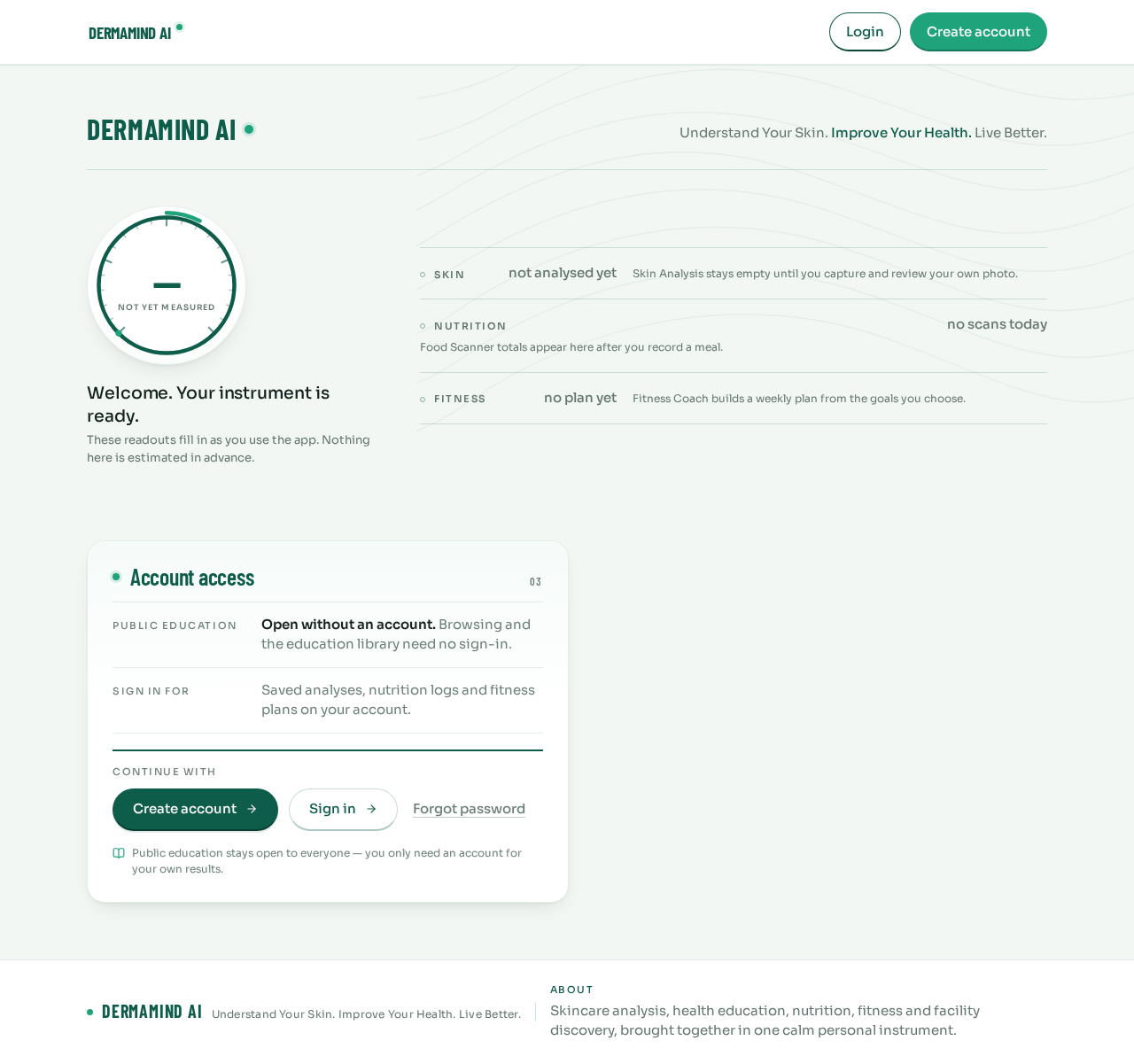
DermaMind AI
Understand Your Skin. Improve Your Health. Live Better.
Welcome. Your instrument is ready.These readouts fill in as you use the app. Nothing here is estimated in advance.
- Skin
- not analysed yet
- Nutrition
- no scans today
- Fitness
- no plan yet
Skin Analysis stays empty until you capture and review your own photo.
Food Scanner totals appear here after you record a meal.
Fitness Coach builds a weekly plan from the goals you choose.
Instrument Index10 modules
What steel-terra measures and explains
Skincare, food, nutrition and fitness in one instrument panel. Every readout stays honest until you record something.
- 01Skin
Skin Analysis
Share a facial photo with consent and read visible-concern observations with safety-bounded guidance and routine ideas.
- 02Routine
Skincare Routine
Product categories arranged into a morning and evening routine, with gradual introduction, irritation and patch-testing guidance.
- 03Education
AI Health Assistant
Ask general health questions and learn about symptoms, self-care, hydration, rest and warning signs — no medication advice.
- 04Food
Food Scanner
Identify food from a photo or enter it manually, correct the match, set portions and see nutrition values with their source.
- 05Food
Food Combination
Select several foods and quantities to see each item’s nutrition and the combined totals, with missing data handled clearly.
- 06Nutrition
Nutrition Guidance
General meal suggestions and conservative, transparent guidance for your wellness and fitness goals.
- 07Fitness
Fitness Coach
A conversational planner that builds weekly workouts with sets, reps, rest, warm-up, recovery and beginner modifications.
- 08History
Progress & History
Review your saved analyses and logs with honest progress visualization — nothing shown until you record it.
- 09Finder
Dermatologist & Hospital Finder
Discover dermatology clinics, hospitals and emergency facilities with opening hours, map location and external navigation.
- 10Privacy
Settings & Privacy
Manage your profile, theme, notifications, units and privacy preferences, and export or delete your data.
The conditions library is open to everyone — reviewed health education before you sign in.
Account access
Open without an account. Browsing and the education library need no sign-in.
Saved analyses, nutrition logs and fitness plans on your account.
Continue with
Public education stays open to everyone — you only need an account for your own results.
DermaMind AI
Understand Your Skin. Improve Your Health. Live Better.
Welcome. Your instrument is ready.These readouts fill in as you use the app. Nothing here is estimated in advance.
- Skin
- not analysed yet
- Nutrition
- no scans today
- Fitness
- no plan yet
Skin Analysis stays empty until you capture and review your own photo.
Food Scanner totals appear here after you record a meal.
Fitness Coach builds a weekly plan from the goals you choose.
Instrument Index10 modules
What steel-terra measures and explains
Skincare, food, nutrition and fitness in one instrument panel. Every readout stays honest until you record something.
- 01Skin
Skin Analysis
Share a facial photo with consent and read visible-concern observations with safety-bounded guidance and routine ideas.
- 02Routine
Skincare Routine
Product categories arranged into a morning and evening routine, with gradual introduction, irritation and patch-testing guidance.
- 03Education
AI Health Assistant
Ask general health questions and learn about symptoms, self-care, hydration, rest and warning signs — no medication advice.
- 04Food
Food Scanner
Identify food from a photo or enter it manually, correct the match, set portions and see nutrition values with their source.
- 05Food
Food Combination
Select several foods and quantities to see each item’s nutrition and the combined totals, with missing data handled clearly.
- 06Nutrition
Nutrition Guidance
General meal suggestions and conservative, transparent guidance for your wellness and fitness goals.
- 07Fitness
Fitness Coach
A conversational planner that builds weekly workouts with sets, reps, rest, warm-up, recovery and beginner modifications.
- 08History
Progress & History
Review your saved analyses and logs with honest progress visualization — nothing shown until you record it.
- 09Finder
Dermatologist & Hospital Finder
Discover dermatology clinics, hospitals and emergency facilities with opening hours, map location and external navigation.
- 10Privacy
Settings & Privacy
Manage your profile, theme, notifications, units and privacy preferences, and export or delete your data.
The conditions library is open to everyone — reviewed health education before you sign in.
Account access
Open without an account. Browsing and the education library need no sign-in.
Saved analyses, nutrition logs and fitness plans on your account.
Continue with
Public education stays open to everyone — you only need an account for your own results.
No comments yet. Be the first!