scenic-vidzora
 Okonkwo Franklin
# Vidzora AI — App Creation Prompt Create a modern, futuristic AI-powered video generation application called **Vidzora AI**. The app should allow users to create high-quality AI videos simply by typing a description of the video they want to generate. ## Main Features * A beautiful **Welcome/Login screen** with the Vidzora AI logo and futuristic AI design. * A **Home Dashboard** that welcomes the user and displays a large input box saying: **“Describe your video…”** * Users should be able to enter prompts such as: *“Create a realistic video of a young man walking through a futuristic city at night.”* * A **Generate Video** button that starts the AI video-generation process. * Support for both: * Realistic AI videos * Cartoon/animated AI videos * AI characters should be capable of **talking, moving, and showing natural expressions**. * Allow users to select video style, aspect ratio, duration, and quality before generating. * Show a **generation/loading screen** with animated progress while the video is being created. * Display the finished video in a **video preview player**. * Include buttons to **Download, Share, Regenerate, and Create Another Video**. * Add a **My Creations** page where previously generated videos are displayed. * Add a simple **Profile and Settings** page. ## Design Requirements Use a premium, futuristic AI design with: * Dark modern interface * Smooth animations and transitions * Glowing AI-inspired elements * Rounded cards and buttons * Clean, professional typography * Mobile-first responsive layout * A visually impressive dashboard that feels similar to a professional AI product The app should be easy to navigate and optimized primarily for **Android mobile devices**, while also supporting web browsers. ## Technical Requirements Build the application using **Flutter** for Android compatibility. Structure the project cleanly and professionally with separate folders for screens, widgets, services, models, and assets. Create a working demo version first where the interface and video-generation workflow can be tested. The app should be designed so a real AI video-generation API can later be connected to generate actual videos.


Comments (0)
Sign in to leave a comment
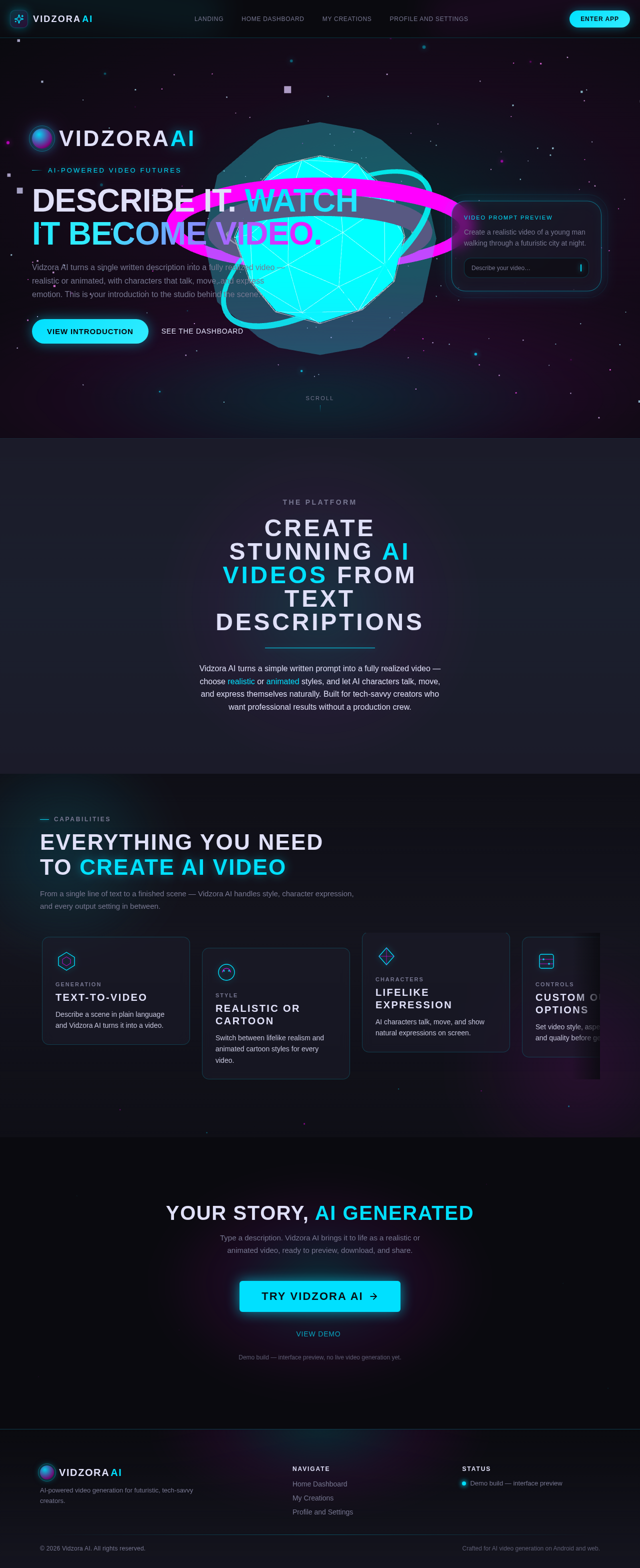
Describe it. Watch it become video.
Vidzora AI turns a single written description into a fully realized video — realistic or animated, with characters that talk, move, and express emotion. This is your introduction to the studio behind the scene.
Create stunning AI videos from text descriptions
Vidzora AI turns a simple written prompt into a fully realized video — choose realistic or animated styles, and let AI characters talk, move, and express themselves naturally. Built for tech-savvy creators who want professional results without a production crew.
Everything You Need To Create AI Video
From a single line of text to a finished scene — Vidzora AI handles style, character expression, and every output setting in between.
Text-To-Video
Describe a scene in plain language and Vidzora AI turns it into a video.
Realistic Or Cartoon
Switch between lifelike realism and animated cartoon styles for every video.
Lifelike Expression
AI characters talk, move, and show natural expressions on screen.
Custom Output Options
Set video style, aspect ratio, duration, and quality before generating.
Simple Creation Flow
Type a description, choose your options, and generate a finished video.
Your Story, AI Generated
Type a description. Vidzora AI brings it to life as a realistic or animated video, ready to preview, download, and share.
View DemoDemo build — interface preview, no live video generation yet.
Describe it. Watch it become video.
Vidzora AI turns a single written description into a fully realized video — realistic or animated, with characters that talk, move, and express emotion. This is your introduction to the studio behind the scene.
Create stunning AI videos from text descriptions
Vidzora AI turns a simple written prompt into a fully realized video — choose realistic or animated styles, and let AI characters talk, move, and express themselves naturally. Built for tech-savvy creators who want professional results without a production crew.
Everything You Need To Create AI Video
From a single line of text to a finished scene — Vidzora AI handles style, character expression, and every output setting in between.
Text-To-Video
Describe a scene in plain language and Vidzora AI turns it into a video.
Realistic Or Cartoon
Switch between lifelike realism and animated cartoon styles for every video.
Lifelike Expression
AI characters talk, move, and show natural expressions on screen.
Custom Output Options
Set video style, aspect ratio, duration, and quality before generating.
Simple Creation Flow
Type a description, choose your options, and generate a finished video.
Your Story, AI Generated
Type a description. Vidzora AI brings it to life as a realistic or animated video, ready to preview, download, and share.
View DemoDemo build — interface preview, no live video generation yet.
No comments yet. Be the first!