scenic-git
 Horacio
git clone https://github.com/gaur-avvv/wormxgpt.git cd wormxgpt npm install


Comments (0)
Sign in to leave a comment
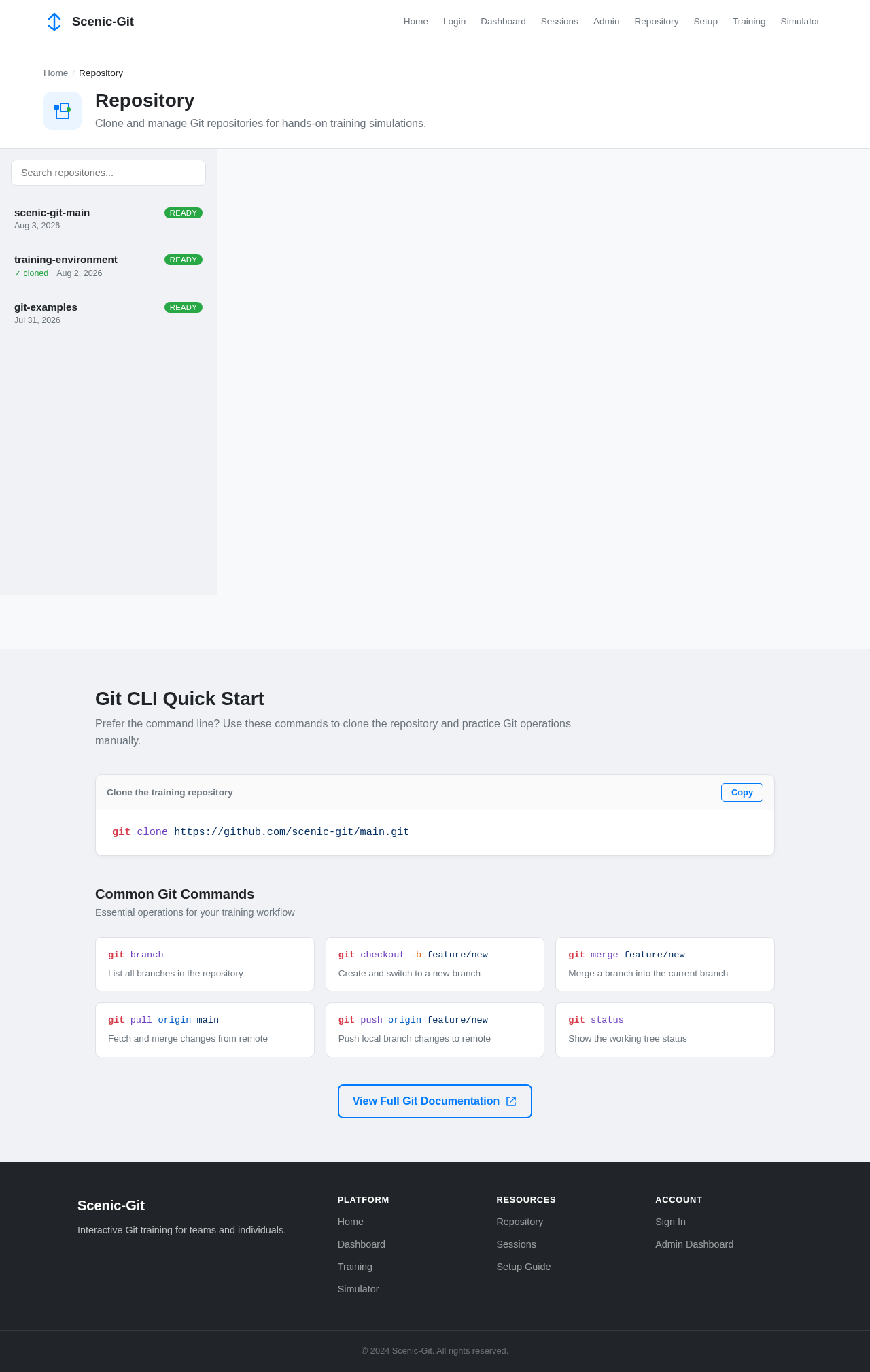
Repository
Clone and manage Git repositories for hands-on training simulations.
Git CLI Quick Start
Prefer the command line? Use these commands to clone the repository and practice Git operations manually.
git clone https://github.com/scenic-git/main.gitCommon Git Commands
Essential operations for your training workflow
git branchList all branches in the repository
git checkout -b feature/newCreate and switch to a new branch
git merge feature/newMerge a branch into the current branch
git pull origin mainFetch and merge changes from remote
git push origin feature/newPush local branch changes to remote
git statusShow the working tree status

Master Git Through Interactive Training
Learn Git workflows with hands-on simulations. Clone, branch, merge, and deploy in a controlled training environment built for teams.
Your Git Learning Journey
Progress through four core modules, from cloning your first repository to deploying with confidence.
Clone Repository
Create & Manage Branches
Merge & Resolve Conflicts
Deploy to Production
Built for Every Role
Whether you are learning, teaching, or managing — Scenic-Git has the tools you need.
Trainee
Participate in training sessions to master Git operations through hands-on practice and guided exercises.
- Clone repositories and install dependencies
- Participate in instructor-led sessions
- Practice Git operations in the simulator
- Track your progress on the journey map
Instructor
Organize and manage training sessions, guide trainees through Git workflows, and monitor their progress.
- Create and configure training sessions
- Manage trainee enrollment and groups
- Monitor session progress in real-time
- Review trainee performance reports
System Administrator
Maintain system performance, manage resources, and ensure the platform runs reliably during training.
- Monitor system resource usage
- Manage user accounts and permissions
- Configure system-wide settings
- Ensure uptime during active sessions
Trainee
Participate in training sessions to master Git operations through hands-on practice and guided exercises.
- Clone repositories and install dependencies
- Participate in instructor-led sessions
- Practice Git operations in the simulator
- Track your progress on the journey map
Ready to Master Git?
Join teams learning Git through interactive, hands-on training. Get started in minutes.
No credit card required · Set up in under 2 minutes
No comments yet. Be the first!