


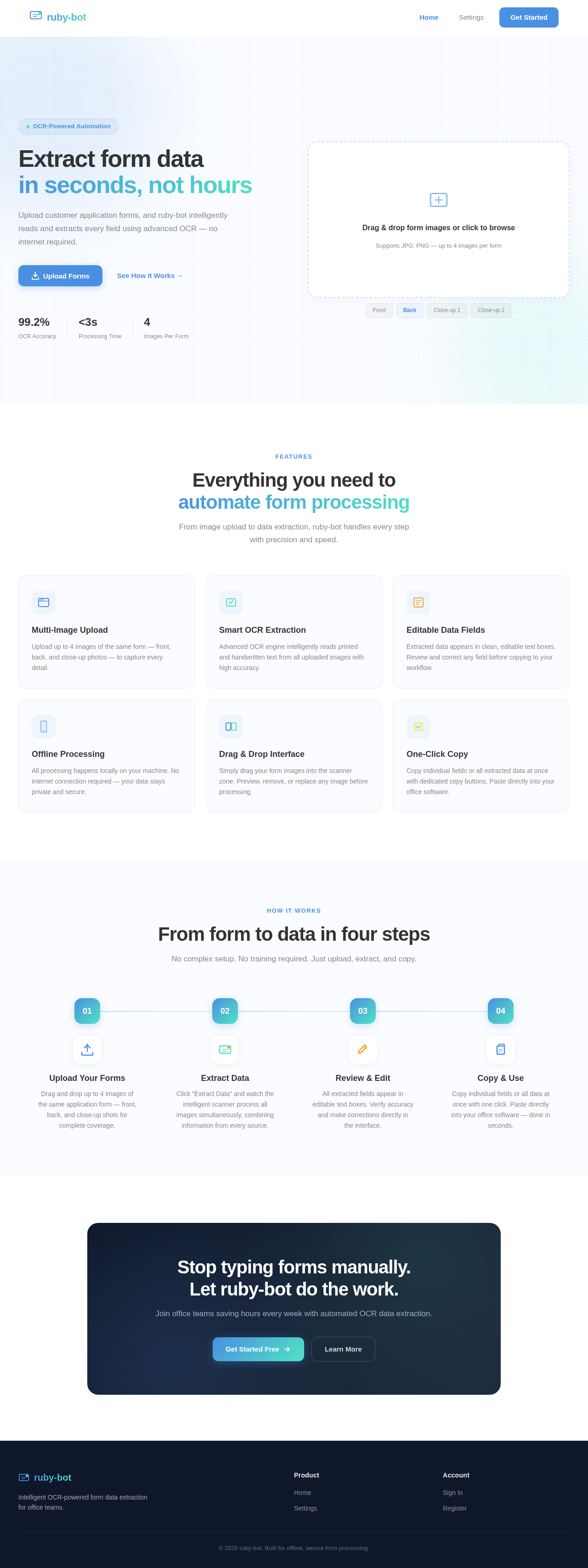
Extract form data
in seconds, not hours
Upload customer application forms, and ruby-bot intelligently reads and extracts every field using advanced OCR — no internet required.
Drag & drop form images or click to browse
Supports JPG, PNG — up to 4 images per form
Everything you need to
automate form processing
From image upload to data extraction, ruby-bot handles every step with precision and speed.
Multi-Image Upload
Upload up to 4 images of the same form — front, back, and close-up photos — to capture every detail.
Smart OCR Extraction
Advanced OCR engine intelligently reads printed and handwritten text from all uploaded images with high accuracy.
Editable Data Fields
Extracted data appears in clean, editable text boxes. Review and correct any field before copying to your workflow.
Offline Processing
All processing happens locally on your machine. No internet connection required — your data stays private and secure.
Drag & Drop Interface
Simply drag your form images into the scanner zone. Preview, remove, or replace any image before processing.
One-Click Copy
Copy individual fields or all extracted data at once with dedicated copy buttons. Paste directly into your office software.
From form to data in four steps
No complex setup. No training required. Just upload, extract, and copy.
Upload Your Forms
Drag and drop up to 4 images of the same application form — front, back, and close-up shots for complete coverage.
Extract Data
Click "Extract Data" and watch the intelligent scanner process all images simultaneously, combining information from every source.
Review & Edit
All extracted fields appear in editable text boxes. Verify accuracy and make corrections directly in the interface.
Copy & Use
Copy individual fields or all data at once with one click. Paste directly into your office software — done in seconds.
Stop typing forms manually.
Let ruby-bot do the work.
Join office teams saving hours every week with automated OCR data extraction.
No comments yet. Be the first!