offer-letter-employment
 Untrained Animator2


Comments (0)
Sign in to leave a comment
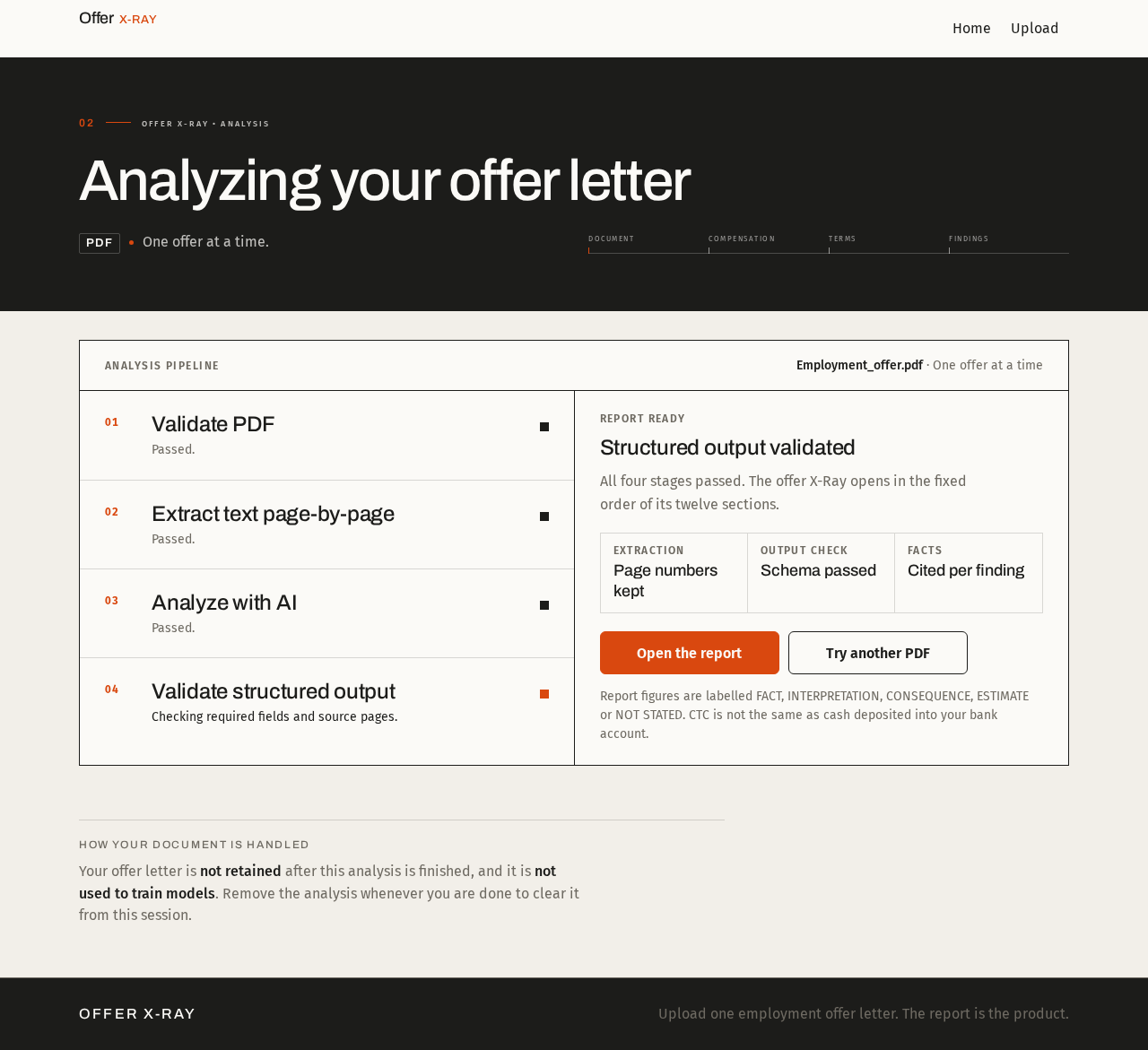
Offer X-Ray • Analysis
Analyzing your offer letter
PDFOne offer at a time.
Analysis pipeline
Employment_offer.pdf
Stage 1: Validate PDF
Pending. Passed.
Stage 2: Extract text page-by-page
In progress. Reading text in order, page by page.
Stage 3: Analyze with AI
Pending. Queued. Structured JSON is requested, not an essay.
Stage 4: Validate structured output
Pending. Queued. Schema check before the report opens.
Stage 2 of 4
Extract text page-by-page
Reading text in order, page by page.
The panel updates as each stage finishes. The report appears once the structured output passes validation.
How your document is handled
Your offer letter is not retained after this analysis is finished, and it is not used to train models. Remove the analysis whenever you are done to clear it from this session.
Offer X-Ray
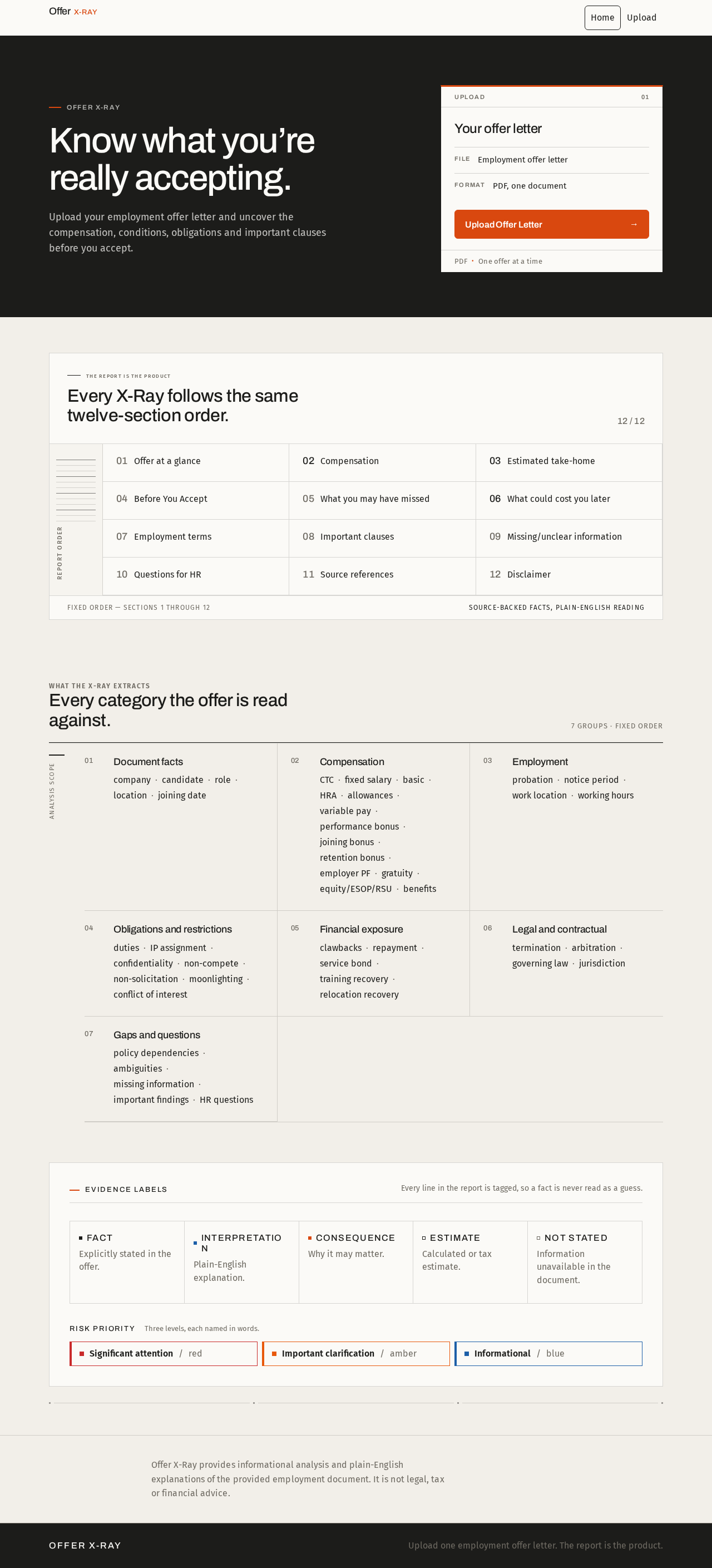
Know what you’re really accepting.
Upload your employment offer letter and uncover the compensation, conditions, obligations and important clauses before you accept.
The report is the product
Every X-Ray follows the same twelve-section order.
- 01Offer at a glance
- 02Compensation
- 03Estimated take-home
- 04Before You Accept
- 05What you may have missed
- 06What could cost you later
- 07Employment terms
- 08Important clauses
- 09Missing/unclear information
- 10Questions for HR
- 11Source references
- 12Disclaimer
What the X-Ray extracts
Every category the offer is read against.
7 groups · fixed order
Document facts
- company
- candidate
- role
- location
- joining date
Compensation
- CTC
- fixed salary
- basic
- HRA
- allowances
- variable pay
- performance bonus
- joining bonus
- retention bonus
- employer PF
- gratuity
- equity/ESOP/RSU
- benefits
Employment
- probation
- notice period
- work location
- working hours
Obligations and restrictions
- duties
- IP assignment
- confidentiality
- non-compete
- non-solicitation
- moonlighting
- conflict of interest
Financial exposure
- clawbacks
- repayment
- service bond
- training recovery
- relocation recovery
Legal and contractual
- termination
- arbitration
- governing law
- jurisdiction
Gaps and questions
- policy dependencies
- ambiguities
- missing information
- important findings
- HR questions
Evidence labels
Every line in the report is tagged, so a fact is never read as a guess.
- FACT
Explicitly stated in the offer.
- INTERPRETATION
Plain-English explanation.
- CONSEQUENCE
Why it may matter.
- ESTIMATE
Calculated or tax estimate.
- NOT STATED
Information unavailable in the document.
Risk priority
Three levels, each named in words.
- Significant attentionred
- Important clarificationamber
- Informationalblue
Offer X-Ray provides informational analysis and plain-English explanations of the provided employment document. It is not legal, tax or financial advice.
No comments yet. Be the first!