5active
New leads
5 new leads assigned today
 Dharti Sanariya
# NOVA AI — PROPER LIVE WORKING PRODUCTION SAAS You are a senior SaaS architect, full-stack engineer, AI engineer, DevOps engineer, security engineer and product designer. Build NOVA AI as a REAL PRODUCTION SaaS, not a demo, simulation, prototype or static UI. NOVA AI is an AI Sales & Appointment Automation platform for GCC businesses, starting with Kuwait real-estate companies and later expanding to UAE, Saudi Arabia, Qatar, Bahrain and Oman. The application must have a real frontend, real backend, real persistent database, real authentication, real AI processing, real messaging integrations, real appointment management, real automation, real subscription enforcement and real analytics. Do not create fake buttons, fake API responses, fake dashboard numbers or simulated workflows. ## 1. CORE SALES WORKFLOW The complete production workflow must be: Customer Lead → Real Lead Capture → AI Conversation → AI Qualification → Requirement Extraction → Property Matching → Real Customer Communication → Appointment Booking → Agent Assignment → Automated Follow-up → CRM Timeline → Sales Pipeline → Analytics A customer should be able to contact the business through the configured communication channel and receive an actual AI-generated response. Example: Customer: “I need a 2 bedroom apartment in Kuwait City under 900 KWD.” The system must actually process the message, extract: Location = Kuwait City Bedrooms = 2 Budget = 900 KWD Then query the real database, calculate property matches, generate an AI response and send the response through the connected messaging provider. ## 2. REAL AI Integrate a real AI provider through a secure server-side provider abstraction. Support OpenAI and/or Google Gemini. AI capabilities: * Customer conversation * Lead qualification * Requirement extraction * Property recommendations * Lead scoring * Conversation summarization * Follow-up generation * Campaign generation * Sales message generation API keys must be stored only in server environment variables. Never expose keys to frontend JavaScript. Create a provider interface so another AI provider can be added later without changing business logic. ## 3. REAL WHATSAPP Integrate the official WhatsApp Business Cloud API. Implement: * Incoming messages * Outgoing messages * Webhook verification * Webhook processing * Conversation storage * Message status * Delivery status * Read status * Error handling When a real WhatsApp message arrives: WhatsApp Webhook → Backend → Identify customer → Find/create lead → AI processing → Property matching if required → Generate response → Send through WhatsApp API → Store message → Update CRM timeline Do not simulate this workflow. Create webhook routes and secure verification. ## 4. REAL DATABASE Use PostgreSQL for production. Use migrations and proper relational schema. Main tables: organizations users roles subscriptions plans usage leads customers properties property_images conversations messages appointments campaigns campaign_recipients activities tasks notifications ai_usage provider_configurations webhook_events Every organization-owned record must contain organization_id. All queries must enforce tenant isolation. Never allow cross-organization access. ## 5. REAL AUTHENTICATION Create a unified `/login`. No role selector. Use secure authentication with sessions. Support: Super Admin Organization Owner Manager Sales Agent Implement: login logout password hashing password reset session expiration protected routes server-side authorization role permissions A user must only see functionality permitted for their organization and role. ## 6. REAL LEAD CAPTURE Support multiple lead sources: WhatsApp Website form Manual entry Campaign API/Webhook When a website lead form is submitted, create a real database record. When a WhatsApp customer contacts the business, automatically create or identify the customer and lead. Prevent duplicate customers using phone/email matching where appropriate. ## 7. REAL AI PROPERTY MATCHING Build a real matching engine using database records. Inputs: budget location property type bedrooms bathrooms amenities Use configurable weighted scoring. Default: Budget 30% Location 25% Bedrooms 20% Property Type 10% Bathrooms 5% Amenities 10% Return actual properties from PostgreSQL. AI may explain recommendations, but the underlying property selection must come from the real database. ## 8. REAL CRM Create: /app/leads /app/leads/[id] Every interaction must update the CRM. Timeline events: Lead Created Message Received AI Response Lead Qualified Property Matched Agent Assigned Appointment Created Appointment Confirmed Follow-up Sent Status Changed Deal Won Deal Lost Users can manually add notes, tasks and activities. ## 9. REAL APPOINTMENTS Create a production appointment system. Support: Create Edit Reschedule Cancel Confirm Complete No Show Integrate Google Calendar and/or Microsoft Calendar. When a customer chooses a real appointment slot, verify availability and create the appointment. Store external calendar event ID. Avoid double booking. Send appointment confirmation and reminder through configured communication channels. ## 10. REAL AUTOMATION ENGINE Create a server-side automation engine. Examples: New lead → immediate AI response. Hot lead → notify agent. No response for 24 hours → follow-up. Appointment tomorrow → reminder. Viewing completed → follow-up. Lead inactive for 7 days → re-engagement campaign. Use a reliable background job/cron architecture. Jobs must be persistent and retry failed operations. Do not depend on browser tabs being open. ## 11. REAL CAMPAIGNS Create `/app/campaigns`. Allow business owners to select a real audience from their database. AI can generate campaign content. Before sending, provide preview and confirmation. Then send through configured provider. Track: queued sent delivered read failed replied Store every recipient and message result. Implement rate limiting and provider error handling. ## 12. REAL ANALYTICS Create `/app/analytics`. Calculate real metrics from PostgreSQL: Total Leads Qualified Leads Hot Leads Appointments Completed Viewings Won Deals Lost Deals Conversion Rate Pipeline Value Response Rate Campaign Performance Agent Performance AI Usage Do not hard-code dashboard numbers. Charts must update when database records change. ## 13. REAL SUBSCRIPTIONS Implement actual subscription architecture. Plans: Starter Growth Pro Enterprise Integrate a real payment/subscription provider suitable for the target market. Support: subscription creation subscription activation renewal payment failure cancellation expiry plan upgrade plan downgrade Use webhooks to update subscription status. Subscription restrictions must be enforced on the server. If subscription expires, protected API operations must stop. Do not rely on frontend restrictions. ## 14. REAL MULTI-TENANCY Each organization is completely isolated. Organization A must never access: Organization B's leads customers properties messages campaigns analytics users appointments Enforce this at repository/service/API level. Test tenant isolation explicitly. ## 15. REAL ADMIN Create `/admin`. Super Admin can: Create organizations View organizations Suspend organizations Activate organizations Manage plans View subscriptions View usage View system health Manage provider configuration Customer-facing users must never access these pages. ## 16. PRODUCTION INFRASTRUCTURE Prepare the project for deployment. Use: PostgreSQL secure environment variables production authentication database migrations logging error monitoring architecture background jobs webhooks API validation rate limiting backup strategy HTTPS deployment Create: `.env.example` Document all required variables. Never commit secrets. ## 17. UI/UX Create a premium GCC B2B SaaS design. Use: warm ivory charcoal soft beige subtle gold Keep the interface simple and premium. Create responsive: public website login dashboard leads AI inbox properties appointments campaigns analytics settings admin No clutter. No fake statistics. No placeholder content in production. ## 18. PRODUCTION TEST Before completion, perform this real workflow: 1. Create organization. 2. Create user. 3. Login. 4. Add real property. 5. Submit real website lead. 6. Verify lead is stored. 7. Send real WhatsApp message through configured provider. 8. Receive webhook. 9. AI processes the message. 10. Extract customer requirements. 11. Query PostgreSQL. 12. Calculate property matches. 13. Generate response. 14. Send response through WhatsApp. 15. Store conversation. 16. Update CRM. 17. Create appointment. 18. Sync calendar. 19. Send reminder. 20. Run follow-up automation. 21. Create campaign. 22. Send campaign. 23. Track delivery/replies. 24. Verify analytics. 25. Verify subscription limits. 26. Verify tenant isolation. Fix every error before declaring the product complete. ## 19. IMPORTANT RULE Do NOT replace unavailable production integrations with fake simulations. If an integration requires credentials, clearly document: * which account is required * which API key is required * which webhook URL must be configured * which environment variables must be added * how to activate the integration But the architecture and implementation must already exist. The final product must be a genuine production SaaS where, after adding the required third-party credentials, the actual services work end-to-end. Do not call the product “production-ready” until authentication, database, AI, messaging, webhooks, appointments, automation, subscriptions, security and tenant isolation have been implemented and tested.


Sign in to leave a comment
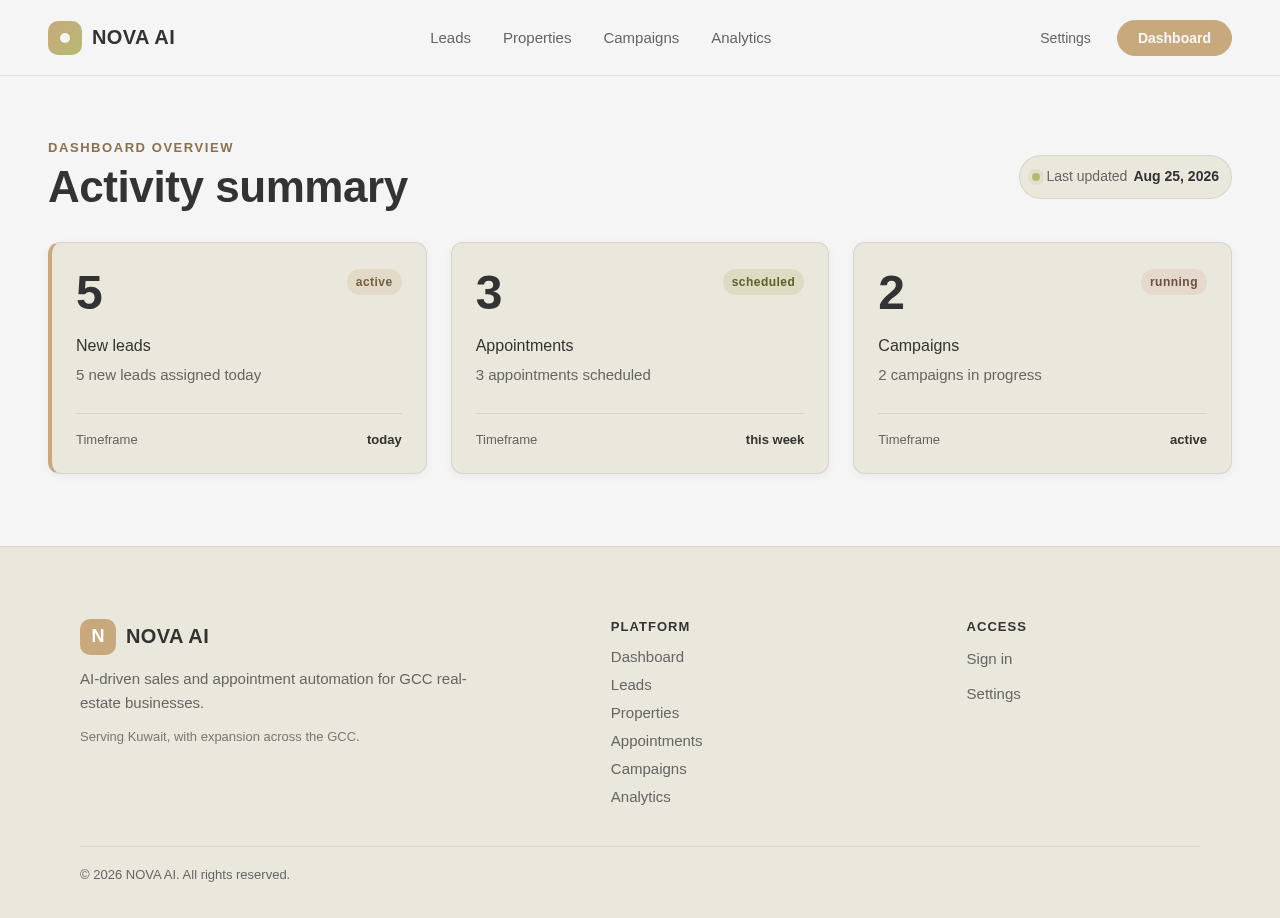
Dashboard overview
5 new leads assigned today
3 appointments scheduled
2 campaigns in progress
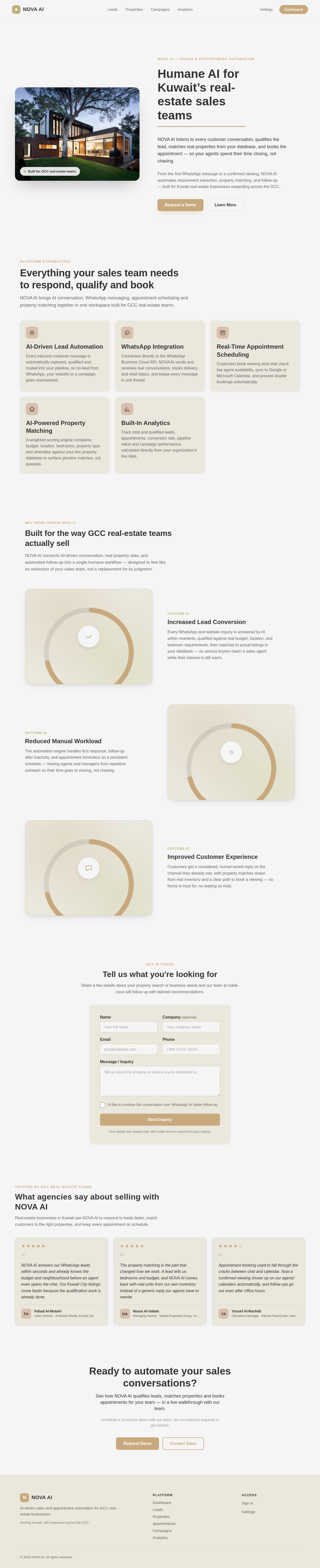

NOVA AI — Sales & Appointment Automation
NOVA AI listens to every customer conversation, qualifies the lead, matches real properties from your database, and books the appointment — so your agents spend their time closing, not chasing.
From the first WhatsApp message to a confirmed viewing, NOVA AI automates requirement extraction, property matching, and follow-up — built for Kuwait real-estate businesses expanding across the GCC.
NOVA AI brings AI conversation, WhatsApp messaging, appointment scheduling and property matching together in one workspace built for GCC real-estate teams.
Every inbound customer message is automatically captured, qualified and routed into your pipeline, so no lead from WhatsApp, your website or a campaign goes unanswered.
Connected directly to the WhatsApp Business Cloud API, NOVA AI sends and receives real conversations, tracks delivery and read status, and keeps every message in one thread.
Customers book viewing slots that check live agent availability, sync to Google or Microsoft Calendar, and prevent double bookings automatically.
A weighted scoring engine compares budget, location, bedrooms, property type and amenities against your live property database to surface genuine matches, not guesses.
Track total and qualified leads, appointments, conversion rate, pipeline value and campaign performance, calculated directly from your organization’s live data.
NOVA AI connects AI-driven conversation, real property data, and automated follow-up into a single humane workflow — designed to feel like an extension of your sales team, not a replacement for its judgment.
Every WhatsApp and website inquiry is answered by AI within moments, qualified against real budget, location, and bedroom requirements, then matched to actual listings in your database — so serious buyers reach a sales agent while their interest is still warm.
The automation engine handles first response, follow-up after inactivity, and appointment reminders on a persistent schedule — freeing agents and managers from repetitive outreach so their time goes to closing, not chasing.
Customers get a considered, human-toned reply on the channel they already use, with property matches drawn from real inventory and a clear path to book a viewing — no forms to hunt for, no waiting on hold.
Get in touch
Share a few details about your property search or business needs and our team at noble-nova will follow up with tailored recommendations.
Your details are shared only with noble-nova to respond to your inquiry.
Real-estate businesses in Kuwait use NOVA AI to respond to leads faster, match customers to the right properties, and keep every appointment on schedule.
NOVA AI answers our WhatsApp leads within seconds and already knows the budget and neighbourhood before an agent even opens the chat. Our Kuwait City listings move faster because the qualification work is already done.
The property matching is the part that changed how we work. A lead tells us bedrooms and budget, and NOVA AI comes back with real units from our own inventory instead of a generic reply our agents have to rewrite.
Appointment booking used to fall through the cracks between chat and calendar. Now a confirmed viewing shows up on our agents' calendars automatically, and follow-ups go out even after office hours.
See how NOVA AI qualifies leads, matches properties and books appointments for your team — in a live walkthrough with our team.
Schedule a 15-minute demo with our team. No commitment required to get started.
No comments yet. Be the first!