misty-build
 Anton Webb
You already have the full, updated build; you just need to pull it down and run it locally, or export it as a zip from Buildy / Devin. ## What the “current full build” is From that Devin session, the canonical project is: - Buildy project: `Club Connect Hub` at `https://www.buildy.ai/projects/ppv2a2aiezpnuaypugw`. - Tech stack: React 19 + Vite, TypeScript, Tailwind, shadcn/ui, Framer Motion, Superdev backend. - Backend: Superdev API with - `VITE_APP_ID=ppv2a2aiezpnuaypugw` - `VITE_SUPERDEV_BASE_URL=https://superdev.build/api`. - Local dev entry: `src/main.tsx`, dev server on port 8080. Devin has already: - Fixed `.env` to point at the same app ID as the original Buildy app. - Installed dependencies and started `npm run dev -- --port 8080`. - Applied multiple UI/UX passes, branding, performance optimisations (bundle down from ~2.6 MB to ~394 kB with route-based code splitting). So the build currently running at `http://localhost:8080` on Devin and at `https://dist-xrfqxqyx.devinapps.com` is your “full updated version” of Club Connect Hub. ## How to get that full build on your machine To have exactly that version locally: 1. Get the project files - In Devin, there should be an option to **Download project** / **Download zip** for `buildy-club-connect-hub` (the session name). That zip is effectively `buildy-club-connect-hub.zip`. - Save it to your machine and extract it. 2. Create the `.env` file at the project root Use the same values Devin used: ```env VITE_APP_ID=ppv2a2aiezpnuaypugw VITE_SUPERDEV_BASE_URL=https://superdev.build/api ``` 3. Install and run From the project folder: ```bash npm install npm run dev -- --port 8080 ``` Then open `http://127.0.0.1:8080` in your browser. This will give you the full updated app, wired to the same Superdev backend/database as the live Buildy version. ## If by “full updated build” you mean a production bundle Once you’ve got the project locally: ```bash npm run build ``` Vite will output the production build into `dist/`. You can then deploy that `dist` folder to any static host (e.g. Netlify, Vercel, Cloudflare Pages) while still pointing at the Superdev backend via the same `.env` values. Do you want explicit step‑by‑step for grabbing the zip out of Devin (click path in their UI), or are you comfortable from here once you have the files?


Comments (0)
Sign in to leave a comment
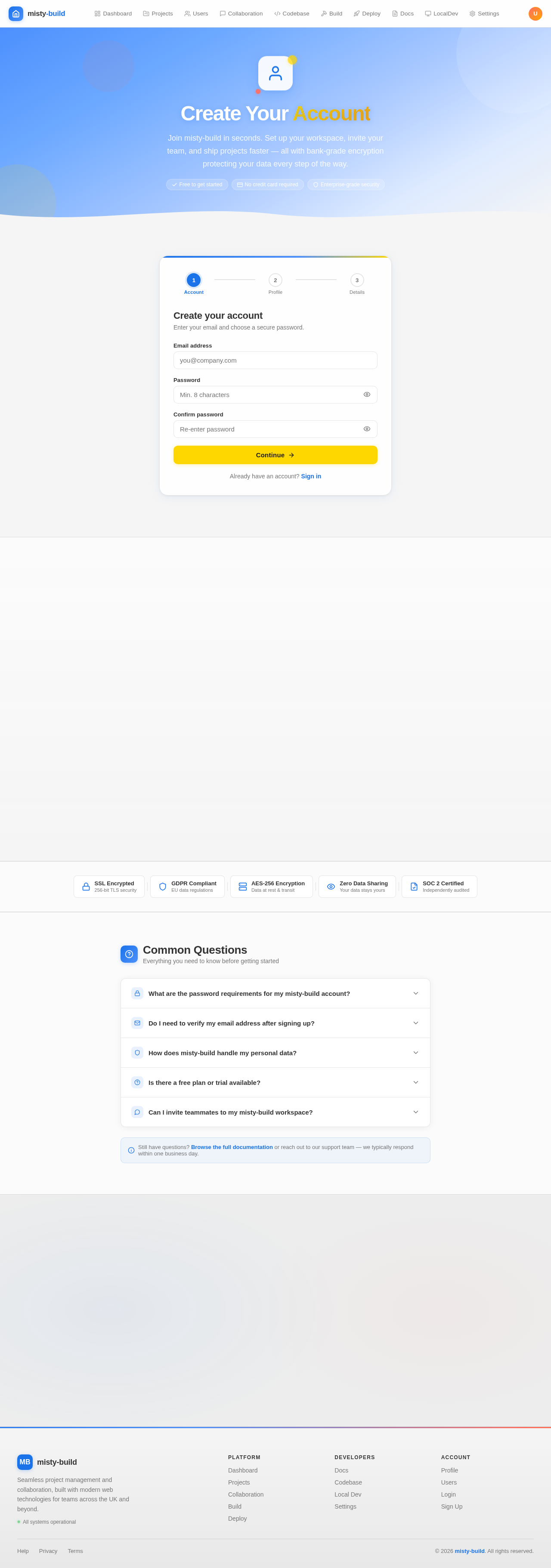
Create Your Account
Join misty-build in seconds. Set up your workspace, invite your team, and ship projects faster — all with bank-grade encryption protecting your data every step of the way.
Common Questions
Everything you need to know before getting started
Your password must be at least 8 characters long and include a mix of uppercase and lowercase letters, at least one number, and one special character (e.g. !, @, #, $). This ensures your account stays secure. You can update your password at any time via the Settings page once you are logged in.
Yes. After you complete registration, we will send a verification email to the address you provided. Click the link inside to activate your account — it expires after 24 hours. If you don't see the email, check your spam or junk folder. You can request a new verification link from the Login page .
We take privacy seriously. Your data is stored securely and is never sold to third parties. We use industry-standard encryption (TLS in transit, AES-256 at rest) to protect your information. You can review, export, or delete your account data at any time. Read our full Privacy Policy for complete details on data retention and your rights under UK GDPR.
Yes — misty-build offers a free tier that gives you access to core project management features, up to 3 active projects, and local development tooling. No credit card is required to sign up. You can upgrade to a paid plan at any time from your account settings to unlock unlimited projects, advanced collaboration, and priority support.
Absolutely. Once your account is set up, head to the Users section to invite colleagues by email. You can assign roles (Admin, Developer, or End User) to control access levels. Team members receive an invitation email and can join your workspace with a single click — no separate account creation needed if they already have a misty-build account.
No comments yet. Be the first!