Private On-Device Response
Your assistant processes and responds locally on your laptop, keeping conversations off shared infrastructure.
 djoumessi Michael
Built me an ai assistant that only respond to me


Sign in to leave a comment
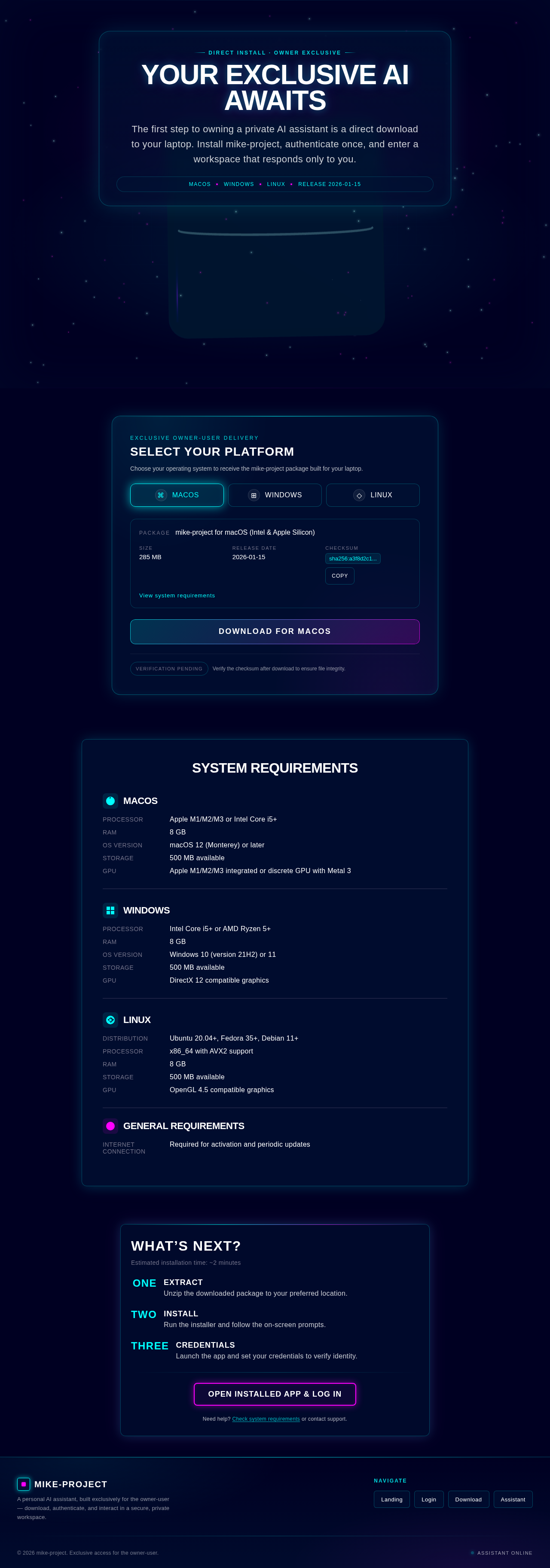
Direct Install · Owner Exclusive
The first step to owning a private AI assistant is a direct download to your laptop. Install mike-project, authenticate once, and enter a workspace that responds only to you.
Exclusive Owner-User Delivery
Choose your operating system to receive the mike-project package built for your laptop.
Estimated installation time: ~2 minutes
Unzip the downloaded package to your preferred location.
Run the installer and follow the on-screen prompts.
Launch the app and set your credentials to verify identity.
Need help? Check system requirements or contact support.
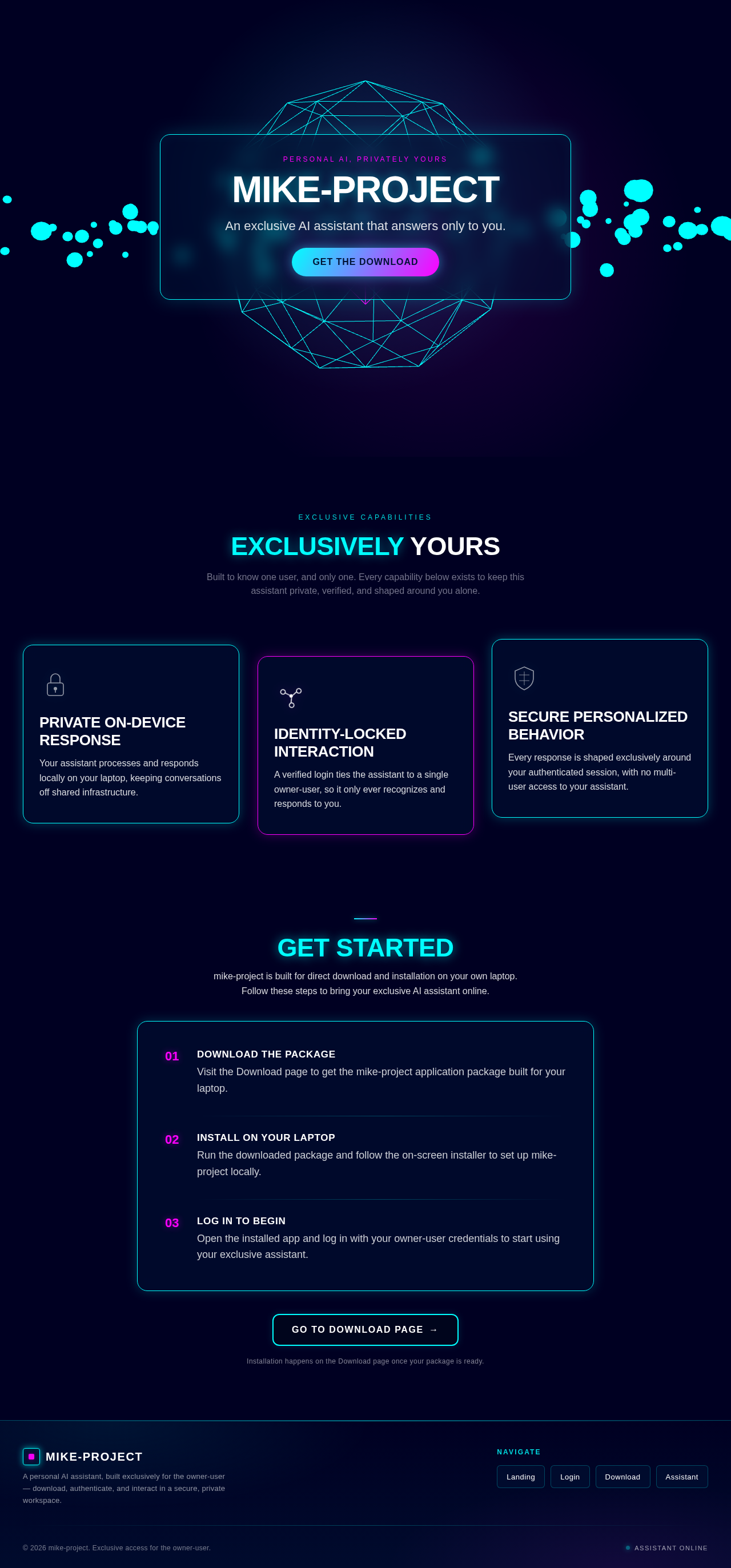
Personal AI, Privately Yours
An exclusive AI assistant that answers only to you.
Get the DownloadExclusive Capabilities
Built to know one user, and only one. Every capability below exists to keep this assistant private, verified, and shaped around you alone.
Your assistant processes and responds locally on your laptop, keeping conversations off shared infrastructure.
A verified login ties the assistant to a single owner-user, so it only ever recognizes and responds to you.
Every response is shaped exclusively around your authenticated session, with no multi-user access to your assistant.
mike-project is built for direct download and installation on your own laptop. Follow these steps to bring your exclusive AI assistant online.
Download the package
Visit the Download page to get the mike-project application package built for your laptop.
Install on your laptop
Run the downloaded package and follow the on-screen installer to set up mike-project locally.
Log in to begin
Open the installed app and log in with your owner-user credentials to start using your exclusive assistant.
Installation happens on the Download page once your package is ready.
No comments yet. Be the first!