0%
Process Friction
Leave requests bounce between email threads, spreadsheets, and chat apps. Every hand-off adds delay and a fresh chance for requests to slip through the cracks.
 Bruce Pan
build a leave and approve system


Sign in to leave a comment
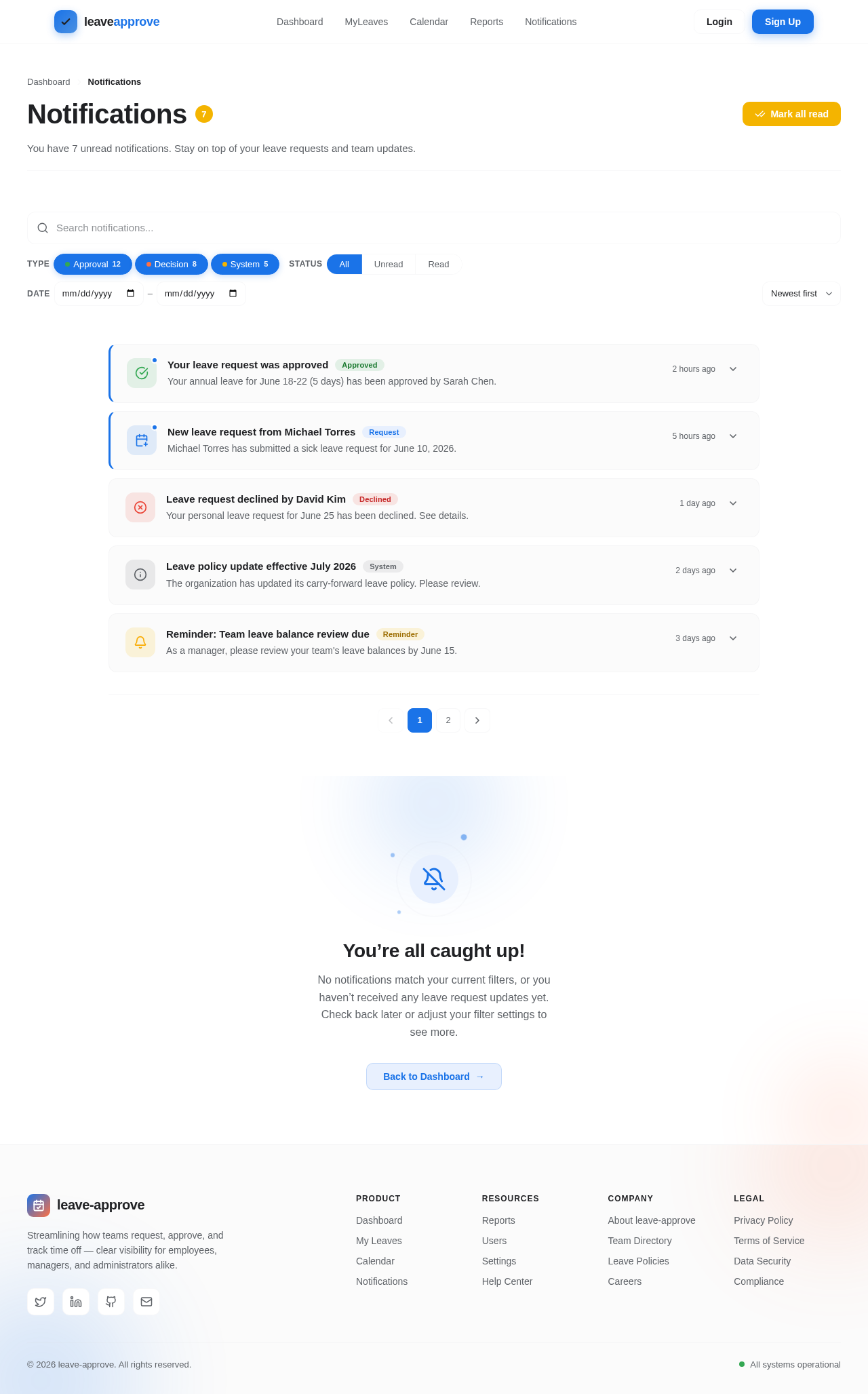
You have 7 unread notifications. Stay on top of your leave requests and team updates.
Your annual leave for June 18-22 (5 days) has been approved by Sarah Chen.
Michael Torres has submitted a sick leave request for June 10, 2026.
Your personal leave request for June 25 has been declined. See details.
The organization has updated its carry-forward leave policy. Please review.
As a manager, please review your team's leave balances by June 15.
No notifications match your current filters, or you haven’t received any leave request updates yet. Check back later or adjust your filter settings to see more.
Back to Dashboard
Submit, review, and approve leave requests in one intuitive workspace. Track balances, spot conflicts on a shared calendar, and keep everyone in sync — from employees to managers to administrators.
Paper forms, scattered approvals, and guesswork scheduling pile up into real lost time. leave-approve replaces all of it with one clear, shared flow.
Leave requests bounce between email threads, spreadsheets, and chat apps. Every hand-off adds delay and a fresh chance for requests to slip through the cracks.
Managers cannot see who is off, when, or why at a glance. Overlapping absences and coverage gaps are discovered far too late to plan around them.
Admins rekey balances, chase approvals, and stitch together reports by hand each week — hours of repetitive work that drains time from real people work.
Hover any date to peek at who's away, drag across days to block out a range, and click to open the full leave request. This is the heart of leave-approve.
Drag across dates to select a range · Hover for details · Click to open a request
From the first request to the final approval, leave-approve keeps employees, managers and administrators aligned — transparently and in real time.
Submit time off in seconds — pick a leave type, set your start and end dates, and track every request from a single dashboard.
Review every team request in one queue. Approve or reject with a click and keep your team moving — no more email back-and-forth.
Configure leave types and policies for your whole organization, then generate usage reports on demand.
The moment a decision is made, everyone knows. Instant alerts keep employees and managers perfectly in sync.
From submitting time off to approving requests and shaping policy, leave-approve adapts to how each person works.
leave-approve guides every leave request along a single transparent path — so employees, managers and admins always know exactly where things stand.
An employee picks their leave type, start and end dates, then sends the request in seconds.
The manager sees the request alongside team coverage and pending balances at a glance.
With full context, the manager approves or rejects the request in a single confident click.
The employee is instantly notified of the decision so nothing gets lost in inboxes.
Everyone tracks live leave status and history from one transparent, shared timeline.
Join teams who've replaced messy spreadsheets and email threads with leave-approve. Submit, review, and approve time-off requests in one clear, transparent workspace — for employees, managers, and admins alike.
No comments yet. Be the first!