
bible-a

byEphraim Ibrahim

Build a premium 2026 web platform called BIBLE ACADEMY. FOUNDERS: Ephraim Ibrahim Ayuba Enesi Bright Ishaih This is Version 1/MVP. Make it professional, modern, cinematic and responsive. Do NOT make it childish or look like a generic AI-generated dashboard. The platform has 3 areas: 1. E-LEARNING 2. BIBLE ACADEMY 3. ADMIN DASHBOARD ================================ DESIGN ================================ Create a premium 2026 UI with: - clean modern typography - mature colors - strong spacing and negative space - smooth page transitions - subtle 3D depth - parallax - elegant hover effects - cinematic story transitions - responsive mobile-first design Use cinematic animation selectively. The website should still function like a normal fast website. Do NOT overuse: - glowing effects - bouncing animations - spinning elements - childish graphics - excessive cards - blurry backgrounds Use the supplied Bible Academy logo and Zion assets where available. Give the logo a short professional 3D motion introduction when the site opens. Include Skip Intro. ================================ HOME ================================ Hero: BIBLE ACADEMY "Explore, learn and grow through Bible stories and education." Buttons: - Explore Bible Academy - Start E-Learning Use subtle cinematic motion but keep the interface clean. ================================ E-LEARNING ================================ Create a dedicated premium learning section containing: - Subjects - Lessons - Assignments - Practice - AI Tutor - Educational questions - Educational image generation - Learning progress Subjects can include: Mathematics Science English Computer Science History Geography and more. AI Tutor must use: POST /api/elearning/chat Send: message context Create a polished ChatGPT-style learning interface with: - chat messages - loading state - suggested questions - lesson context - clear chat - mobile support The E-Learning AI is ONLY for general education. Educational image generation uses: POST /api/elearning/generate-image ================================ BIBLE ACADEMY ================================ Create a separate Bible learning section containing: - Bible Stories - Bible Verses - Bible Search - Bible Voice Narration - Bible Learning - Bible Quizzes - Zion AI Guide Bible Stories: GET /api/bible/stories Individual story: GET /api/bible/story/{story_id} Search: POST /api/bible/search Random verse: GET /api/bible/verse/random Voice narration: POST /api/bible/voice Create an elegant Bible story reader with subtle cinematic transitions, parallax, animated text and visual storytelling. Include stories such as: Creation Noah Moses David and Goliath Daniel Esther Jonah Birth of Jesus Use appropriate, non-graphic storytelling. ================================ ZION AI ================================ Zion is the dedicated Bible Academy AI guide. Zion MUST remain separate from the E-Learning AI. Zion should be: - friendly - respectful - calm - educational - family-friendly - Bible-focused Use the supplied Zion 3D character. If the backend is unavailable, show a proper fallback instead of pretending the AI works. ================================ ADMIN DASHBOARD ================================ Create a private professional admin dashboard. Sections: Overview E-Learning - Courses - Lessons - Quizzes - AI Tutor - Media Bible Academy - Bible Stories - Bible Verses - Voice Narration - Bible Quizzes - Zion AI Users Analytics Reports Settings Analytics endpoint: GET /api/admin/analytics/realtime Show: - active users - sessions - page views - unique visitors - top pages - device breakdown Admin AI: POST /api/admin/ai Keep Admin AI separate from both student AI systems. ================================ API ARCHITECTURE ================================ Preserve these API routes: /api/elearning/chat /api/elearning/generate-image /api/bible/stories /api/bible/story/{story_id} /api/bible/search /api/bible/verse/random /api/bible/voice /api/admin/ai /api/admin/analytics/realtime /health Use the supplied Python/FastAPI backend architecture. Before integration: - fix Python syntax/indentation problems - fix imports - fix CORS - verify routes - keep API keys server-side - use environment variables - never expose OPENAI_API_KEY in frontend code Do not claim an API feature works if its backend/service is unavailable. ================================ RESPONSIVE ================================ Support: Android iPhone Tablet Laptop Desktop Mobile must have a properly designed layout, not simply a scaled desktop version. Prevent horizontal overflow. Optimize heavy animations and 3D effects for weaker devices. ================================ MOTION ================================ Use professional motion with GSAP, Framer Motion or CSS where appropriate. Use: - smooth easing - scene reveals - page transitions - parallax - subtle depth - cinematic story transitions Keep animations purposeful. ================================ VERSION 1 ================================ Do NOT overload the platform. Focus on: E-Learning + AI Tutor + Educational Image Generation + Bible Stories + Bible Search + Bible Verses + Bible Voice + Zion AI foundation + Admin Dashboard + Analytics Do not add payments, marketplace, social media, complicated gamification or unnecessary features. FINAL GOAL: Make Bible Academy feel like a premium 2026 educational technology product combining: MODERN E-LEARNING + BIBLE EDUCATION + AI + CINEMATIC STORYTELLING It should look significantly more professional than a typical AI-generated website. Prioritize visual quality, functionality, responsiveness, performance and clean architecture. Theres the logo up there

LandingLogin
Landing

Comments (0)

No comments yet. Be the first!

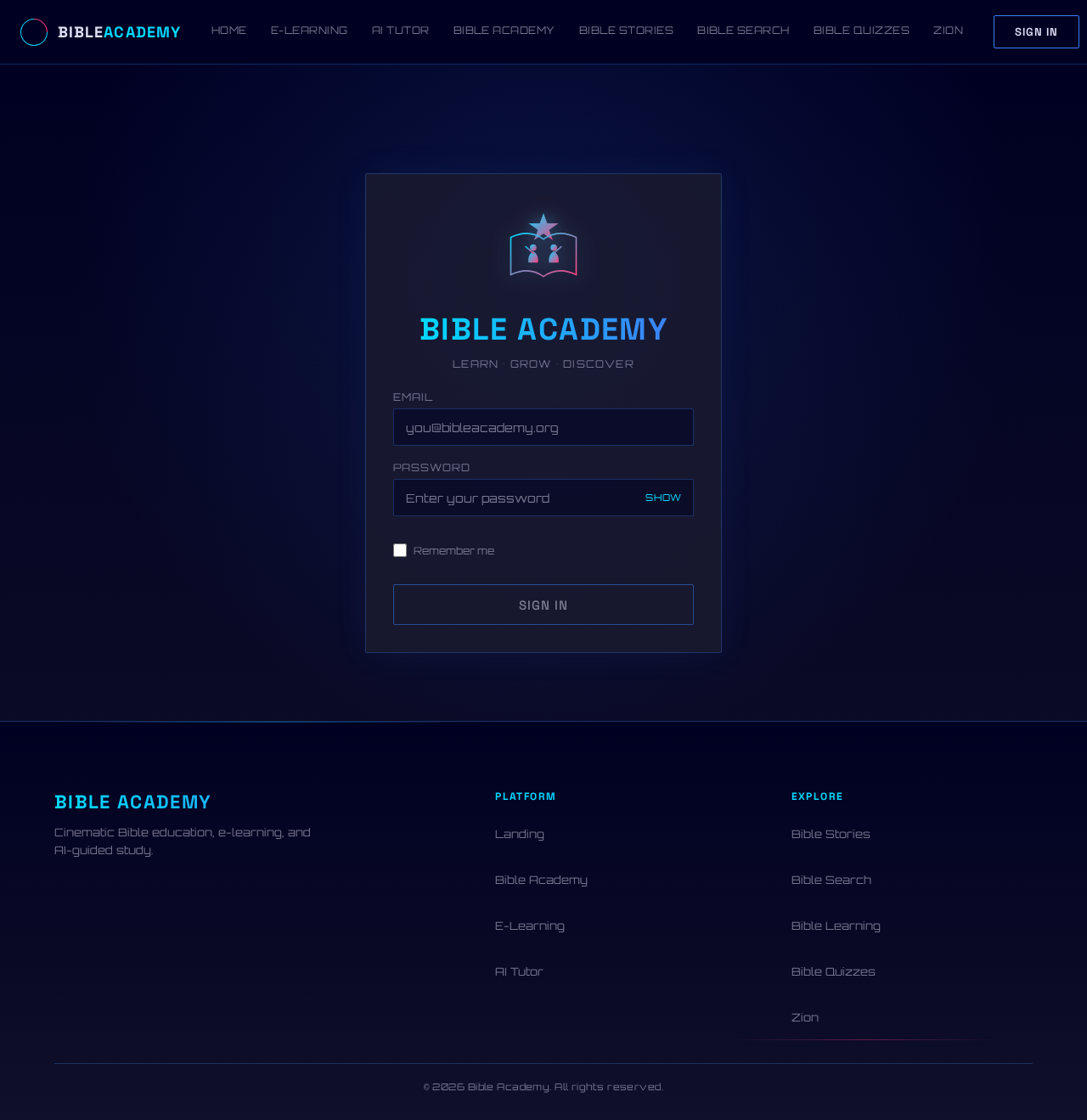
Login design preview
Landing: View landing page
Login: Sign in
Admin Dashboard: Open admin dashboard
Overview: View overview
Courses: Manage courses
Lessons: Manage lessons
Quizzes: Manage quizzes
Media: Manage media
Bible content: Manage Bible content
Users: Manage users
Analytics: View analytics
Reports: View reports
Settings: Configure settings
Admin AI: Use admin AI
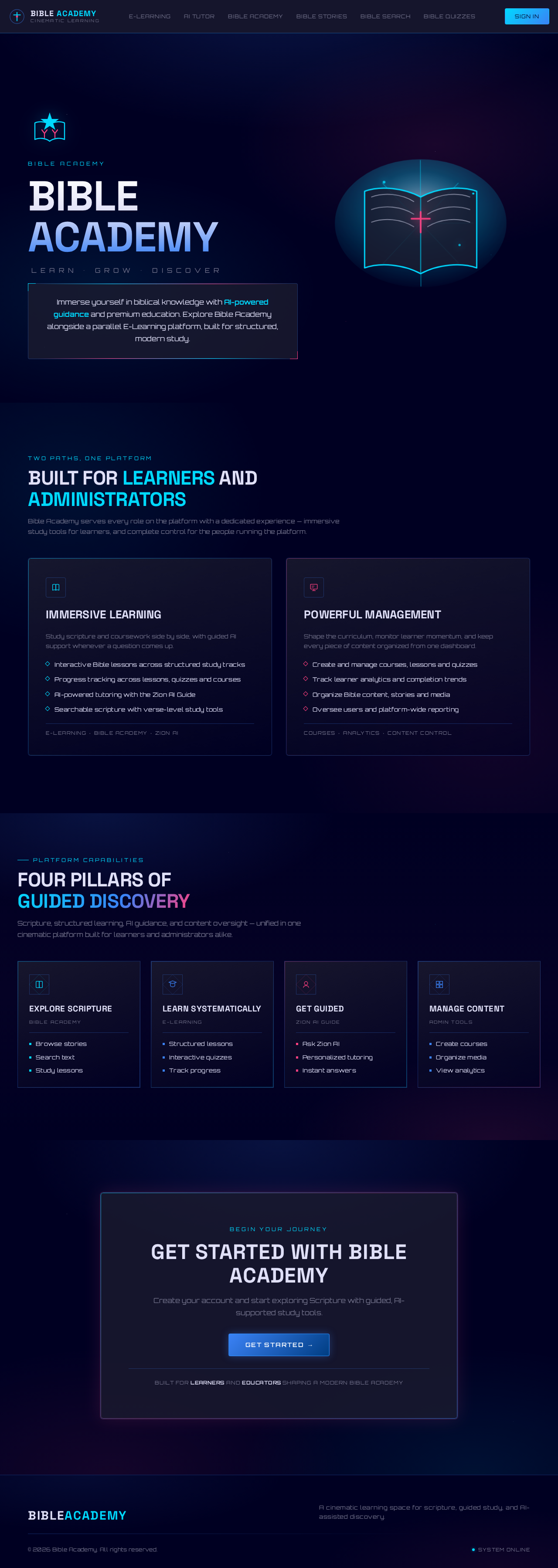
Landing design preview
Landing: View landing page
Login: Sign in
Admin Dashboard: Open admin dashboard
Overview: View overview
Courses: Manage courses
Lessons: Manage lessons
Quizzes: Manage quizzes
Media: Manage media
Bible content: Manage Bible content
Users: Manage users
Analytics: View analytics
Reports: View reports
Settings: Configure settings
Admin AI: Use admin AI