auralab-fragrance
 aura lab.fragrance
AURA LAB — PRODUCTION E-COMMERCE DEVELOPMENT You are the lead software architect, senior full-stack engineer, UI/UX designer, e-commerce engineer and QA engineer for AURA LAB. Treat this as a REAL COMMERCIAL PROJECT. Modify my EXISTING application. Do not create a mockup, demo, fake checkout, fake orders or fake tracking. BRAND AURA LAB Tagline: A FRAGRANCE THAT LINGERS. Premium fragrance brand. Market: Pakistan. Primary payment: Cash on Delivery. Style: luxury, minimal, sophisticated, modern, mysterious, premium and editorial. CURRENT HOSTING The existing website is deployed on Google Cloud Run. IMPORTANT: Never hard-code an old domain. Never use auralab.pages.dev unless it is actually the active production domain. Never assume auralab.pk exists. All customer-generated URLs must use the current runtime origin, preferably: window.location.origin Example: ${window.location.origin}/track-order?order=AURA-XXXXXX&phone=XXXXXXXXXXX ================================================== CORE CUSTOMER FLOW ================================================== HOME → SHOP → PRODUCT → SELECT SIZE → ADD TO CART / BUY NOW → CHECKOUT → CONFIRM ORDER → FIRESTORE → REAL ORDER ID → ORDER CONFIRMATION → TRACK ORDER BUSINESS FLOW: CUSTOMER ORDER → FIRESTORE → ADMIN DASHBOARD → REAL-TIME ORDER UPDATE → ADMIN STATUS UPDATE → CUSTOMER TRACKING UPDATE Everything must use real persistent data. ================================================== TECHNOLOGY ================================================== Use the existing architecture wherever practical. Frontend: React + TypeScript Backend: Existing Node.js/server architecture Database: Firebase Firestore Hosting: Google Cloud Run Admin: Secure authentication and authorization Do not unnecessarily rewrite working parts of the application. ================================================== DATABASE ================================================== Firestore is the authoritative source of truth. Collections: orders products customers Orders must NOT depend on localStorage. localStorage may only be used for temporary cart/cache functionality. Orders must survive: - refresh - browser restart - different browser - different device - customer leaving the site - admin refresh ================================================== ORDER DATA ================================================== Each order should contain: orderId customerName phone email address city items productId productName size quantity unitPrice subtotal deliveryFee total paymentMethod orderDate createdAt updatedAt status customerNotes Statuses: CONFIRMED PROCESSING SHIPPED OUT_FOR_DELIVERY DELIVERED CANCELLED ================================================== CRITICAL ORDER CONFIRMATION ================================================== When customer clicks CONFIRM ORDER: 1. Validate all checkout fields. 2. Validate cart. 3. Validate product availability. 4. Prevent duplicate submission. 5. Generate unique customer-friendly ID such as AURA-735462. 6. Save complete order to Firestore. 7. Wait for successful Firestore response. 8. Verify the order can be retrieved. 9. Set status to CONFIRMED. 10. ONLY THEN show ORDER CONFIRMED. 11. ONLY THEN enable WhatsApp. If Firestore fails, never show success. Show: "Your order could not be confirmed. Please try again." Never silently lose an order. ================================================== ORDER CONFIRMATION PAGE ================================================== Show: ✓ ORDER CONFIRMED Thank you for choosing AURA LAB. Order Number: AURA-XXXXXX Show: - Products - Sizes - Quantities - Prices - Subtotal - Delivery - Total - Payment method - Delivery address - Current status Buttons: TRACK MY ORDER CONTINUE SHOPPING ================================================== CUSTOMER TRACKING ================================================== Route: /track-order Support: /track-order?order=AURA-XXXXXX&phone=03142087801 Tracking must retrieve the REAL order from Firestore. Do not use hard-coded sample orders. Use order number + phone, or another secure existing verification method. Display: - Order ID - Customer - Products - Sizes - Quantity - Total - Payment method - Order date - Address - Current status Timeline: CONFIRMED ↓ PROCESSING ↓ SHIPPED ↓ OUT FOR DELIVERY ↓ DELIVERED Highlight the current status. If order does not exist or verification fails, show a clear error. ================================================== OLD TRACKING BUG ================================================== The previous application generated links like: https://auralab.pages.dev/track-order?order=AURA-735462&phone=03142087801 This must be FIXED. Search the entire project for: auralab.pages.dev Remove incorrect references. Tracking links must always use the CURRENT production origin. Also check: - WhatsApp links - order records - redirects - frontend constants - backend constants - environment variables - confirmation pages ================================================== WHATSAPP ================================================== WhatsApp is optional. It must NOT be required to place an order. After Firestore successfully saves the order, provide: SEND ORDER TO WHATSAPP Message should include: AURA LAB Order ID Customer Products Sizes Quantity Total Delivery information Tracking URL Tracking URL must use the current production origin. ================================================== ADMIN ================================================== Routes: /admin /admin/orders /admin/products Use secure authentication. Never expose admin passwords or secrets in frontend code. Admin must see REAL Firestore orders. Display: Order ID Customer Phone Email Products Sizes Quantity Subtotal Delivery Total Payment method Date Status Admin can change: CONFIRMED PROCESSING SHIPPED OUT FOR DELIVERY DELIVERED CANCELLED When admin changes status, the customer tracking page must show the updated status. Use Firestore realtime listeners where appropriate so new orders appear without manual refresh. New-order notification: 🔔 NEW ORDER Order: AURA-XXXXXX Customer: Customer Name Total: Rs. X,XXX Do not repeatedly notify the same order after refresh. ================================================== SECURITY ================================================== Never expose: - private API keys - Firebase Admin credentials - server secrets - database credentials Customers may only perform allowed customer operations. Admin operations require authorization. Validate and sanitize all customer input. Prevent: - duplicate orders - unauthorized status changes - unauthorized product changes - unauthorized order access ================================================== CLOUD RUN ================================================== Keep the existing Cloud Run deployment architecture. Do not make the application dependent on: auralab.pk or auralab.pages.dev Ensure: - production build works - server starts - routes work - Firestore works - orders persist - admin works - tracking works - WhatsApp works - mobile works IMPORTANT: Before changing files, inspect the existing project and understand its current architecture. Reuse working components instead of unnecessarily replacing them. Do not claim completion until the critical order lifecycle is actually tested.


Comments (0)
Sign in to leave a comment
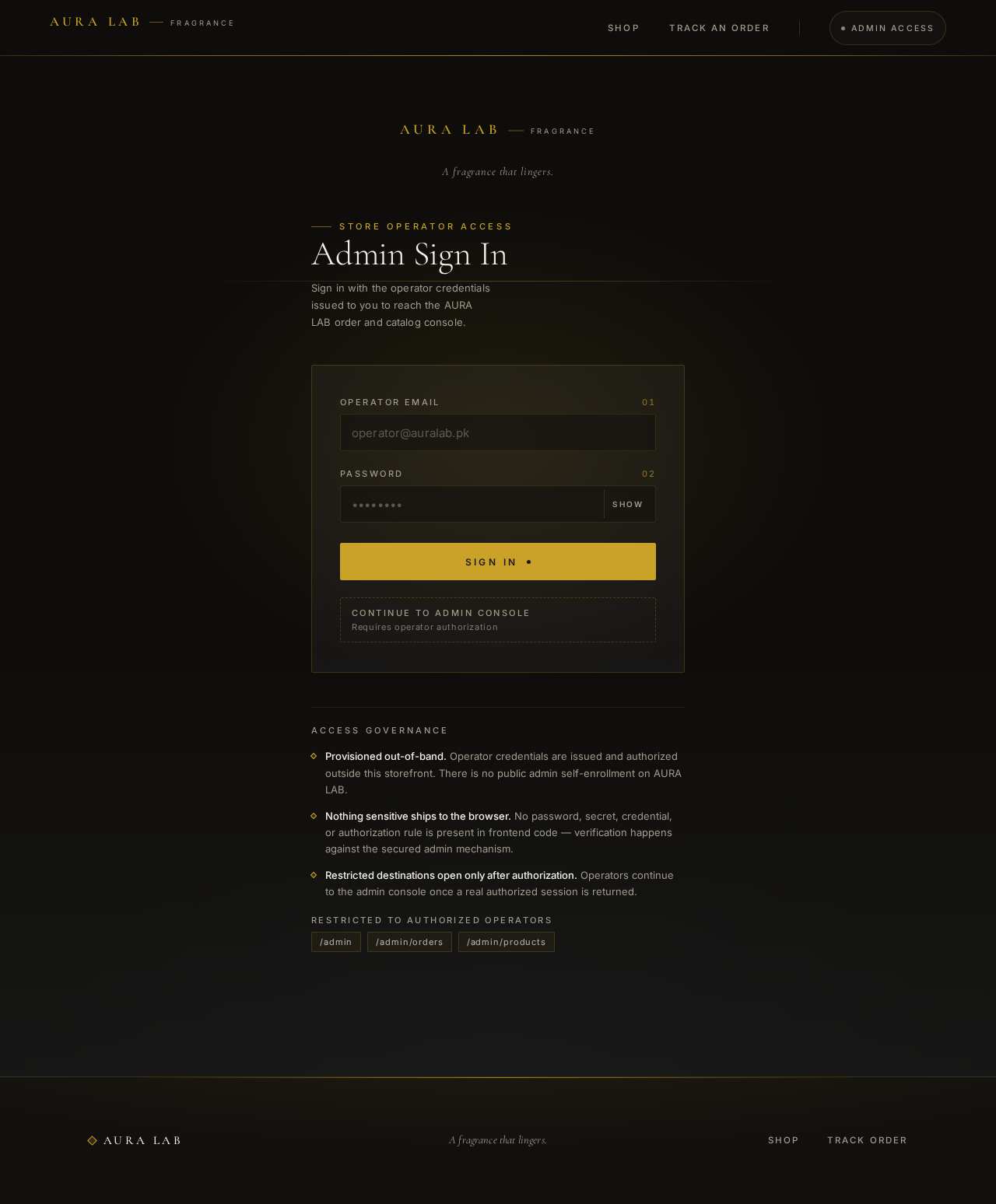
A fragrance that lingers.
Store Operator Access
Admin Sign In
Sign in with the operator credentials issued to you to reach the AURA LAB order and catalog console.
Access Governance
Provisioned out-of-band. Operator credentials are issued and authorized outside this storefront. There is no public admin self-enrollment on AURA LAB.
Nothing sensitive ships to the browser. No password, secret, credential, or authorization rule is present in frontend code — verification happens against the secured admin mechanism.
Restricted destinations open only after authorization. Operators continue to the admin console once a real authorized session is returned.
- /admin
- /admin/orders
- /admin/products
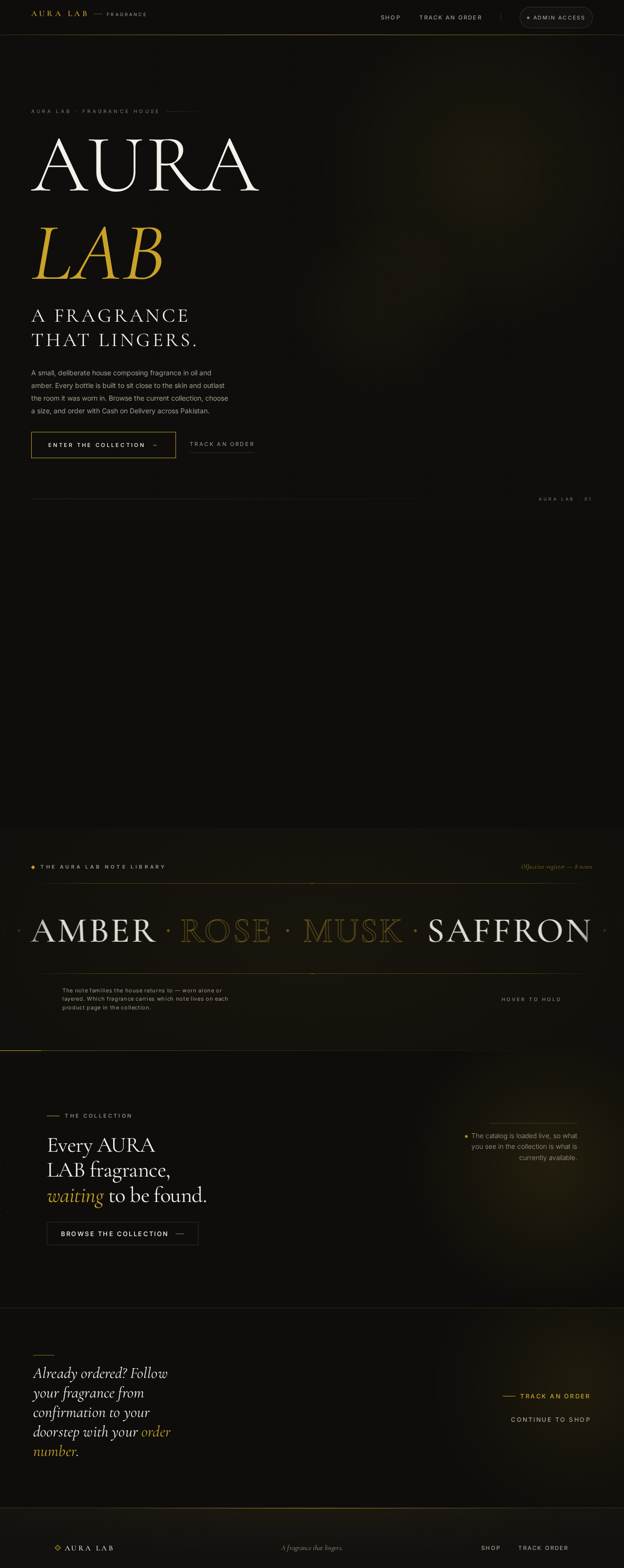
Aura Lab · Fragrance House
AURALAB
A FRAGRANCE THAT LINGERS.
A small, deliberate house composing fragrance in oil and amber. Every bottle is built to sit close to the skin and outlast the room it was worn in. Browse the current collection, choose a size, and order with Cash on Delivery across Pakistan.
We build fragrance the way a room is lit — slowly, and with intent.
AURA LAB composes in small, deliberate batches. Each scent moves through the same studio process — brief, blend, dwell, revise — until it reads as one continuous idea rather than a list of parts.
We work quietly and edit hard. What reaches the collection is what survived every round of subtraction.
◆ The Aura Lab Note Library
The note families the house returns to — worn alone or layered. Which fragrance carries which note lives on each product page in the collection.
The catalog is loaded live, so what you see in the collection is what is currently available.
Already ordered? Follow your fragrance from confirmation to your doorstep with your order number.
No comments yet. Be the first!