✏️
Select a Template
Choose a reminder template from the list to edit its message content.
 Manish Gavhade
Build a full-stack SaaS application called "TradePay Reminder" - an automated invoice reminder system for trade businesses (plumbers, electricians, HVAC technicians, carpenters, roofers). Core Features: 1. User authentication (email + Google OAuth) 2. Dashboard showing outstanding invoices with status (paid, pending, overdue) 3. Ability to upload invoices via CSV or connect to Stripe/Square/PayPal APIs 4. Automated SMS and email reminder sequences (3 touches: Day 1, Day 3, Day 7 after due date) 5. Customizable reminder templates with placeholders for {{customer_name}}, {{invoice_number}}, {{amount}}, {{due_date}} 6. Real-time payment status sync - stop reminders immediately when payment is received 7. Simple analytics: total outstanding, collected this month, average days to payment 8. Pricing page with 3 tiers: Free (10 invoices/mo), Pro $29/mo (100 invoices), Team $49/mo (unlimited) Design Requirements: - Mobile-first, clean interface optimized for tradespeople on job sites - Blue and white color scheme (trustworthy, professional) - Large buttons, minimal text, obvious CTAs - SMS-first approach (tradespeople prefer texts over emails) Technical Stack: - React + TypeScript frontend - Node.js/Express or Hono backend - PostgreSQL database with Prisma ORM - Twilio integration for SMS - SendGrid or Resend for email - Stripe Billing for subscriptions - Deploy on Vercel or similar Key User Flow: 1. User signs up and connects payment processor or uploads CSV 2. System imports invoices and tracks due dates 3. Automated reminders go out based on schedule 4. When customer pays, system detects via webhook and stops all reminders 5. User sees dashboard update in real-time Build this as a production-ready MVP I can launch in 2 weeks. Include proper error handling, loading states, and a polished landing page.


Sign in to leave a comment
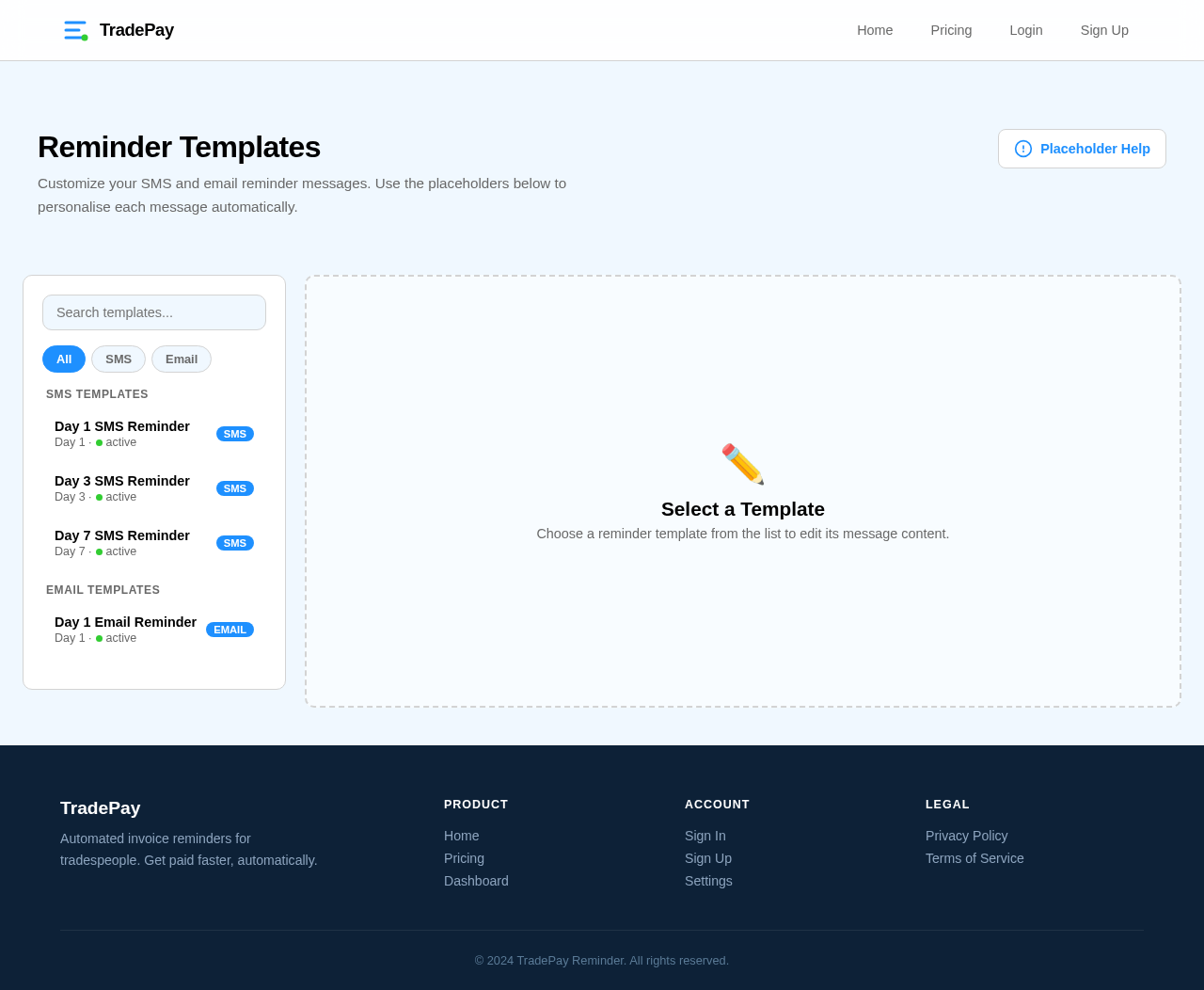
Customize your SMS and email reminder messages. Use the placeholders below to personalise each message automatically.
Choose a reminder template from the list to edit its message content.

TradePay Reminder automates invoice follow-ups for tradespeople. SMS & email reminders at Day 1, 3, and 7 — focus on the job, not chasing payments.
See how TradePay Reminder handles the entire follow-up process so you never chase a payment again.
Initiate your invoice workflow with a single click.
Friendly SMS & email reminder sent automatically.
Follow-up with updated payment link.
Final notice before escalation.
Webhook sync stops all reminders instantly.
Built specifically for tradespeople who want to spend less time on admin and more time on the job.
Schedule reminders automatically at Day 1, Day 3, and Day 7 after due date via SMS & email.
Reminders stop immediately when payment is received via webhook sync. Dashboard updates in real-time.
Connect Stripe, Square, or PayPal. Bulk import invoices via CSV upload for quick setup.
Use placeholders for customer name, invoice number, amount, and due date in reminder messages.
Start free and upgrade as your business grows. No hidden fees, cancel anytime.
Start sending automated reminders today. No credit card required.
No comments yet. Be the first!